AI Photo Editor Online
No Photoshop. No Learning Curve.
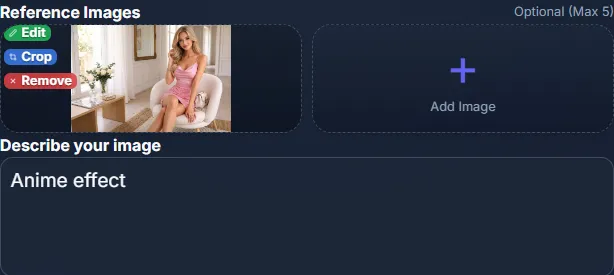
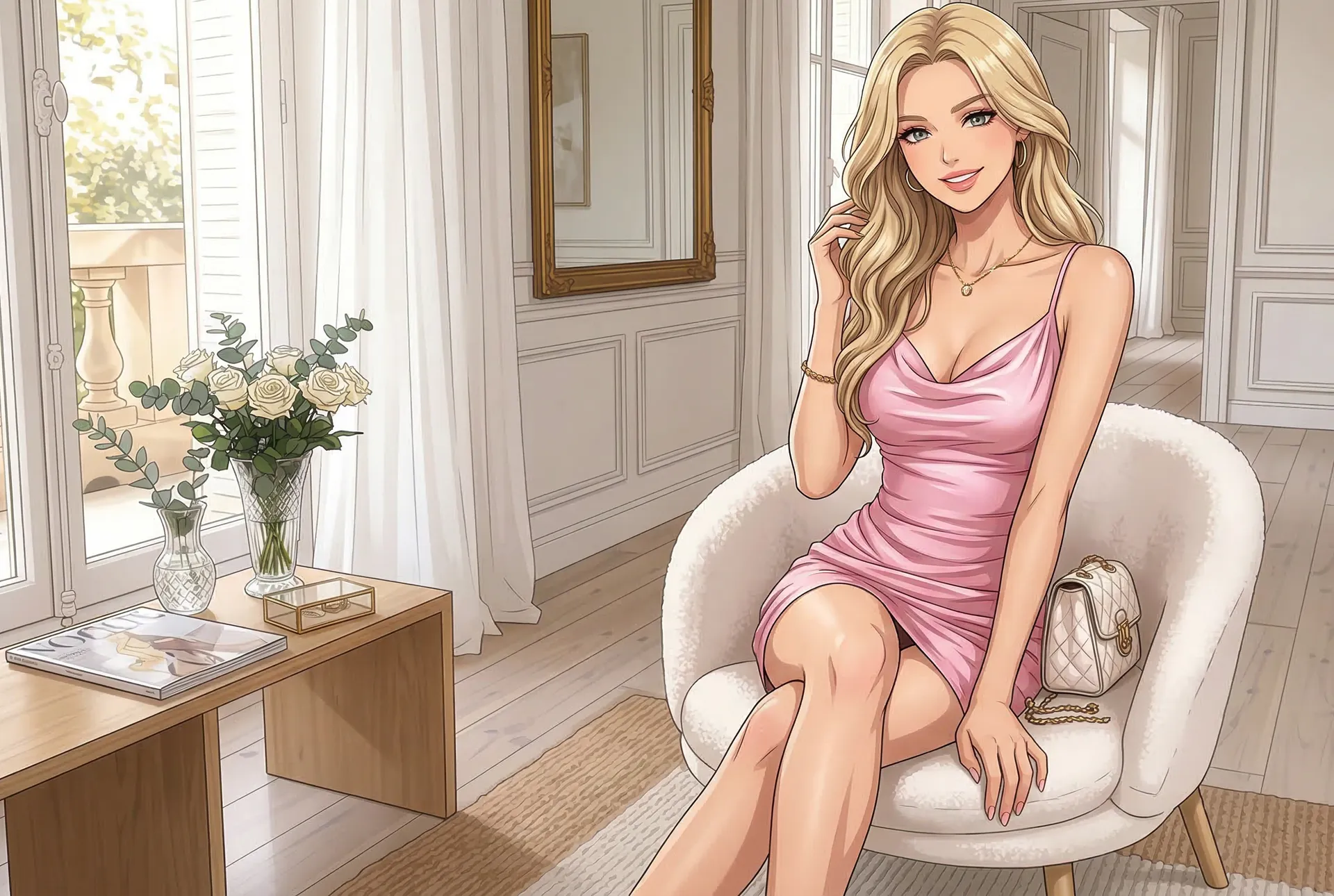
Upload a photo and describe the edit in plain language. Our AI handles masking, retouching, reframing, and more — in seconds, not hours.
How AI Photo Editing Works
No layers, no menus, no learning curve. Just describe what you want.
Upload
Upload any photo — from your phone, camera, or download. All common formats supported.
Describe the Edit
Type what you want changed: "remove background," "change wall color to navy," or "make it look like sunset."
AI Executes
Multiple AI models process your edit simultaneously. You get the best result — polished and professional.
AI-Powered Editing Tools
Professional edits made simple — describe the change, AI executes it.
AI Photo Editor vs Photoshop & Traditional Tools
Frequently Asked Questions
Upload any photo, then describe the edit you want in plain language — "make the sky more dramatic," "remove the background," or "change the wall color to navy." Our AI understands your intent and applies the edit in seconds, powered by multiple AI models working simultaneously.
Yes. Our intelligent masking tool lets you select specific areas to modify while keeping the rest untouched. You can mask a wall to change its color, mask a person to change their outfit, or mask a background to replace it — all with AI precision.
Not at all. OptimAImage's AI photo editor is designed for people who don't have Photoshop skills. Describe your edits in plain language, draw basic shapes with guided sketching, or let the AI Agent handle everything automatically. Zero learning curve.
Background removal and replacement, object modification or removal, style transfer, color changes, reframing and resizing for different platforms, sketch-guided edits, and general image enhancement. If you can describe the edit, the AI can do it.
Yes. OptimAImage is a professional-grade tool designed for legitimate creative and business use. We enforce strict content policies — NSFW, explicit, and harmful content generation is prohibited and automatically filtered. All generated content is moderated to maintain a safe, professional environment.
Yes! Every new user receives free credits to try all editing tools — intelligent masking, guided sketching, smart reframing, and AI-powered editing. No credit card required. Plans start from $9.99/month after your trial.
Both. OptimAImage combines an AI image generator with a full photo editor. Generate images from text, then refine them with editing tools — or upload existing photos and edit them. It's a complete creative studio.
Still have questions? Contact our support team
Experience Professional AI Photo Editing
Upload a photo and see professional-quality AI editing in seconds. Start your trial today.
Explore: AI Image Generator · AI Product Photography · Pricing · Blog