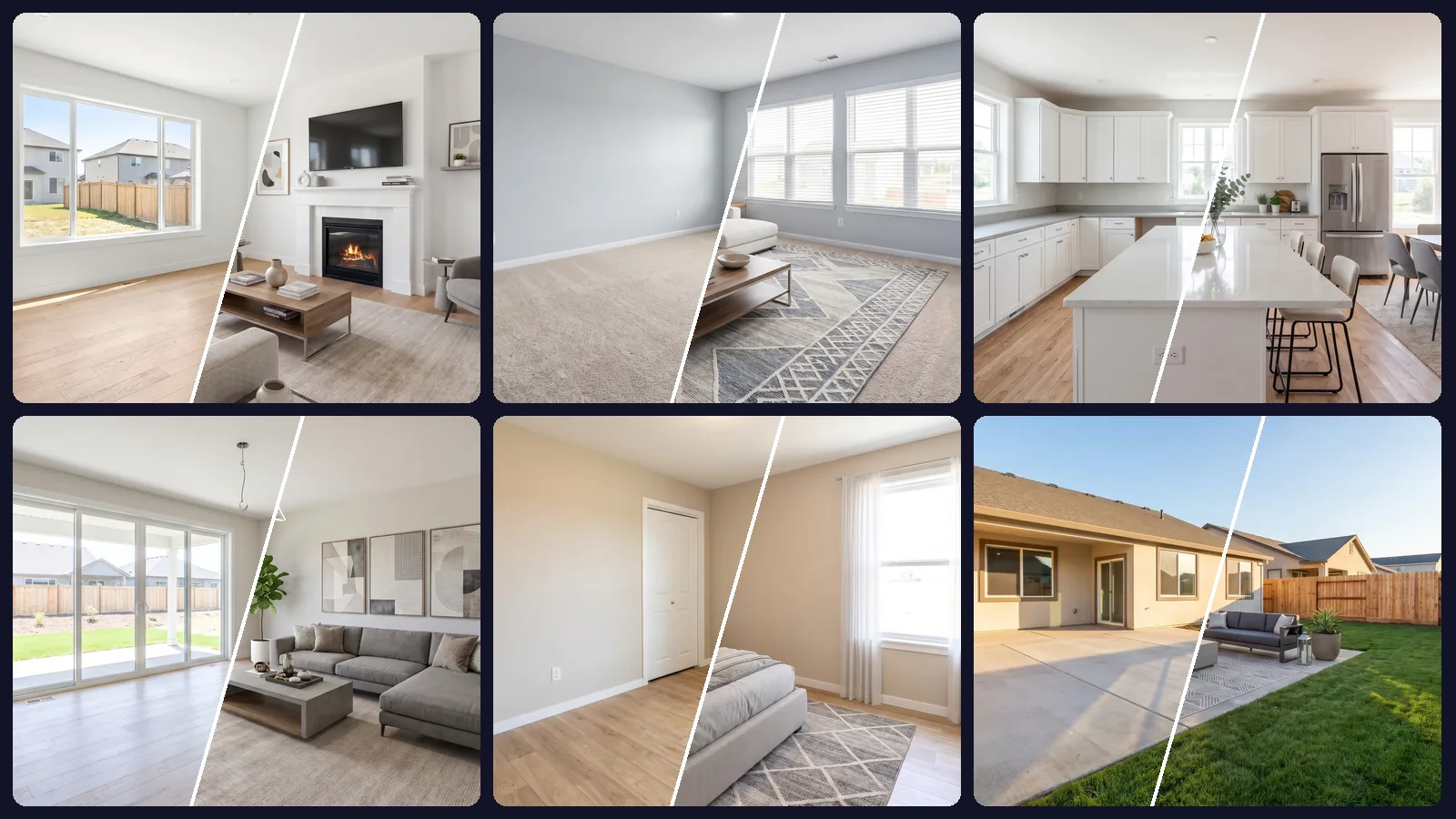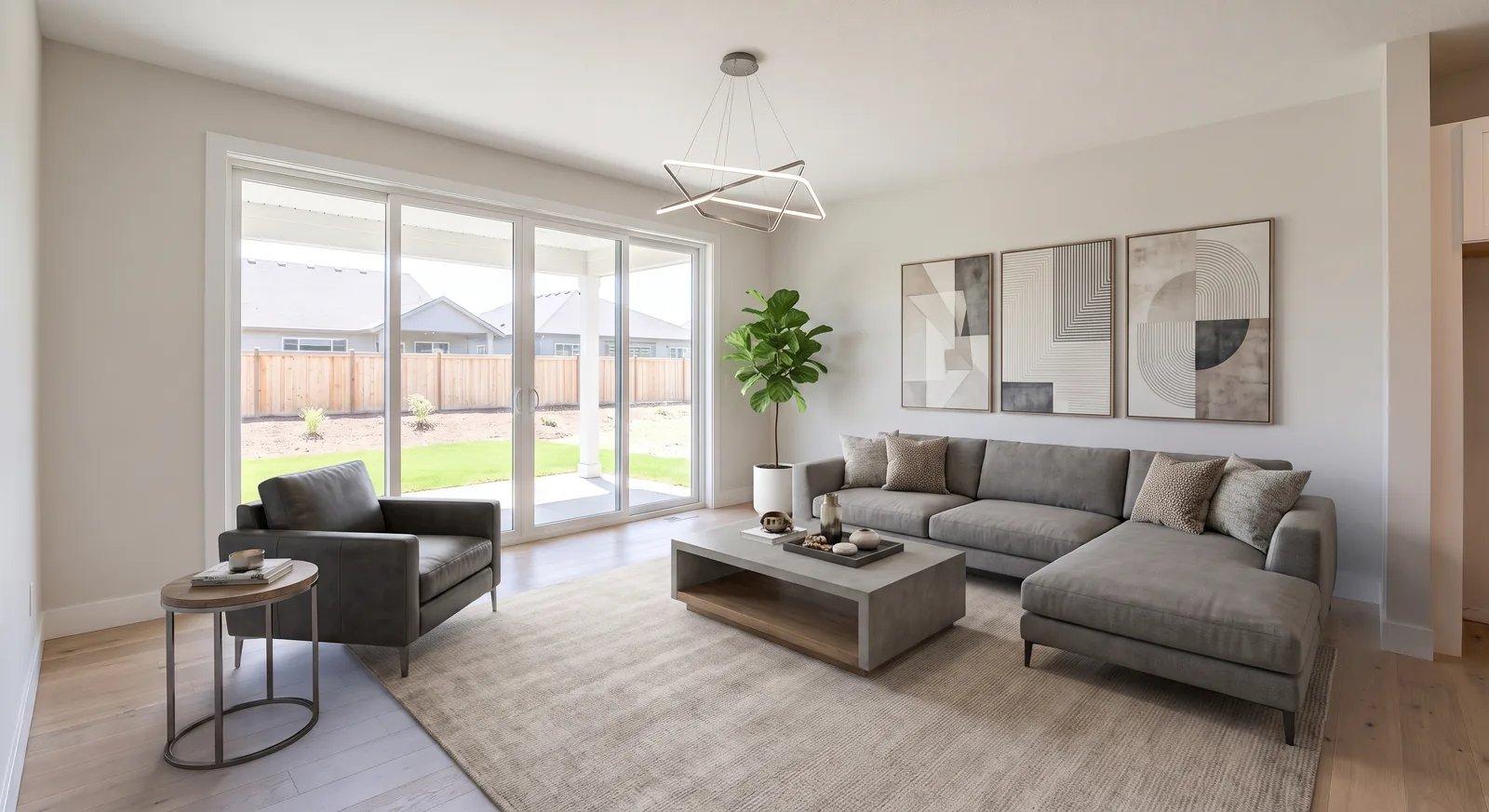
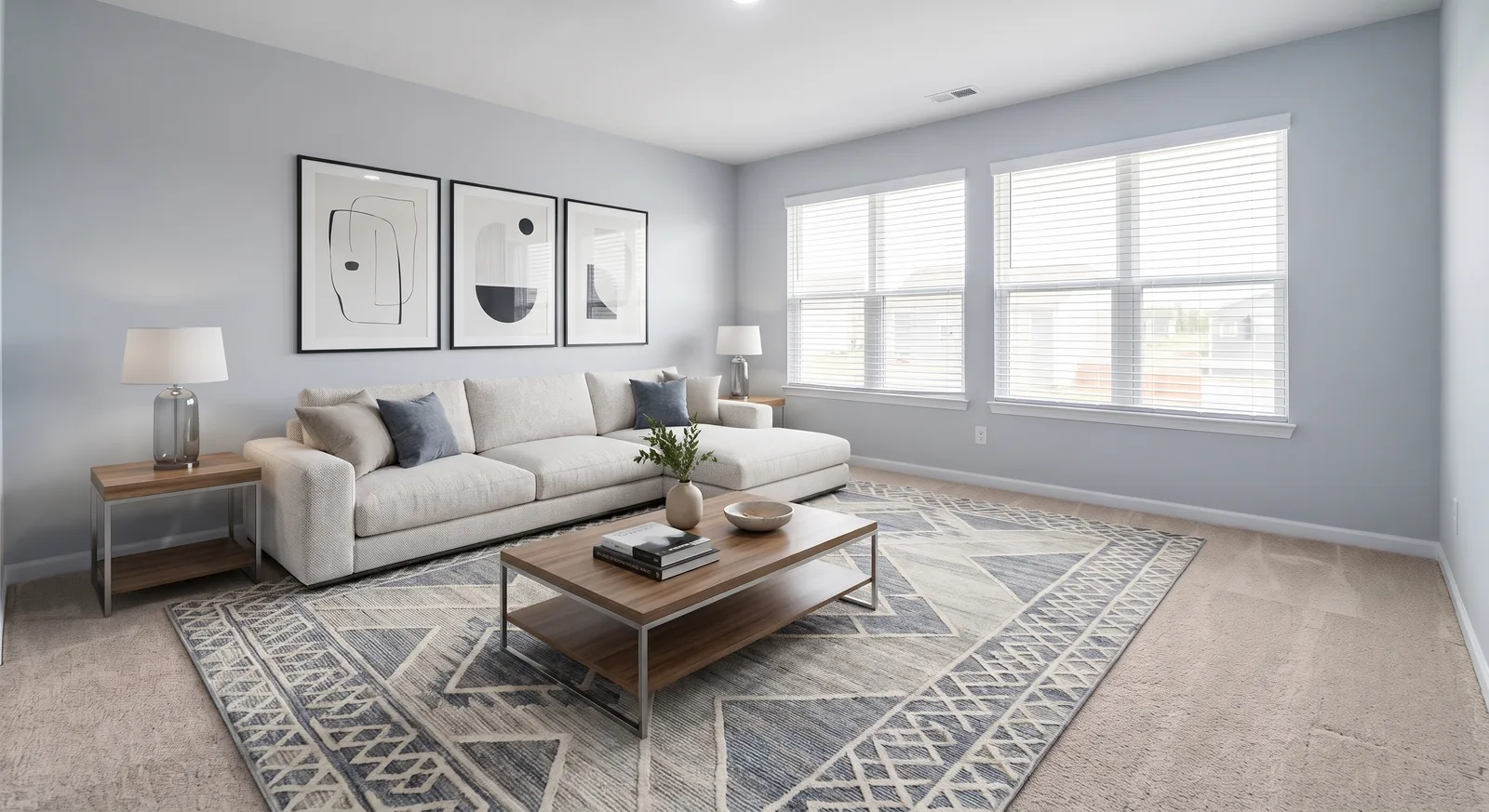
Virtual staging is now standard in real estate marketing, and with that comes a simple question from agents, sellers and photographers alike: is it allowed? In almost every market the answer is yes, provided the photos are disclosed and the property itself isn't misrepresented.
This guide explains the principles behind virtual staging disclosure, the edits you should never make and a labeling routine that keeps you on the right side of your MLS. It isn't legal advice: rules vary by MLS and jurisdiction, so always check yours.
Why disclosure rules exist
Buyers rely on listing photos to decide whether a home is worth visiting. Furniture is not part of the sale, so adding it digitally is no different from staging a home with rented pieces. What is not acceptable is using edits to show a property that doesn't exist: a bigger room, a better view, a roof without damage.
For REALTORS® in the US, the NAR Code of Ethics already sets the bar: advertising must present a true picture. MLS photo rules and state advertising laws build on the same principle.
What you can change with virtual staging
These edits are generally accepted, as long as you disclose them:
- Adding furniture, rugs, art, plants and decor.
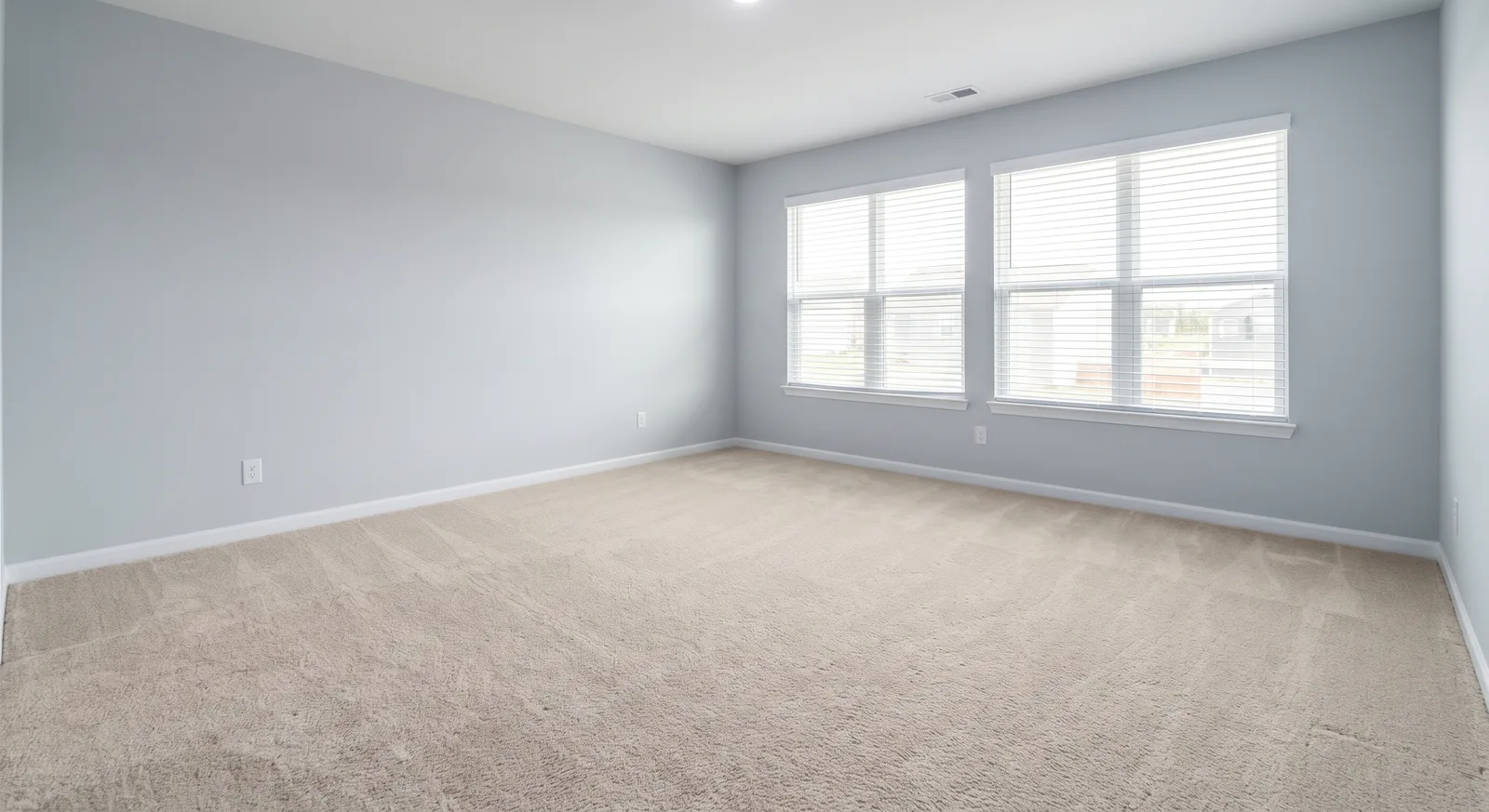
- Removing the current owner's furniture and personal items.
- Showing alternative layouts or styles for a room.
- Neutral adjustments such as brightness, white balance and straightening verticals.
What you should never change
These cross the line from staging into misrepresentation:
- Permanent features: walls, windows, doors, built-ins, flooring, fireplaces, fixtures.
- Defects: cracks, water stains, damage, worn surfaces.
- The surroundings: power lines, neighboring buildings, busy roads, the view.
- Size and layout: stretching rooms, removing columns or adding square footage.
A good AI staging tool should help you here. OptimAImage instructs its AI to keep the room's architecture: walls, windows, doors, floors, ceilings and camera angle. Still, always compare the result with the original before publishing.
How to disclose virtually staged photos
Most MLSs accept one or more of the following. Using several is the safest approach.
- Label the image. Add a small, readable “Virtually staged” mark on the photo itself, so the disclosure travels with the image when it's shared or syndicated.
- Caption it. Use the photo caption field to say the image is virtually staged.
- Mention it in the remarks. A short line in the public remarks covers platforms that strip captions.
- Keep the original available. Include the unstaged version of key rooms in the listing, or have it ready on request.
Disclosure wording you can copy
Short and plain works best. Adapt these to your MLS's wording:
- On the image: “Virtually staged”
- Photo caption: “Virtually staged. Furniture and decor are not included.”
- Public remarks: “Some photos have been virtually staged to show possible furniture layouts.”
- Room shown in two styles: “Virtually staged — shown as a home office and as a nursery.”
Common mistakes to avoid
- Staging rooms that can't hold the furniture. A king bed in a room that can't fit one creates disappointment at the showing.
- Changing the season or the view. Green lawns in winter and swapped skies are edits buyers notice in person; check your MLS before using them.
- Inconsistent styles. Not a legal problem, but it makes a listing look manipulated. Staging all photos with one brief, as in our whole-house case study, keeps the set coherent.
- Forgetting syndication. Make sure your disclosure survives when the listing appears on portals.
A compliant virtual staging workflow
- Photograph the empty rooms well.
- Stage the set with one consistent style.
- Compare each result against the original: walls, windows, floors and fixtures unchanged.
- Add the “Virtually staged” label and caption.
- Upload the staged photos alongside a few originals.
- Keep the originals in your records.
Does disclosure hurt the listing?
Disclosure doesn't make staging less effective. The goal of staging is to help buyers picture the space, and a labeled photo still does that. What hurts a listing is a buyer walking in and feeling misled.
If cost is the reason you've avoided staging, our breakdown of virtual staging cost shows how far the price has dropped.
Questions sellers often ask
Will buyers feel tricked?
Not if the staging is disclosed and the home matches the photos. Buyers already know furniture doesn't come with the house; what they need is an accurate picture of the space.
Can we show the room in more than one style?
Yes. Showing the same room staged two ways, for example as a home office and as a nursery, is a useful way to communicate flexibility. Label both as virtually staged.
Do we need the seller's permission?
The seller should approve all marketing photos, staged or not. Showing them the before and after versions side by side makes that conversation easy.
Getting started
With AI virtual staging you can stage a whole listing with one prompt and keep the original architecture intact, so the honest version of the home is also the best-looking one. Try it with free credits, no credit card required.