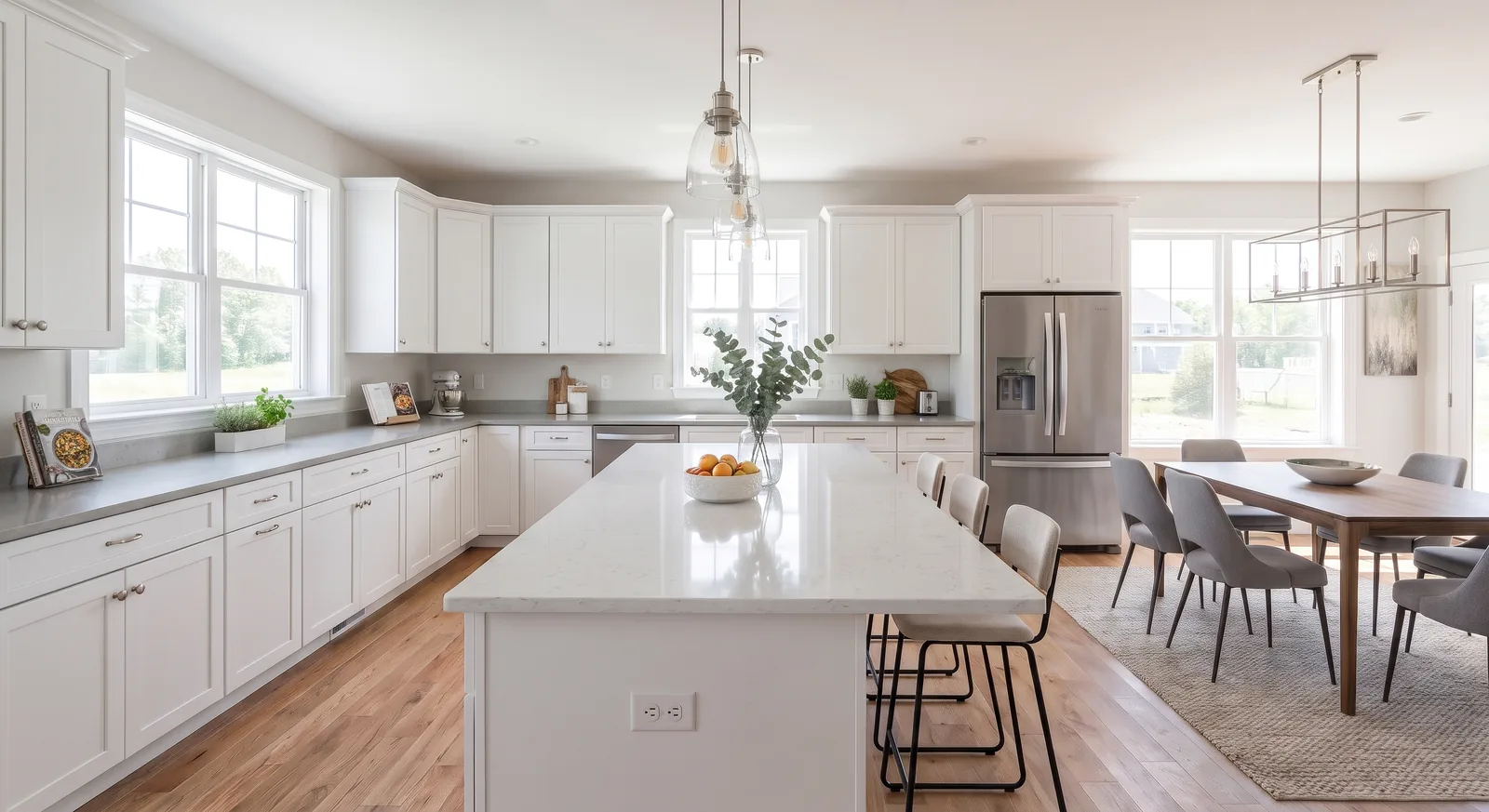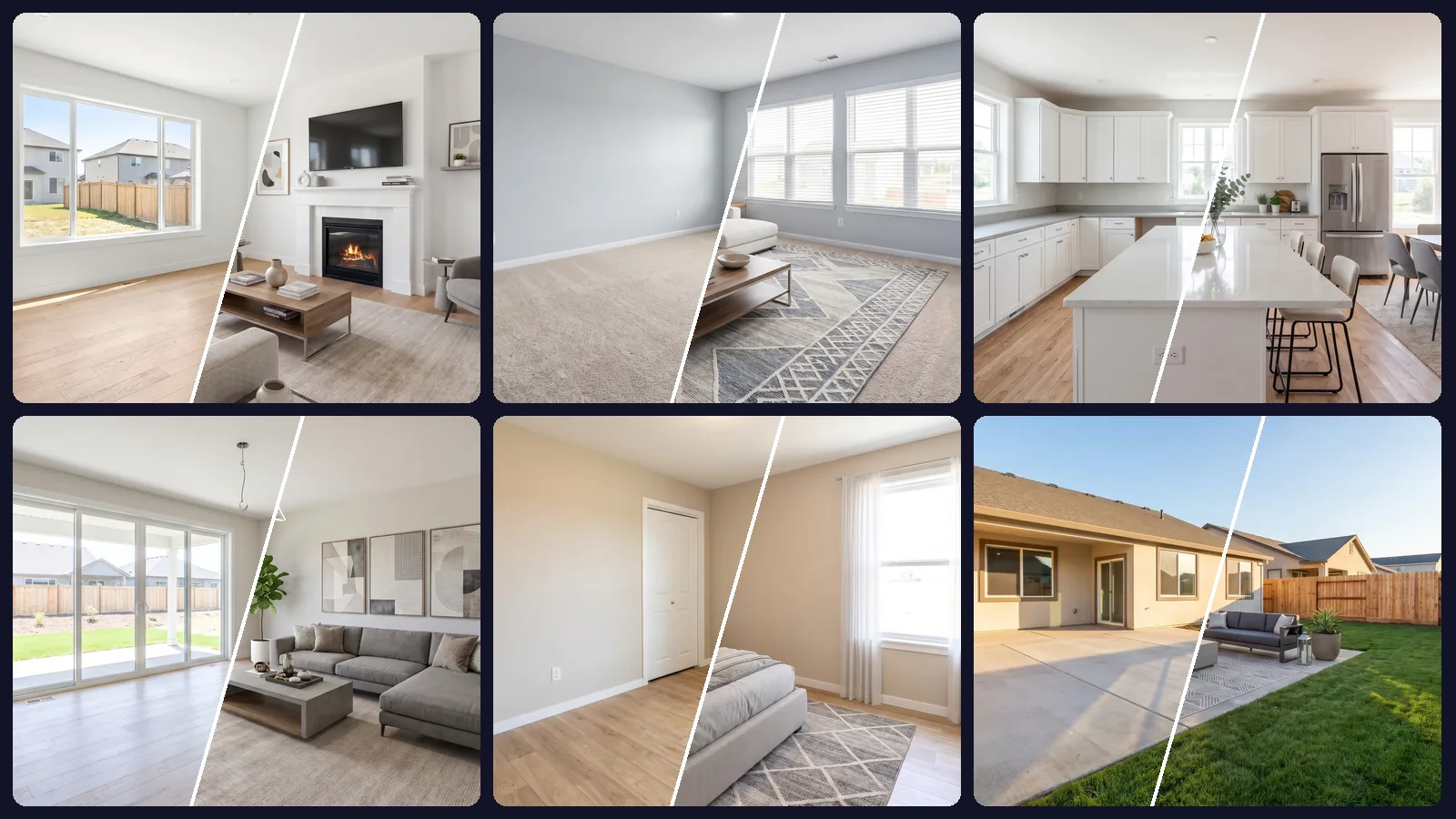
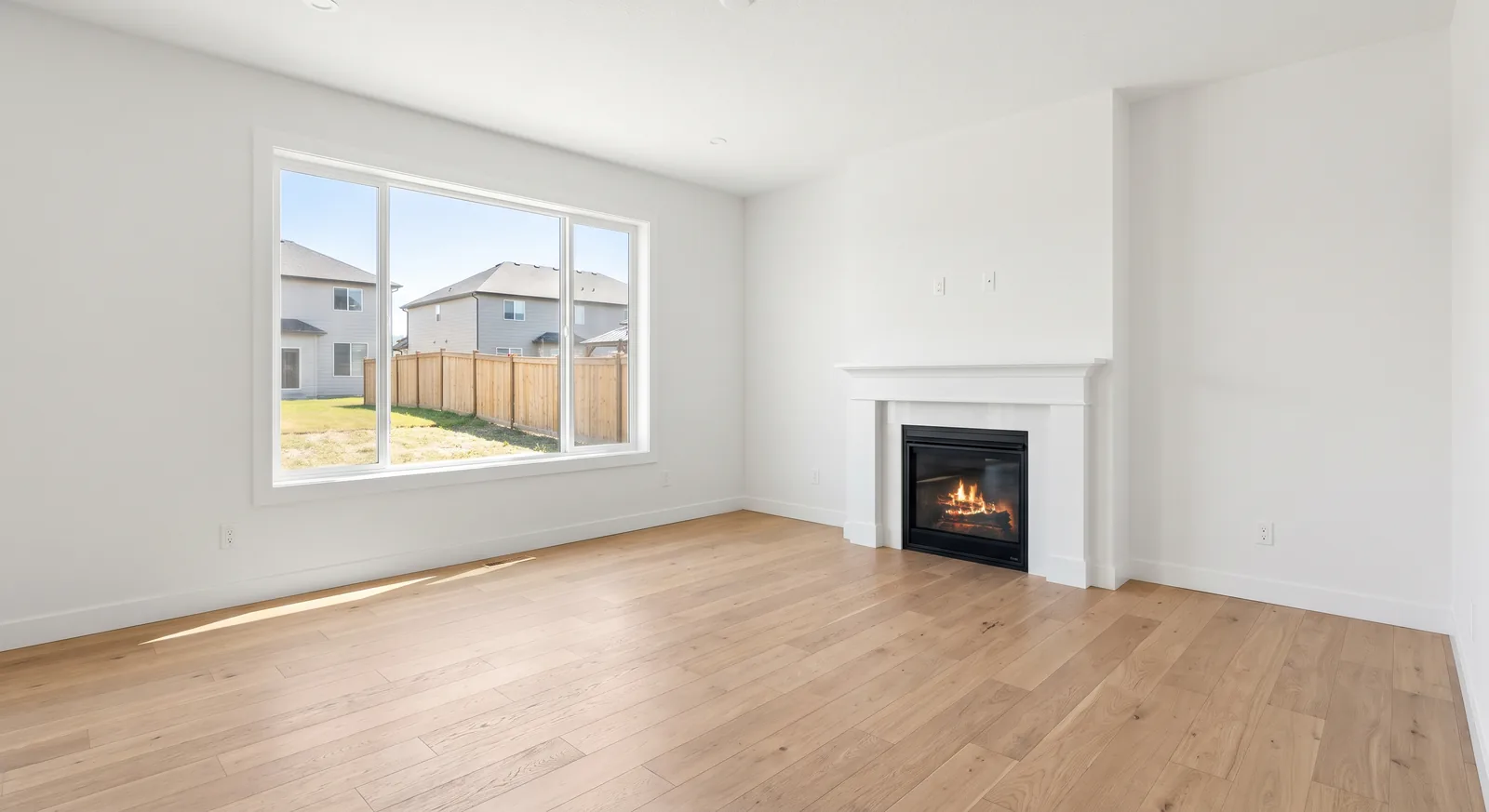
An empty room is the hardest thing in real estate photography to make interesting and the easiest thing to stage badly. If the floor is cut off, the walls lean or the window is a white blob, no amount of virtual furniture will make the photo look right.
The good news: photographing empty rooms for virtual staging takes no special gear. It takes a handful of habits that give the AI a clear picture of the space it is furnishing.
Why the source photo matters so much
Virtual staging adds furniture into the geometry of your photo. The AI reads the floor plane, the walls, the light direction and the camera angle, then places a sofa or a bed that matches them. A photo with clear geometry gets furniture that sits on the floor and casts believable shadows. A confusing photo gets furniture that floats.
That's why the same tool can produce a magazine shot from one image and an obvious fake from another.
Camera height and angle
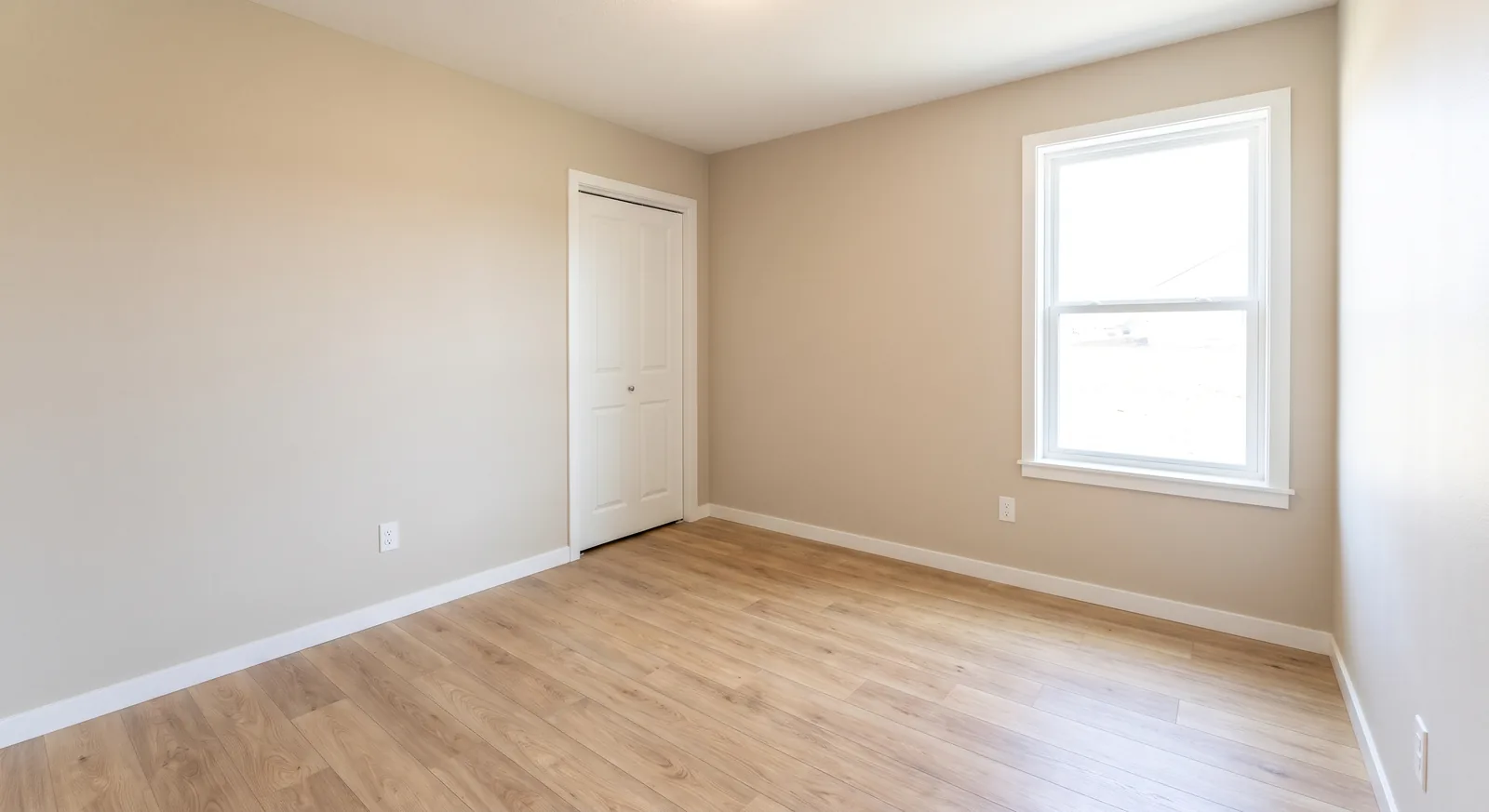
- Shoot from a corner. Standing in a corner and shooting across the room shows two or three walls, which gives the AI depth and makes the room look larger.
- Keep the camera at chest height. Roughly 4 to 5 feet off the floor is the sweet spot. Lower shots exaggerate the floor; higher shots look like security cameras.
- Keep verticals vertical. Hold the camera level so door frames and wall corners stay straight. Tilted walls are the most common reason staged rooms look off.
- Go wide, not fisheye. A wide-angle lens (or your phone's 0.5x mode used carefully) captures the room, but extreme distortion bends furniture too.
Phone or camera?
Both work. A recent phone in its main or wide lens, held level at chest height, produces files that stage well. What matters more than the device:
- Turn off portrait and beauty modes. They blur and smooth surfaces in ways that confuse the AI.
- Use the highest resolution and HDR. More detail means sharper furniture edges in the result.
- Shoot horizontal. Landscape photos show more of the room and match how listing galleries display images.
- Use a tripod if you can. It keeps every room at the same height and makes bracketing easy.
If you work with a professional photographer, ask for the unedited, evenly lit versions of the empty rooms as well as the final edits. Heavily stylized color grading can be applied after staging instead.
Show the floor
Furniture lives on the floor, so the AI needs to see it. Frame the shot so a generous band of floor is visible in front of you and along the walls. If the floor is cropped out, the AI has to guess where the sofa should stand, and it often guesses wrong.
Lighting: bright, even and honest
- Open every blind and curtain and shoot during the day.
- Turn on every light in the room, including lamps and under-cabinet lights.
- Use HDR or exposure bracketing so windows aren't blown out and corners aren't black.
- Avoid mixed color. If warm bulbs and cool daylight fight, set a white balance that keeps walls neutral.
Even lighting gives virtual furniture consistent shadows. Harsh light from one side is fine, as long as it's clearly visible: the AI will match it.
Prepare the room
- Remove everything that isn't part of the house: boxes, ladders, cleaning supplies, cords.
- Vacuum and wipe the floors; streaks show through staging.
- Close toilet lids, cabinet doors and closet doors unless they're a feature.
- Check reflections in windows and mirrors so you're not in the shot.
If the room is still occupied, you don't need to empty it physically. AI can remove the existing furniture and clutter, then restage the room. Results are best when the walls and floor are mostly visible.
Shoot every room the same way
Consistency matters more than any single photo. Use the same camera height, similar angles and the same lighting approach in every room. When the whole set is consistent, staging every photo with one style looks like one designed home rather than a collection of renders.
This also makes bulk editing practical: you can upload the entire set and run one instruction across it, which we cover in our guide to bulk photo editing for real estate listings.
Writing the staging prompt
You don't need a long prompt. Something as short as “virtual stage modern house” works, because OptimAImage uses an AI Agent that turns it into a room-aware brief for each photo. Add detail only when it matters:
- Room purpose: “stage this as a home office” when the room could be several things.
- Style: “Scandinavian, light woods, white textiles.”
- Audience: “family with young kids” or “young professional.”
In our own whole-house virtual staging case study, a vague prompt let the AI decide a small spare room should be a bedroom. That worked out, but if you need a specific room type, say so.
A quick pre-upload checklist
- At least two walls and plenty of floor in frame.
- Verticals straight, horizon level.
- Windows readable, corners not black.
- No people, boxes or reflections.
- Same height and style of shot in every room.
Getting started
Once your photos are ready, upload the whole set to our AI virtual staging tool, type one sentence and let it furnish every room. New accounts get free credits with no credit card required.