Painting a room is the ultimate double-edged sword of home improvement. On one hand, it is the fastest and most cost-effective way to completely change the mood of a space. On the other hand, it is the design choice that homeowners get wrong most frequently.
Everyone has been there: you stand in the hardware store, staring at thousands of paper swatches under fluorescent lights. You narrow it down to a few options, tape them to your wall, and try to imagine what that tiny slip of color will look like when it covers 400 square feet of drywall. You pick a color, spend the weekend painting, only to step back and realize the soft grey reads baby blue, or the warm white looks like a yellow buttercup.
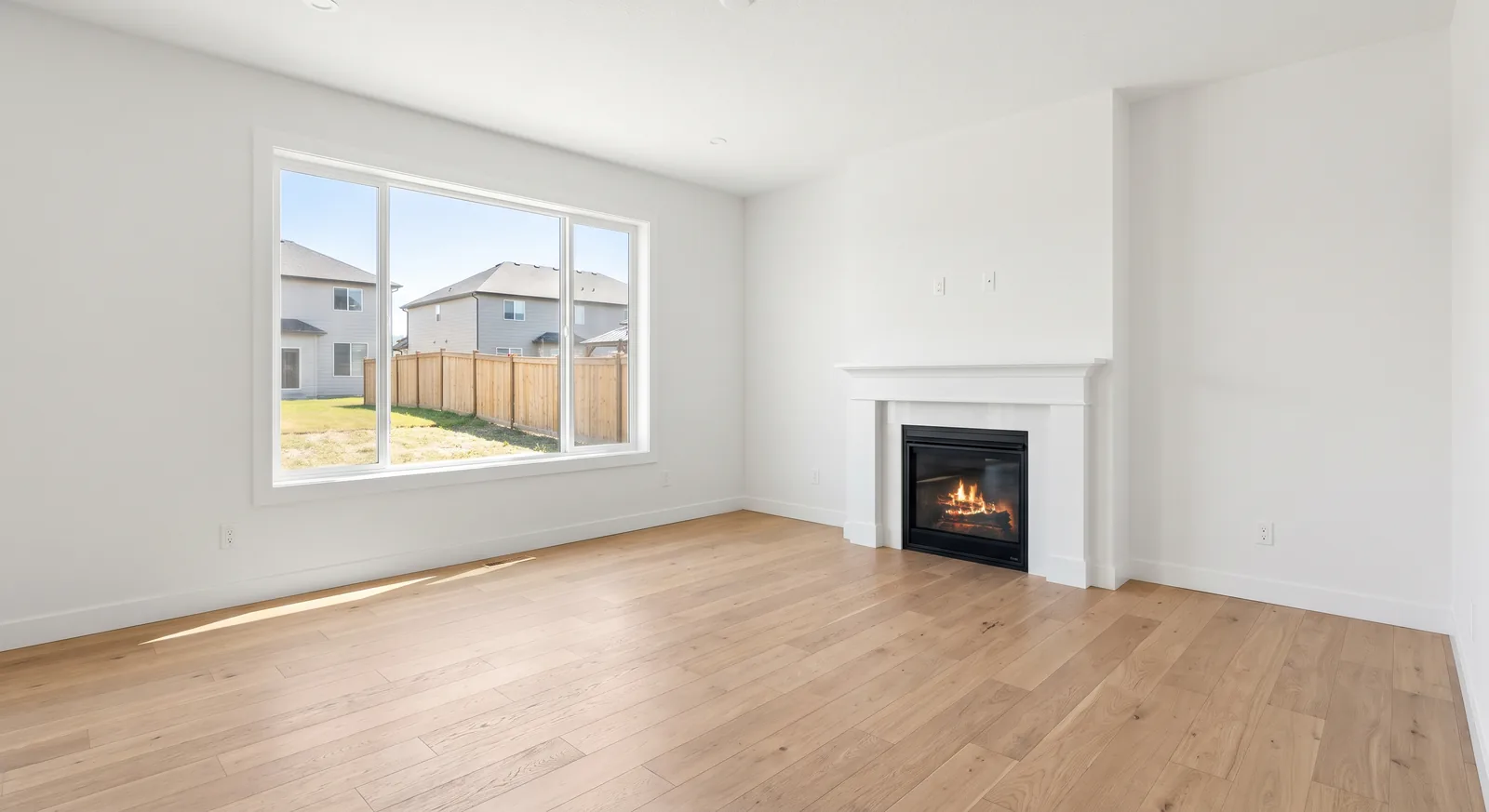
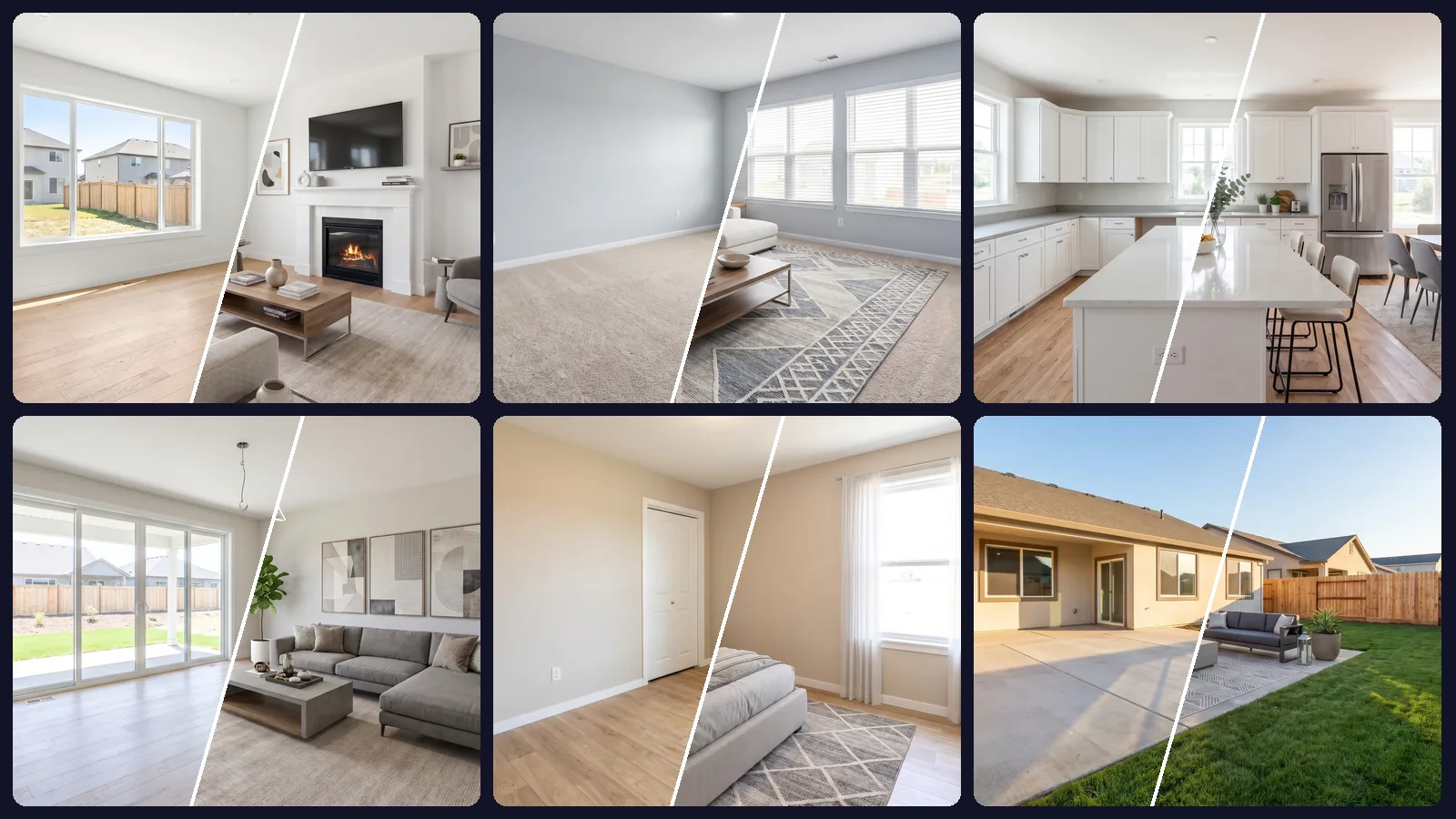
To avoid the frustration of repainting, modern design workflows leverage a room paint simulator. By utilizing a photo of your actual room, an AI paint simulator shows you a photorealistic render of any color on your walls, calculating how natural light, shadows, and furniture affect the color in real-time.
This guide explains how paint simulators work, why traditional color-matching methods fall short, and how to use a room paint visualizer app to select paint with absolute certainty.
Why Paint Colors are Deceptive
The main reason why picking paint colors is so difficult is that color is highly dependent on environment. The appearance of a pigment changes constantly based on its surroundings, a phenomenon that flat paper color swatches cannot represent:
- Lighting changes (Metamerism) — Light behaves differently throughout the day. A wall painted in a west-facing room might look warm and inviting in the evening but cold and clinical in the morning. Natural daylight shifts from cool blue to warm orange, shifting your paint color along with it.
- Surrounding reflections — Your paint doesn't exist in isolation. It bounces light off your flooring, sofa, rugs, and wood furniture. A room with warm oak flooring will reflect orange tones onto a light wall, which can make a neutral paint look completely different than expected.
- The scale effect — Color appears more saturated and darker when applied to a large surface area. A color that seems like a gentle pastel on a tiny chip can feel overwhelming and intense when painted on all four walls.
- Sheen and finish — Matte, eggshell, satin, and semi-gloss sheens all reflect light in unique ways. A glossy finish highlights texture and brightens a space, while matte absorbs light for a deeper, moodier look.
An AI-driven virtual paint room accounts for all of these complex environmental factors. It recognizes the orientation of light sources in your photo, isolates the wall plane, and renders the new color with realistic shadows, highlights, and color bounces.
Virtual Paint My Room: Interior Applications
A paint simulator is highly versatile and can be applied across different spaces in your home to solve specific color challenges.
Living Rooms: Testing Accent Walls
Living rooms are the most high-traffic areas in a home, and choosing a color scheme can feel high stakes. If you are considering a bold accent wall—such as a deep forest green or rich terracotta—a simulator lets you test the concept risk-free. You can see whether a dark wall adds cozy depth or makes your living room feel cramped, allowing you to make bold design choices with confidence.
Bedroom Paint Simulator: Creating Calming Retreats
Bedrooms are meant to be personal sanctuaries, requiring colors that promote relaxation and rest. A bedroom paint simulator is incredibly useful for testing soft greens, muted blues, and warm earth tones. You can preview how these calming colors look under soft evening lamplight, ensuring that your bedroom remains a cozy retreat during the hours you use it most.
Kitchens and Bathrooms: Coordinating Hard Finishes
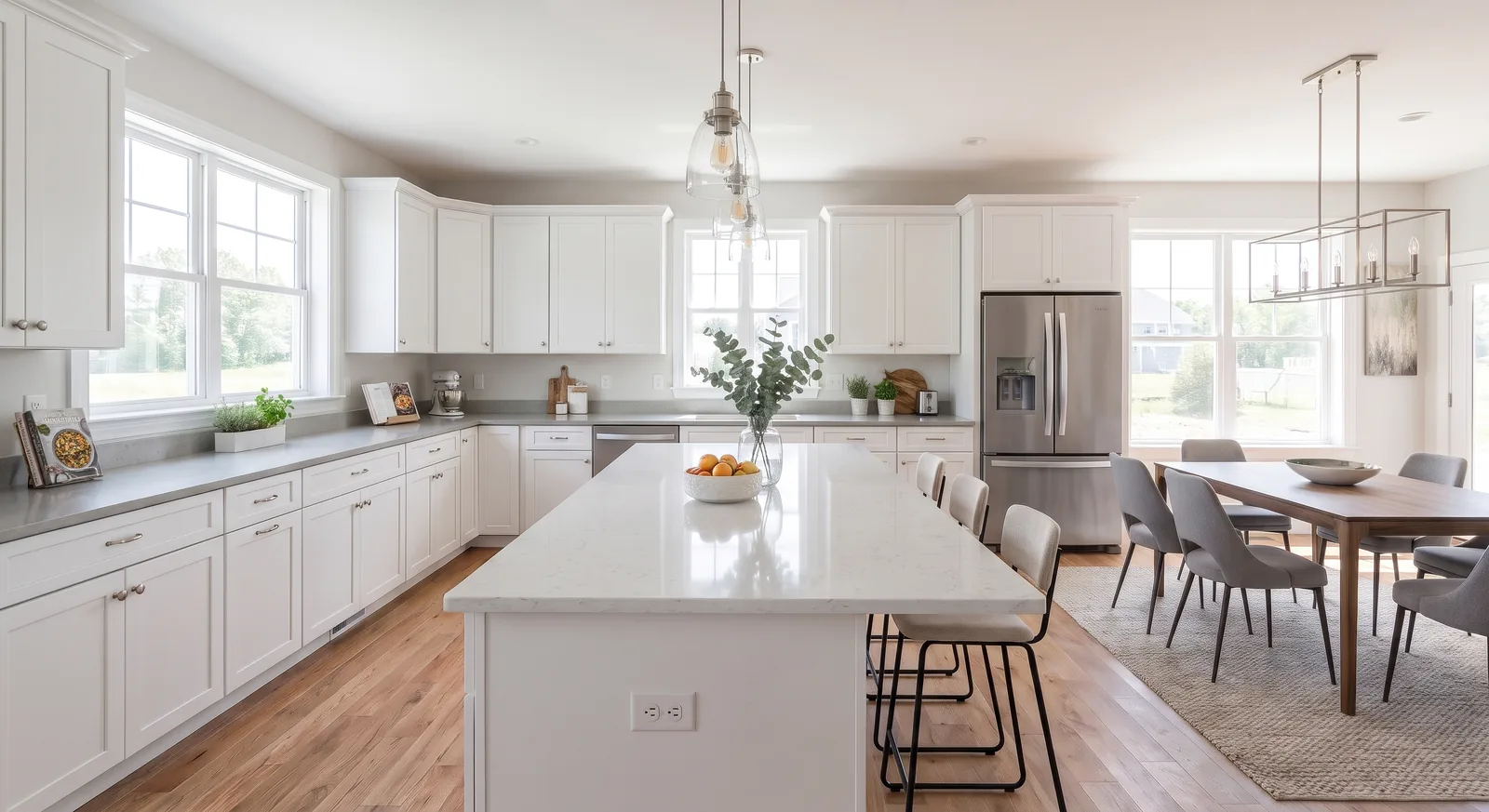
Kitchens and bathrooms are packed with permanent fixtures like cabinets, tile backsplashes, marble countertops, and stainless steel appliances. Painting these spaces requires matching your color to these hard finishes. A paint simulator lets you see how a wall color coordinates with your cabinetry and tile, preventing undertone clashes that make your kitchen feel unbalanced.
How a Room Paint Visualizer App Works
Older generations of digital paint tools used a process called "bucket filling," which simply overlaid a flat color mask on top of your photo. This stripped out all natural textures, shadows, and highlights, making the room look fake and unrealistic.
A modern AI room paint visualizer app works much more intelligently. It doesn't just overlay color; it reconstructs the scene. The AI identifies the light sources, calculates depth, and integrates the pigment directly into the photo's original environment.
By using advanced multi-model architectures, these apps run your color description through specialized neural networks. The system automatically preserves the texture of your drywall, the grain of your wood trim, and the exact shadows cast by your furniture, delivering a photorealistic result in under a minute.
Step-by-Step Color Testing Guide
To achieve the most accurate and beautiful color renders using an AI paint simulator, follow these simple steps:
- Take a high-quality photo — Shoot your photo during the day in natural light with all curtains open. Turn off artificial overhead lights, as they can cast unnatural yellow or blue shadows.
- Include furniture in the frame — Don't take a photo of an empty wall. Keeping your sofa, rug, and art in the photo helps the AI calculate color reflections and scale, giving you a more accurate representation of the finished space.
- Describe the color in detail — Include details about the shade and finish. For example: "Eggshell navy blue walls with satin white trim."
- Compare warm vs. cool tones — Generate multiple versions of the same photo. Compare a warm greige with a cool slate grey to see which temperature coordinates best with your room's natural light.
Getting Started
Choosing paint colors doesn't have to be a stressful cycle of buying sample pots, painting drywall, and hoping for the best. By using a photorealistic room paint simulator, you can explore limitless color ideas, test bold accent walls, and select the perfect palette before touching a paintbrush.
OptimAImage provides a premium suite of virtual paint and room decoration tools designed to make interior styling simple and enjoyable. We offer premium subscription options tailored to your specific design goals. To find the subscription plan that works for your project, visit our premium plans page to compare options.
Ready to see your walls transform? Go to the OptimAImage homepage to upload your room photo on the web, or download our mobile app from the Google Play Store to start simulating paint colors directly from your phone.