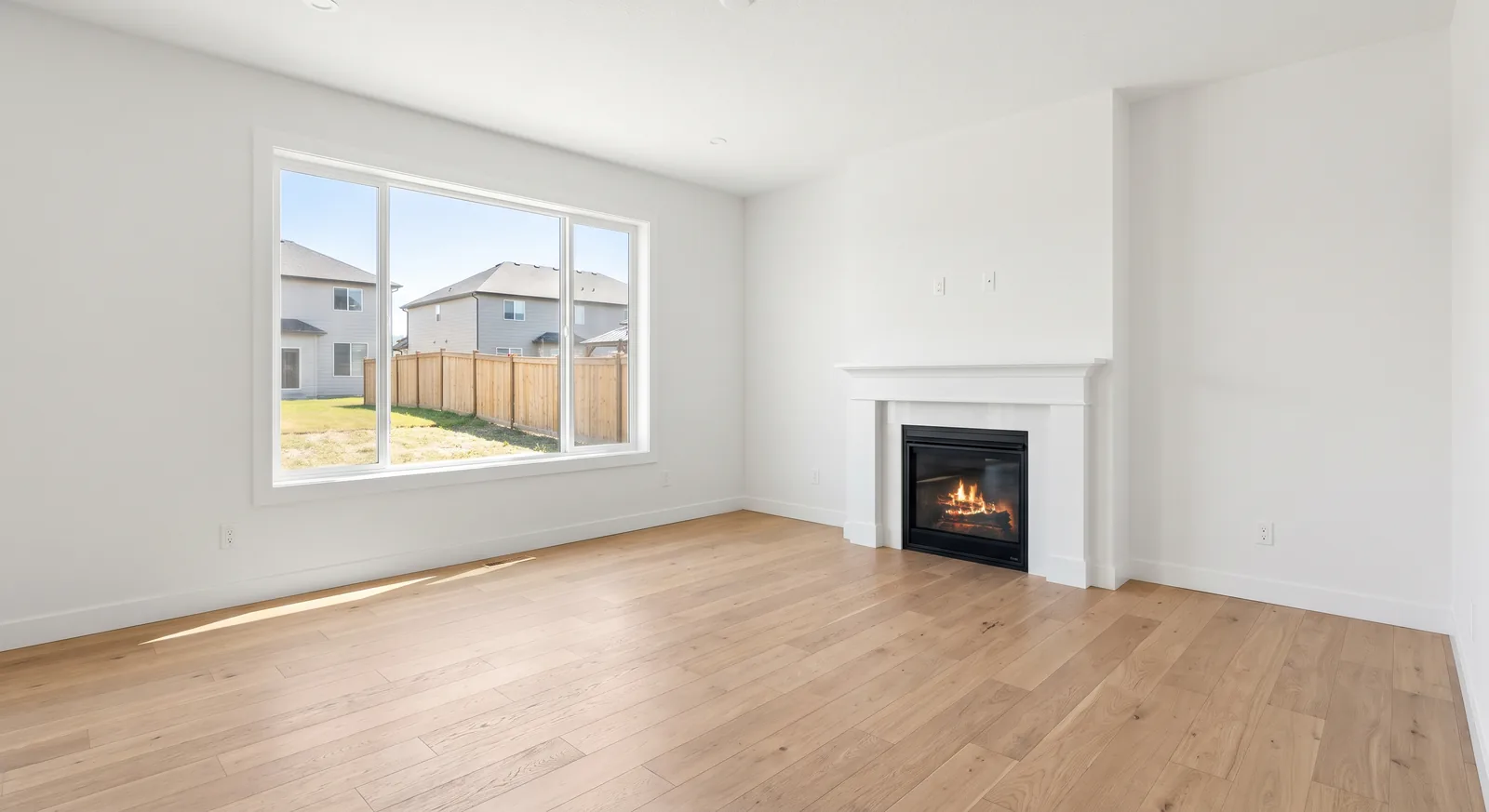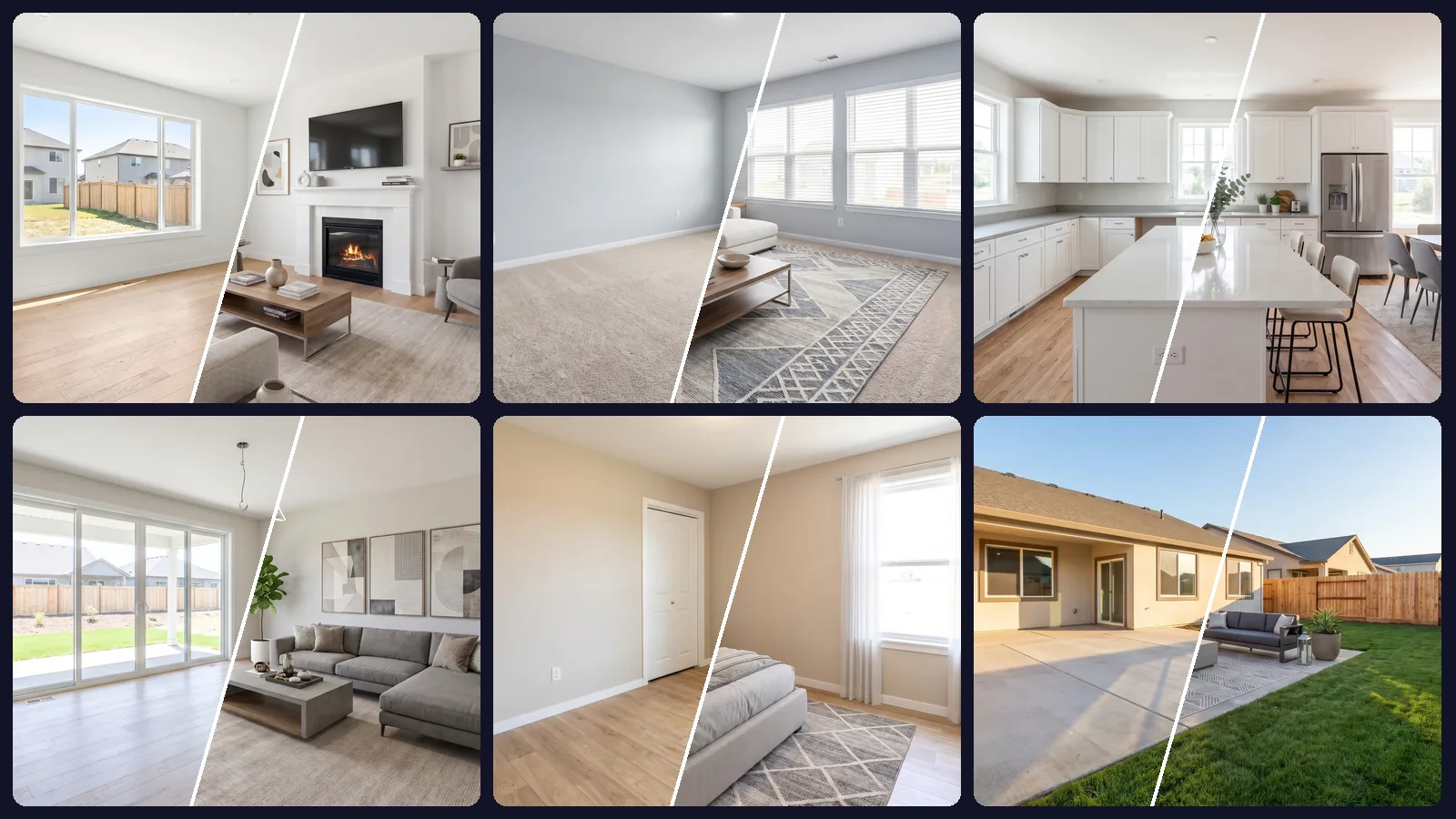
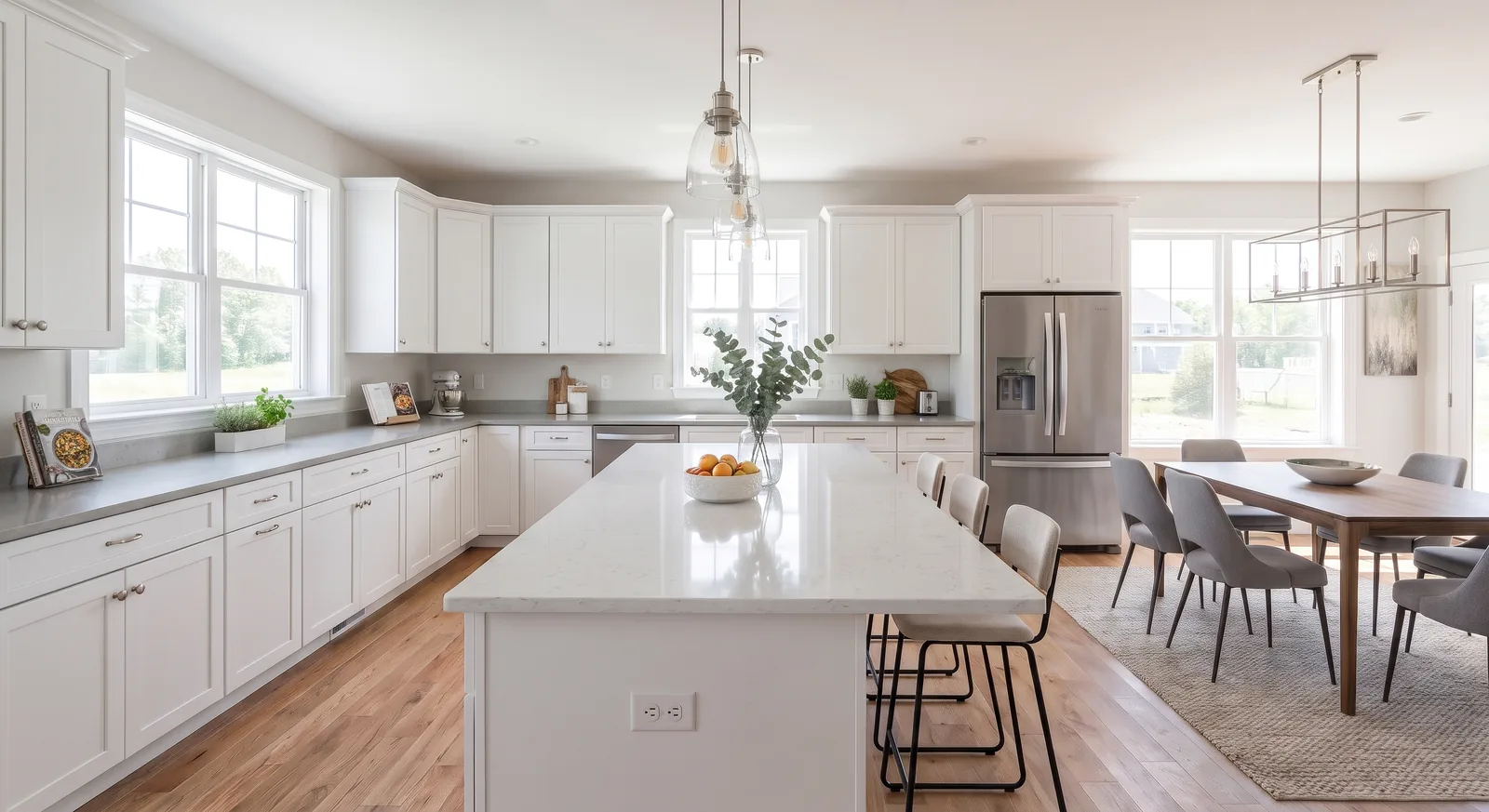
A typical listing has 20 to 40 photos. Most need the same handful of fixes: brighter interiors, straighter lines, a better sky, empty rooms furnished. Doing that photo by photo is where hours disappear, and where styles drift from one room to the next.
Bulk photo editing flips the process. You upload the entire set, describe the change once and get every photo back edited the same way. This guide explains which edits work in bulk, how to set up a batch and how to review the results before the listing goes live.
Why edit a listing as a set
- Consistency. Buyers scroll the whole gallery. If the living room is warm and the bedroom is cold, the listing feels stitched together.
- Effort. One instruction instead of thirty means you spend your time choosing the look, not repeating it.
- Turnaround. Photographers and agents can deliver the full edited set the same day the photos are taken.
Edits that work well in bulk
These apply naturally to a whole set:
- Virtual staging of empty rooms in one style.
- Decluttering and removing personal items from occupied homes.
- Furniture removal to show rooms empty.
- Brightening dark interiors and evening out color.
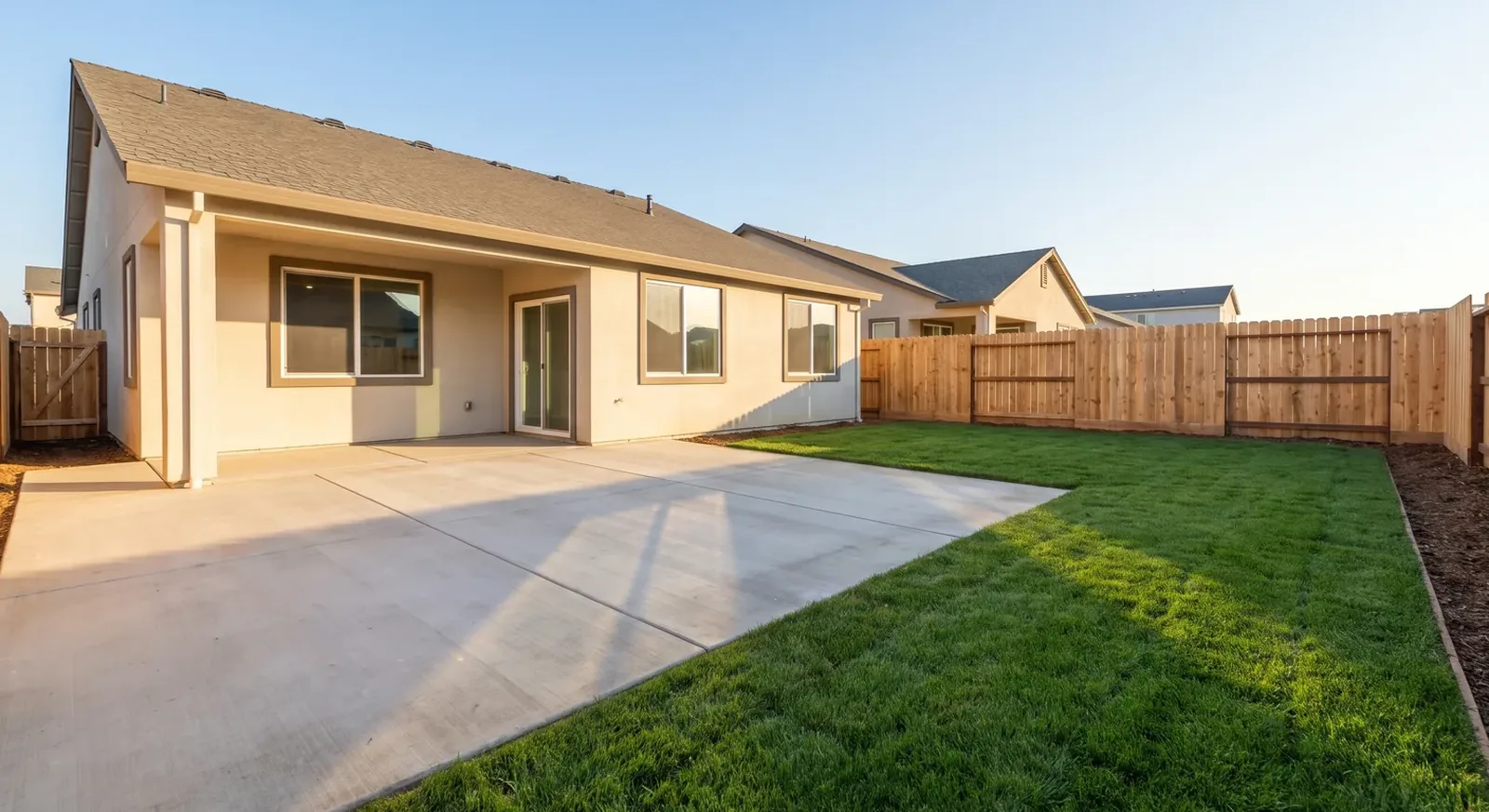
- Exterior fixes such as replacing a gray sky or greening a patchy lawn, where your MLS allows it.
Edits that should stay individual: anything unique to one photo, such as fixing a specific reflection, or any change that could misrepresent the property. Our virtual staging disclosure guide covers where the line is.
How batch editing works in OptimAImage
In OptimAImage Batch edit is built for this workflow:
- Upload up to 100 photos in one batch.
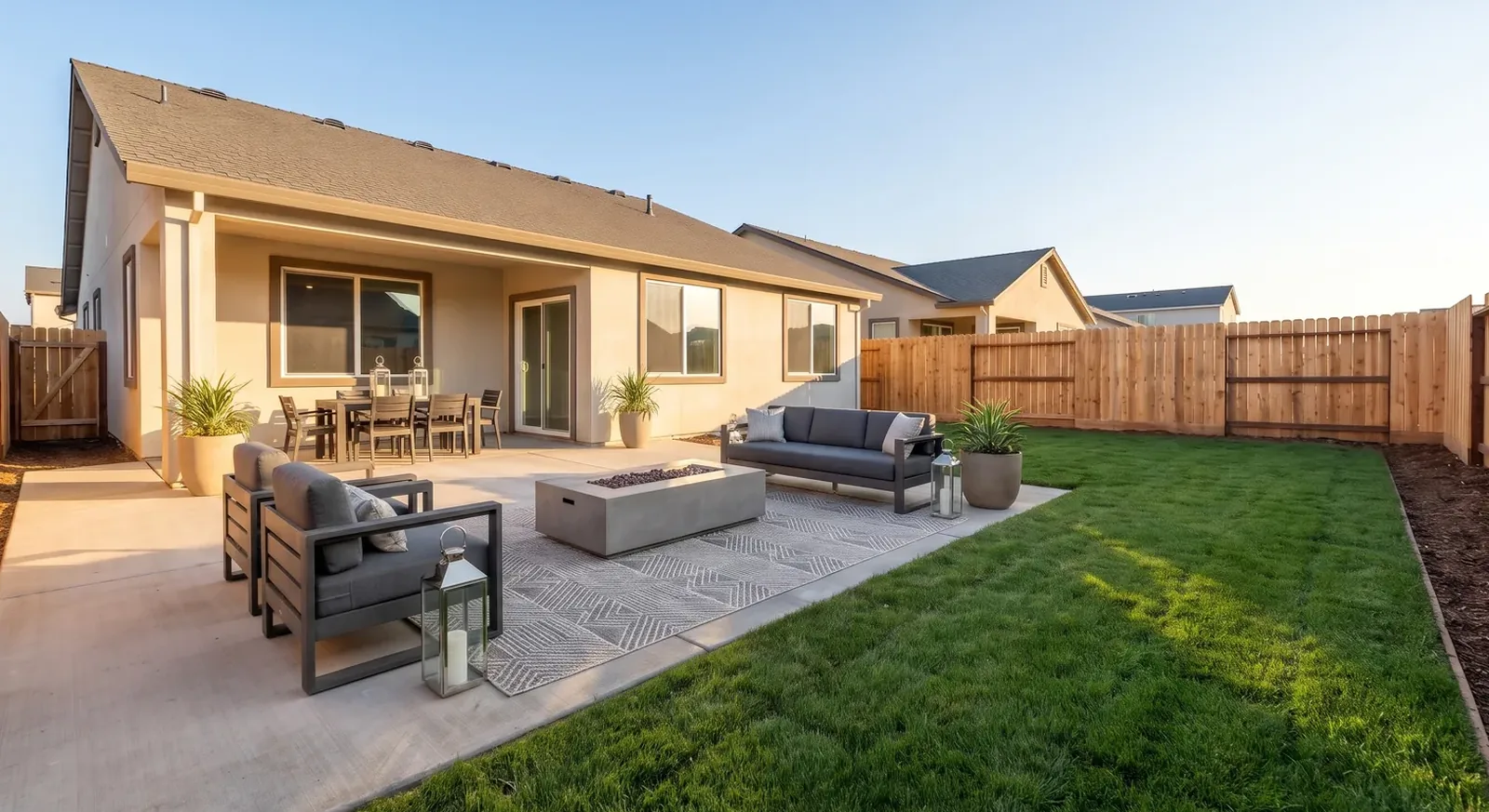
- Write one shared instruction, for example “virtual stage modern house” or “brighten the interiors and keep colors natural.”
- Override individual photos when needed. Give a specific photo its own instruction, such as “stage as a nursery,” while the rest follow the shared one.
- Let the AI Agent do the briefing. It turns your short instruction into a detailed, image-specific brief for each photo, so a kitchen and a bedroom get appropriate treatment from the same sentence.
- Choose the quality mode. Fast for drafts and rentals, Max for hero shots.
When the batch finishes, every result is grouped together so you can review the set side by side.
Writing instructions that work across a whole set
- Describe the outcome, not the steps. “Modern, neutral, warm light” beats a list of furniture.
- Keep it short. The AI Agent adds the detail per photo; long shared prompts can over-constrain rooms that don't fit them.
- Say what must not change when it matters: “keep the existing flooring and cabinets.”
- Name room purposes for ambiguous rooms using per-photo overrides. In our one-prompt whole-house case study, the AI picked its own purpose for rooms we left unspecified.
Quality control before publishing
Bulk editing saves time only if review is fast. Check every result for:
- Permanent features unchanged: walls, windows, doors, floors, fixtures.
- Furniture that sits on the floor and matches the light.
- No stray text, watermarks or artifacts.
- A consistent look across the set.
- Disclosure labels on staged images.
Redo the few that miss with a more specific instruction instead of re-running the whole batch.
Bulk prompts you can copy
- “virtual stage modern house”
- “stage every room in a warm Scandinavian style with light woods”
- “remove all furniture and personal items, keep the room empty and clean”
- “brighten the interiors, keep colors natural and walls neutral”
- “replace the gray sky with a clear blue sky, keep everything else unchanged”
A same-day workflow for real estate photographers
Bulk editing makes staging an easy add-on to a shoot:
- On site: shoot every room at the same height with HDR, and capture the empty rooms with plenty of floor in frame.
- Back at your desk: do your usual color and lens corrections on the full set.
- One batch for staging: upload the empty rooms with the client's chosen style as the shared instruction, and add overrides for rooms with a specific purpose.
- Review: compare each staged photo with its original and redo any outliers.
- Deliver: send the agent both versions, labeled, so they can publish the staged set and keep the originals on file.
Because the staging step is one instruction for the whole set, the extra work per shoot stays small, whether the listing has eight photos or eighty.
Start with better source photos
Bulk editing amplifies whatever you feed it. A consistent, well-lit set gives consistent results; our guide on how to photograph empty rooms for virtual staging covers the shooting side.
Getting started
Upload a full listing to our bulk virtual staging tool and edit every photo with one sentence. Plans start at $9.99 a month, and new accounts get free credits with no credit card required.