Design Your HomeWith the Things You'll Actually Buy.
Upload a photo of your room, yard or house, add photos of the sofa, slab, pavers or windows you're considering, and describe the change. The AI puts them into your real space.
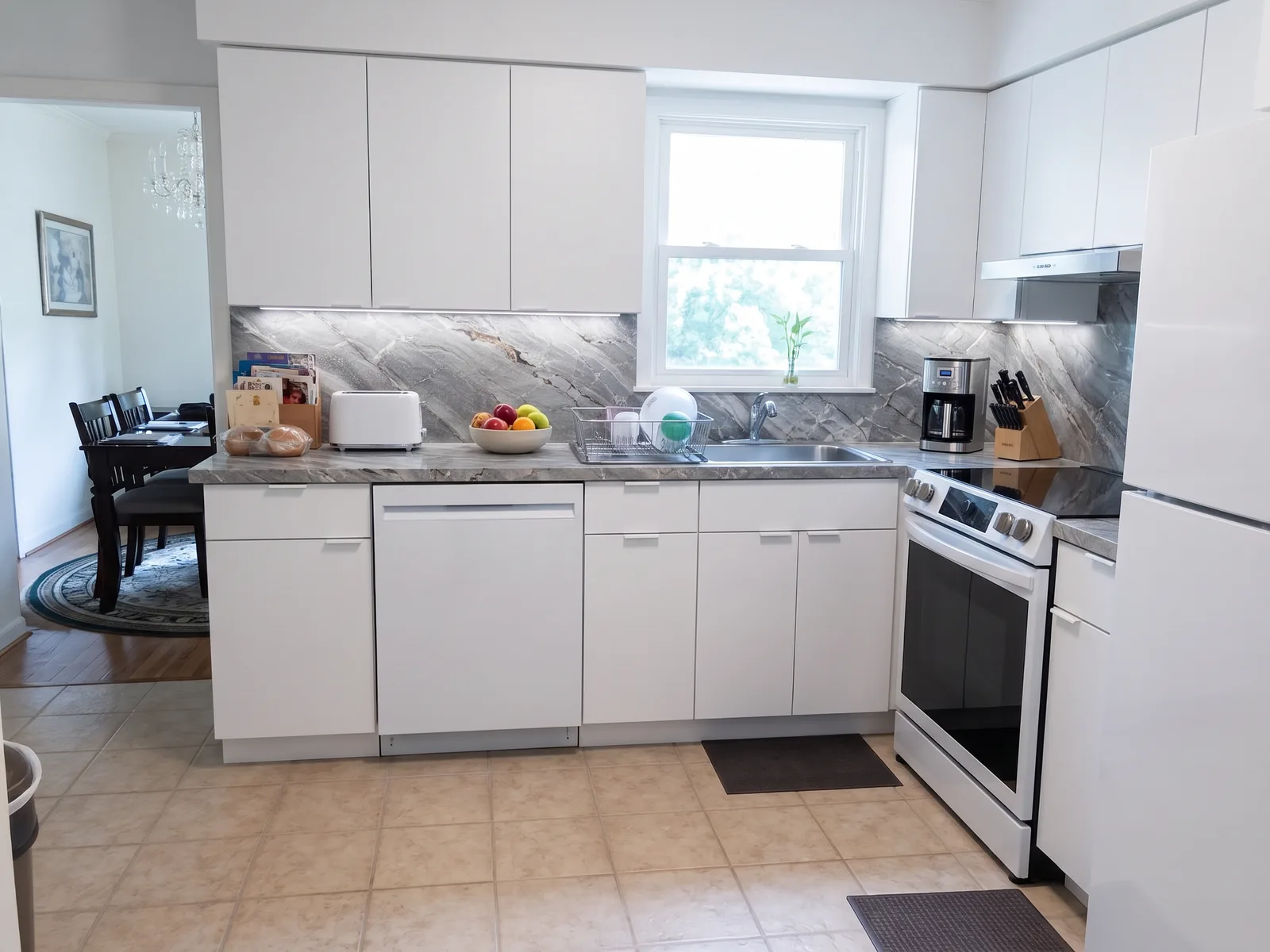
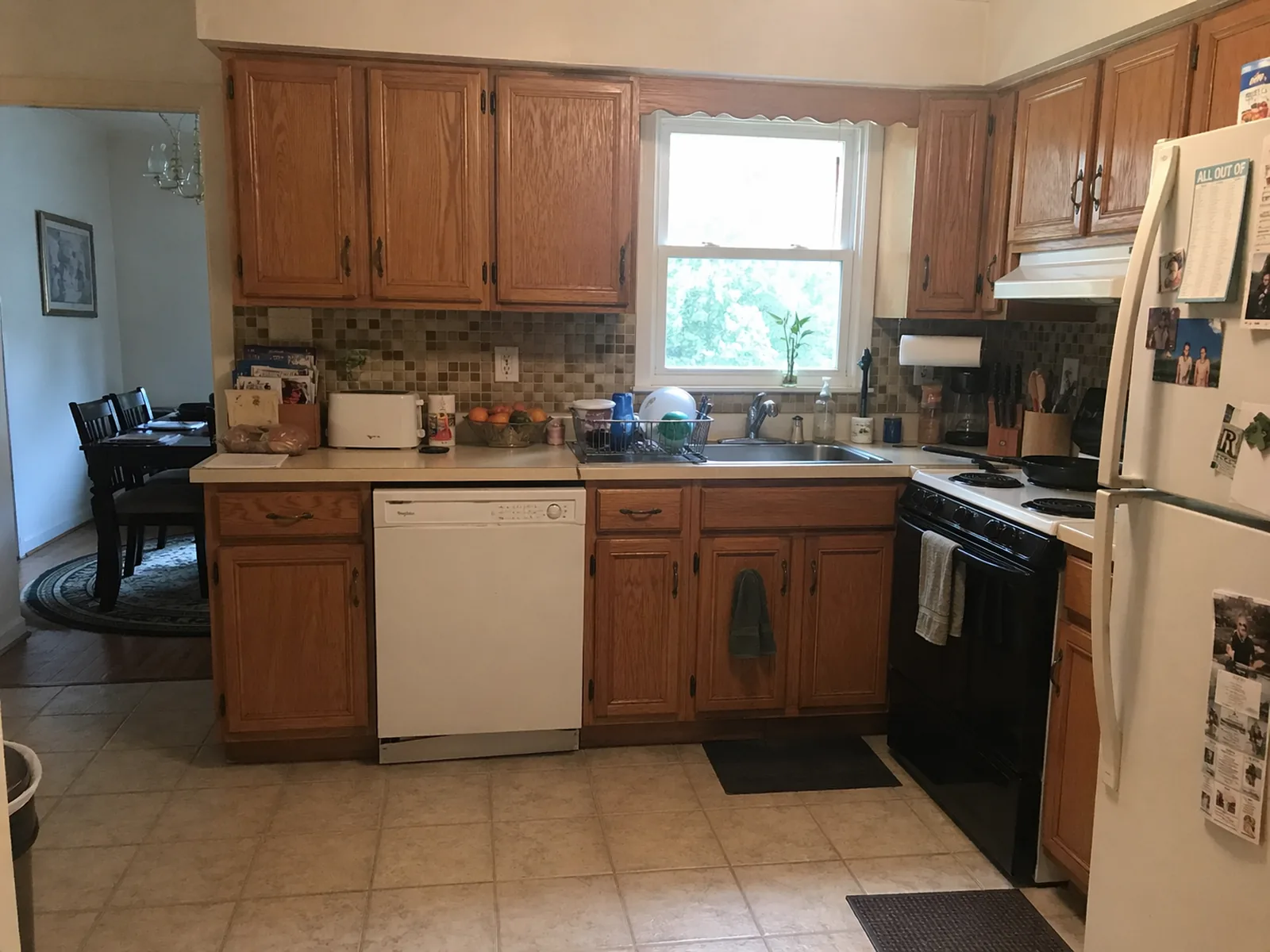 BeforeAfter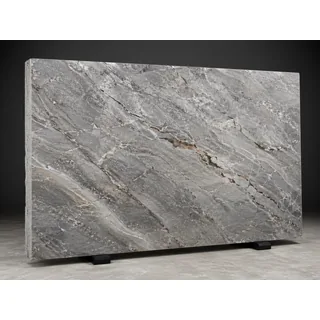
Real app output: each result is one request with the photo, the reference photos and the prompt shown. The exterior tab is a text-only example.
Free trial · No credit card · Plans from $9.99/mo
Renderings Take Weeks. Chatbots Guess Your Products.
See the exact sofa, slab or paver in your real home — without paying for renderings or settling for an AI lookalike.
How It Works
Upload your photo
A room, your yard or the outside of your house. A phone photo is fine.
Add what you're considering
Optional: up to 4 photos of products or materials — a sofa from a store page, a slab from the stone yard, a paver swatch.
Describe the change
One sentence, like “use the stone as countertop and backsplash.” Download it and share it with your family, contractor or designer.
Three Ways to Design Your Home
Most home projects come down to one of these.
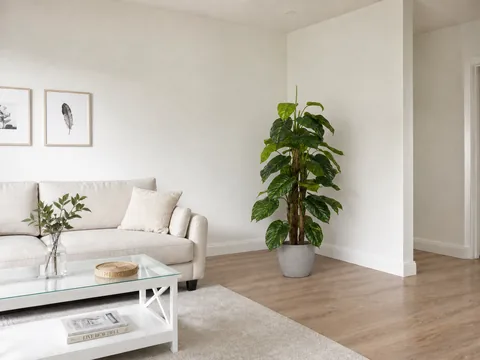

Place real products
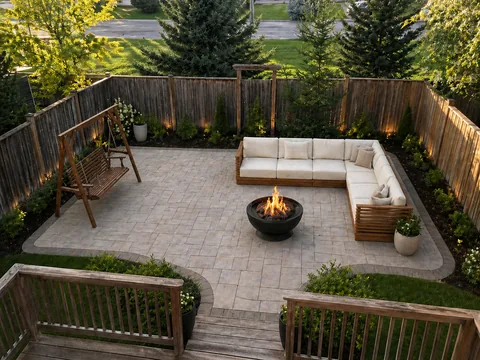
Add a photo of the sofa, plant, lamp or patio set you're considering. The AI places that item in your room or yard, in your light.
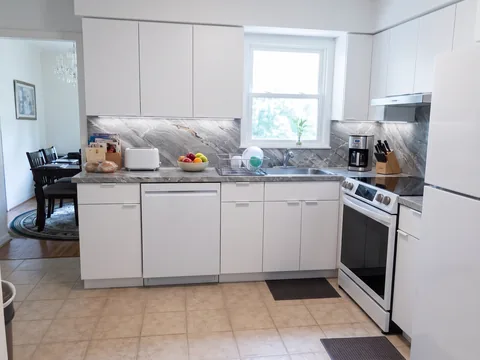
Try real materials
Countertop slabs, pavers, tile, flooring, siding: add a photo or swatch and see it installed in your kitchen, driveway or house.
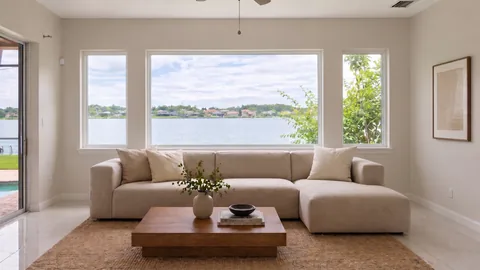
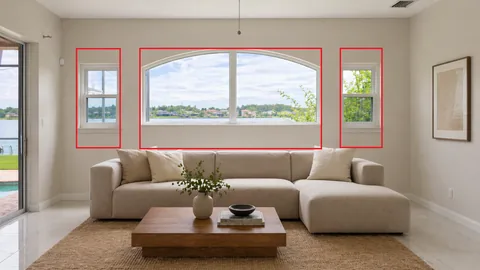
Change one exact spot
Draw a box on your photo and say what goes there: new windows, a door, a fireplace. Everything else stays.
Any Product. Any Material. Any Room.
If you can take a photo of it or find it online, you can see it in your home.
Products
- Sofas & sectionals
- Lamps & decor
- Plants
- Rugs
- Artwork
- Patio furniture
- Fire pits
- Porch swings
Materials & projects
- Countertops & slabs
- Backsplash
- Cabinets
- Flooring
- Pavers & driveways
- Windows
- Siding
- Exterior remodel
Built for Everyone Planning a Home Project
Homeowners
See the sofa, slab or pavers in your home before you pay for them.
Remodelers & contractors
Show clients their kitchen with the slab they picked, right in the estimate.
Interior designers
Present real products in the client's room instead of mood boards.
Landscapers & hardscapers
Preview pavers, patios and outdoor furniture on the client's yard.
Furniture & material sellers
Show shoppers your product in their own room or yard.
Real estate agents
Show buyers what a dated home could become.
Home Design Guides
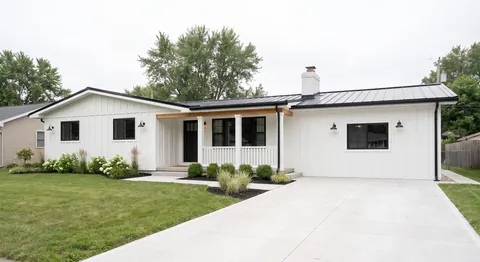
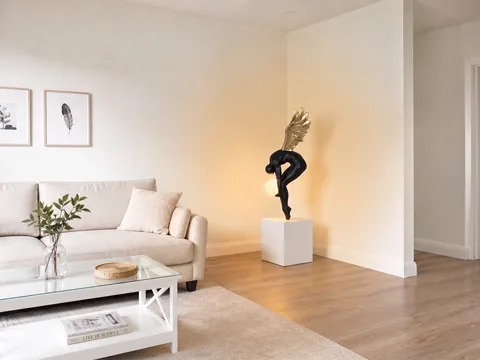
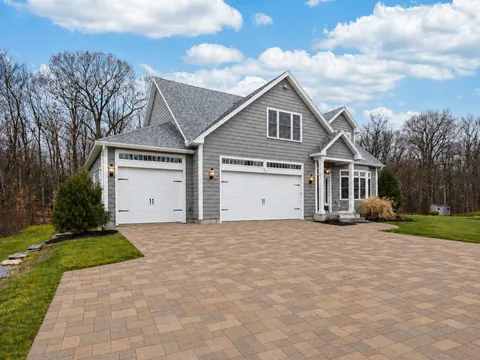
House Design Questions, Answered
How does the AI house design generator work?
Upload a photo of your room, yard or house, optionally add up to 4 photos of products or materials, and describe the change in one sentence. The AI Agent turns that into a detailed brief and generates a photorealistic version of your real space.
Can I use a photo of a specific sofa, countertop or paver?
Yes, that's what reference photos are for. Add a product photo from a store page, a picture of a slab at the stone yard or a paver swatch, and say where it goes. It's a visualization, so confirm sizes and details with the seller.
How many reference photos can I add?
Up to 4, next to your photo of the room or house. With batch edit, the same references can be applied to up to 100 photos at once.
Can I mark exactly what to change?
Yes. Draw on your photo with the built-in editor, for example boxes around the windows, and say what goes there.
Does it keep my real house?
It is instructed to keep the structure — walls, windows, rooflines and camera angle — and change only what you describe. It's a visualization, not a construction plan, so check results closely before making decisions.
Can I redesign every room in the same style?
Yes. With batch edit you upload up to 100 photos and write one prompt; the AI Agent writes a brief for each photo so the whole house comes back in one style. Batch edit is included in the Creator and Pro plans.
Can it design a house from scratch?
Yes. Describe the house you want without uploading a photo and the AI generates a new design from text. For planning a real project, starting from a photo of your home gives the most useful result.
Can't I just use ChatGPT?
General chatbots work one image per conversation, often redraw walls and windows, and tend to invent a lookalike instead of using your exact product. OptimAImage is built to keep your real home, uses your reference photos and handles up to 100 photos per batch.
How much does it cost?
New accounts get free credits to try it — no credit card required. Plans start at $9.99/month, and an image costs from about $0.09 in credits depending on your plan and quality mode (lowest on the Pro annual plan).
See It in Your Home Before You Buy
Upload a photo, add the products or materials you're considering, and describe the change. Free trial, no credit card required.