Show the Finished RemodelBefore You Bid.
Photograph the client's kitchen, bathroom or house, add the materials they picked and describe the job. They see their own home remodeled before they sign.
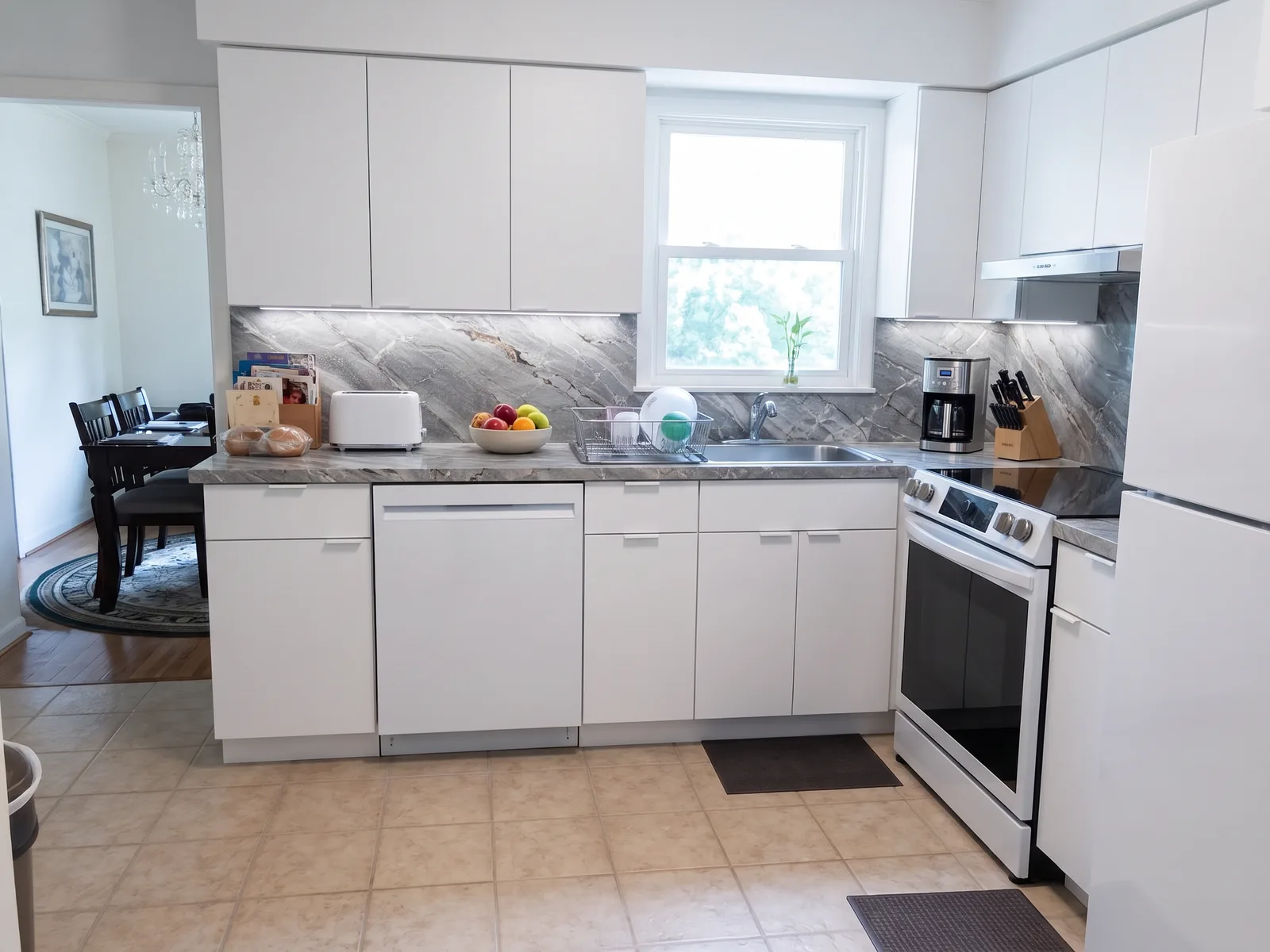
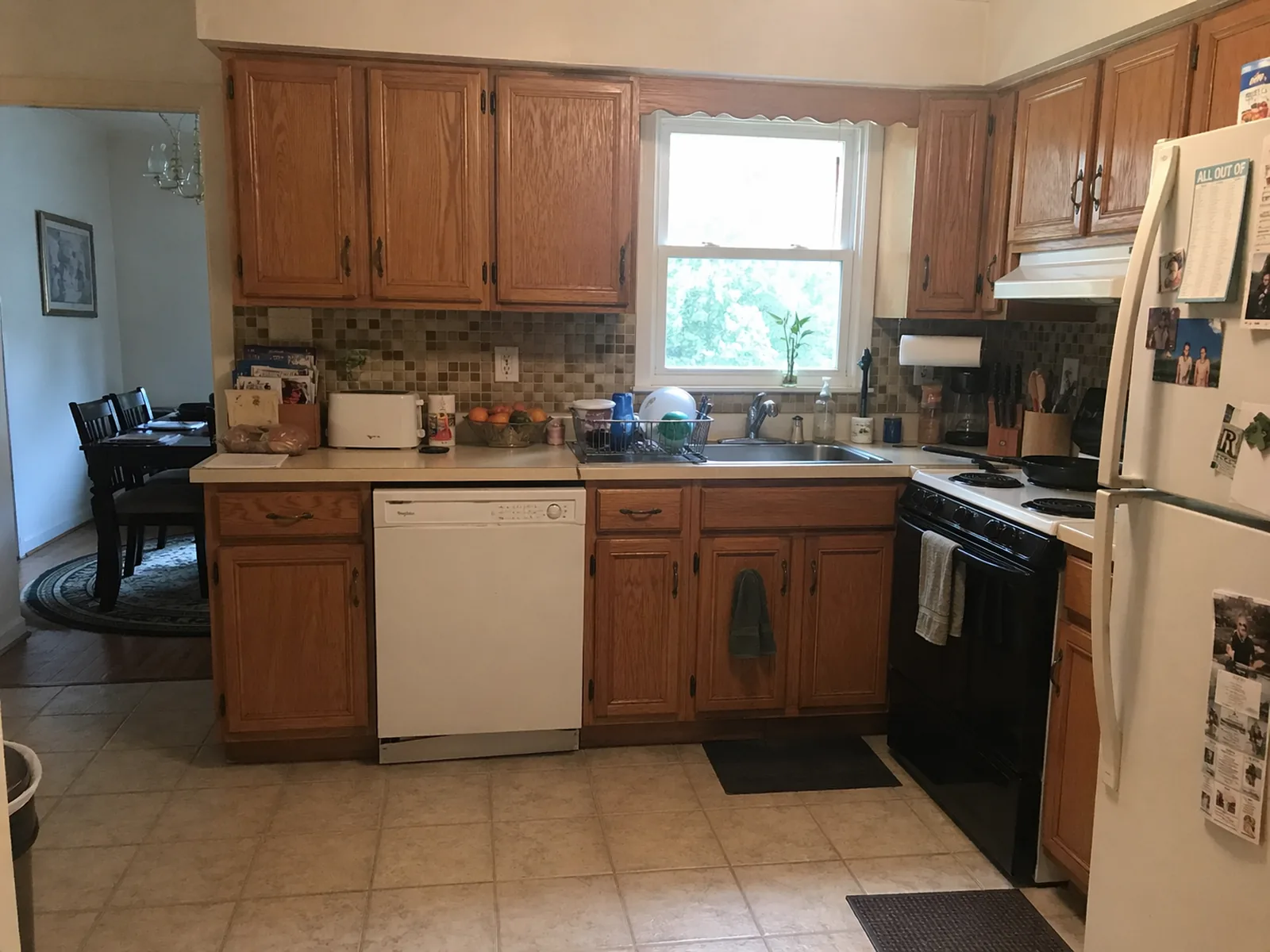 BeforeAfter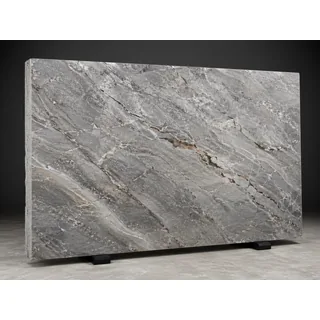
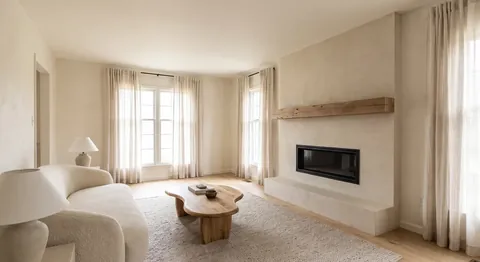
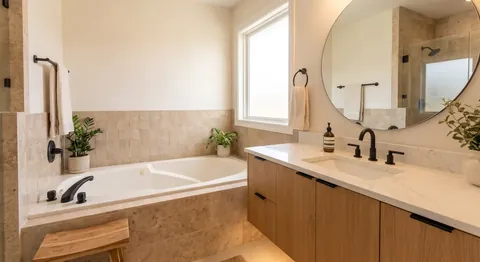
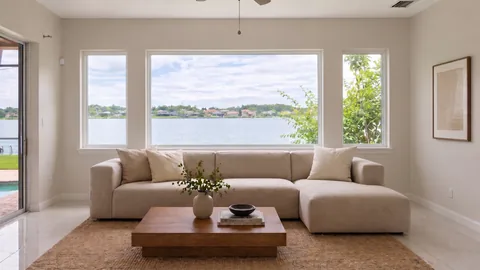
Real app output, one request per result. The bathroom and living room came from one batch with a single prompt.
Free trial · No credit card · Plans from $9.99/mo
ChatGPT Can Draw a Kitchen. It Can't Remodel Your Client's.
Renderings cost hundreds and take weeks; chatbots redraw the room. Show clients their real space with the materials they chose.
How It Works
Photograph the space
The client's kitchen, bathroom, room or exterior. A phone photo from the walkthrough is fine.
Add what they picked
Optional: up to 4 photos of the slab, tile, cabinets, windows or pavers. Mark exact spots with the built-in editor.
Describe the job
One sentence. Download the result and add it to your estimate or proposal.
Every Room. Every Trade.
If it's in the scope of work, you can show it.
Projects
- Kitchen remodel
- Bathroom remodel
- Living room
- Basement finishing
- Whole-house renovation
- Exterior remodel
- Window replacement
- Driveways & patios
Materials & finishes
- Countertops & slabs
- Cabinets
- Backsplash & tile
- Flooring
- Fixtures
- Fireplaces
- Siding
- Pavers
Built for the Pros Who Sell the Job
General contractors
Show the finished project in the estimate, not just line items.
Remodelers
Help clients commit by showing their own home, remodeled.
Kitchen & bath remodelers
Put the slab, tile and cabinets the client picked into their own kitchen.
Window, siding & exterior pros
Show new windows or siding on the client's actual house.
Landscapers & hardscapers
Preview pavers and patios on the client's yard.
Homeowners
See the remodel before you hire anyone or order materials.
Remodeling Guides
Remodel Visualizer FAQ
What is an AI remodel visualizer?
Upload a photo of a kitchen, bathroom, room or house and describe the remodel. The AI shows the same space remodeled, keeping the structure and camera angle.
Can I show the exact materials my client picked?
Yes. Add up to 4 reference photos, like a slab from the stone yard, a tile, a cabinet door or a paver swatch, and say where they go. It's a visualization, so confirm specs with the supplier.
Can I use the images in estimates and proposals?
Yes. You own the images you create and can use them commercially: estimates, proposals, client presentations, your website and social media.
Can I give the client several options?
Yes. Ask for 1–4 variations of the same photo and let the client choose, or swap the reference photo to try another material.
Can I remodel a whole house at once?
Yes. With batch edit you upload up to 100 photos and write one prompt; the AI Agent writes a brief for each photo so every room comes back in one style. Batch edit is included in the Creator and Pro plans.
Does it measure rooms or estimate costs?
No. It's a visualization tool: it doesn't take measurements, draw plans or price materials. Use it next to your own takeoff and estimate.
Does it keep the client's real house?
It is instructed to keep walls, windows, rooflines and the camera angle and change only what you describe. Check results closely before using them to make decisions.
Can't I just use ChatGPT?
General chatbots work one image per conversation, often redraw walls and windows, and tend to invent a lookalike instead of using the exact material. OptimAImage is built to keep the real space, uses your reference photos and handles up to 100 photos per batch.
How much does it cost?
New accounts get free credits to try it — no credit card required. Plans start at $9.99/month, and an image costs from about $0.09 in credits depending on your plan and quality mode (lowest on the Pro annual plan).
Show the Client the Finished Job
Upload a photo, add the materials they picked and describe the remodel. Free trial, no credit card required.