See Your House or Room in Any Color.One Photo. One Sentence.
Upload a photo of your house — outside or any room — and type the colors you're considering. The AI repaints siding, trim, doors, brick or walls and keeps your real house, windows and furniture.
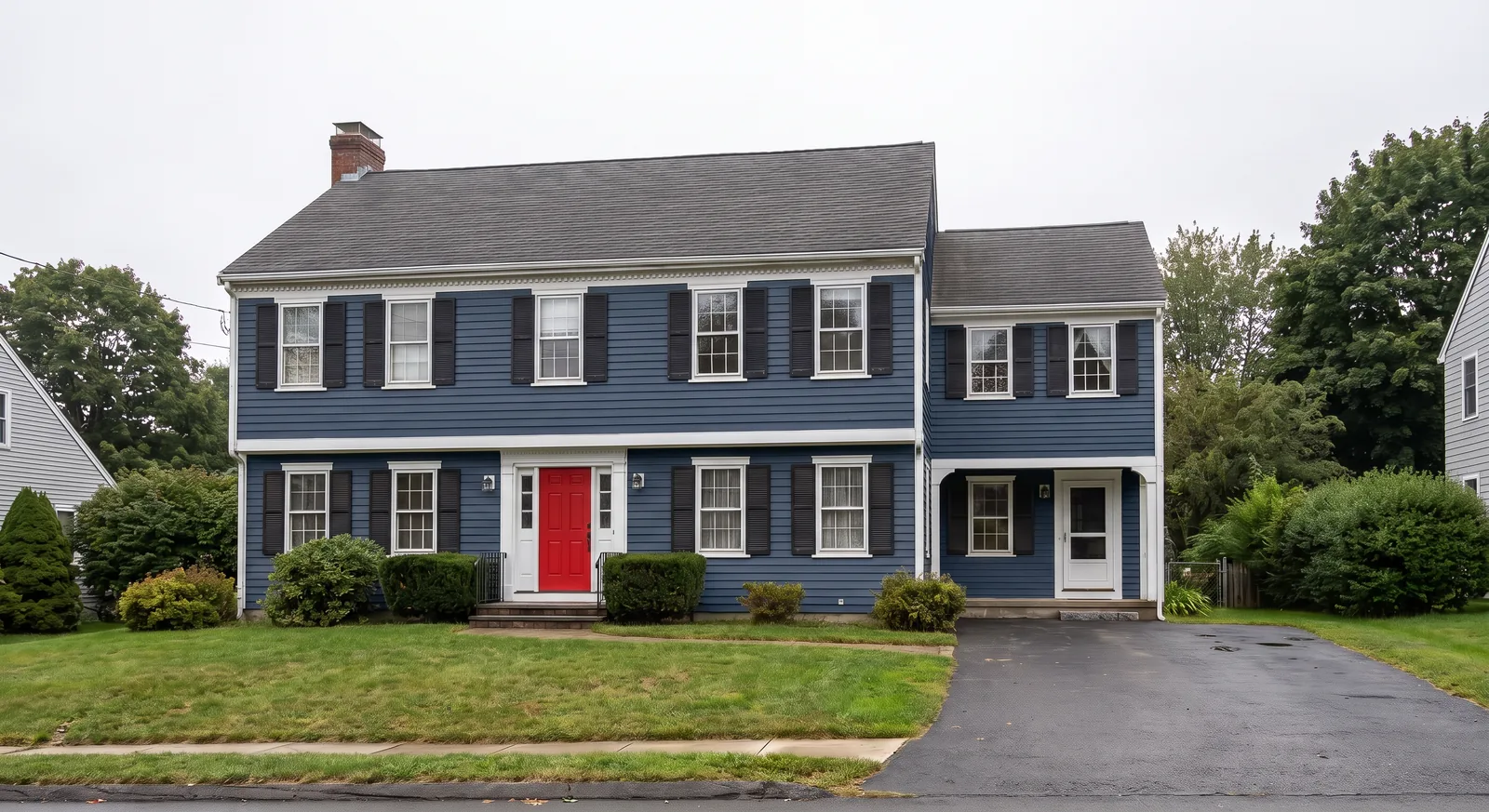
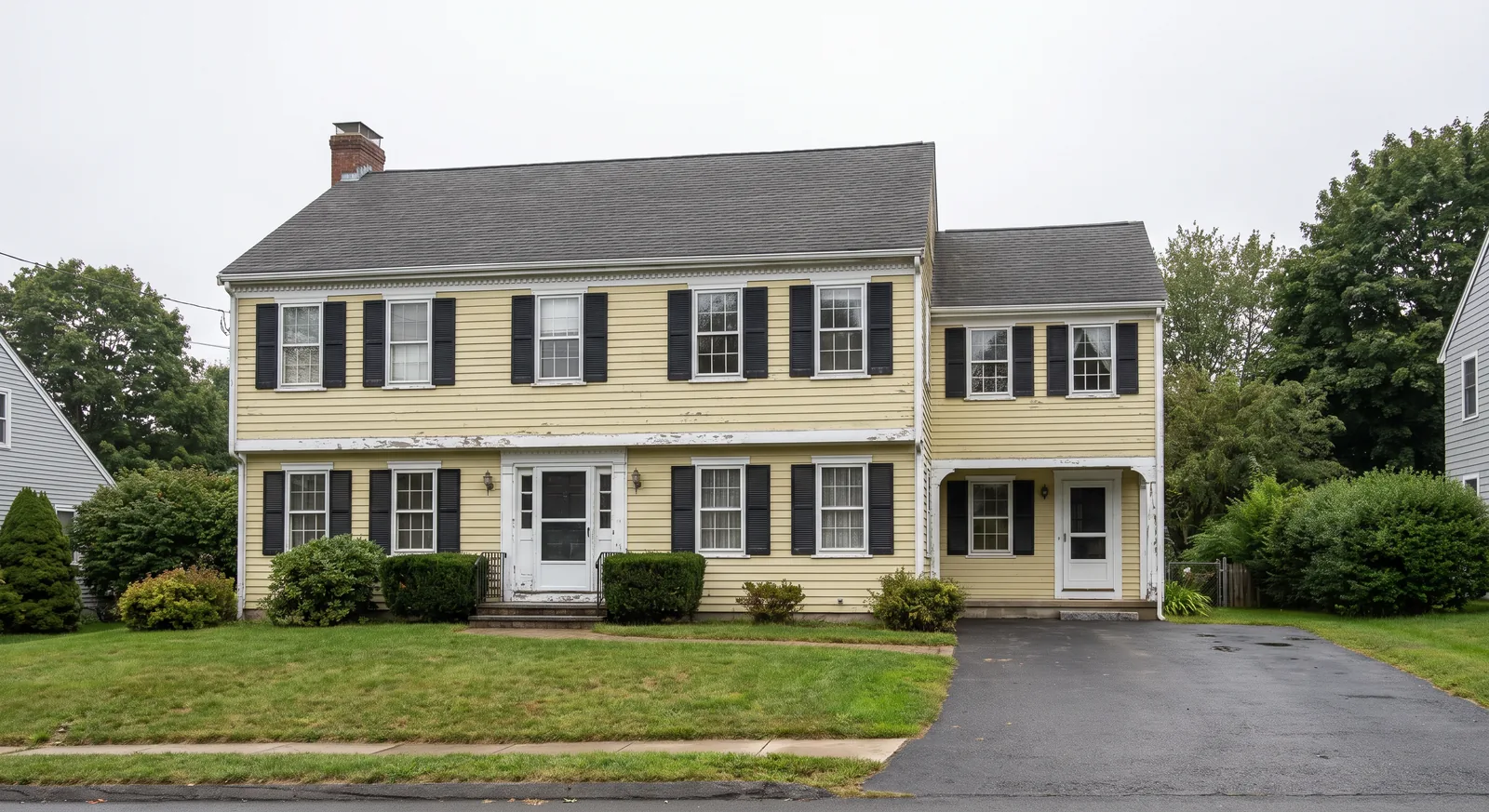 BeforeAfter
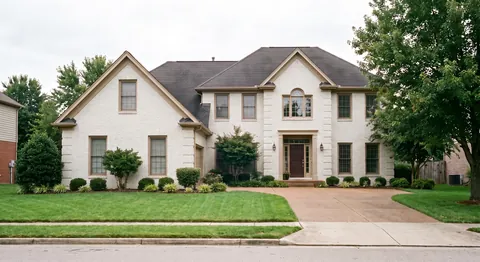
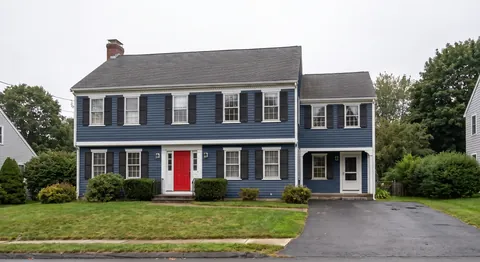
Real output: each photo repainted from the one-line prompt shown above. The house, windows and landscaping are kept.
Free trial · No credit card · Plans from $9.99/mo
A Paint Chip Can't Show You the Whole House.
Swatches, sample pots and general AI chatbots each fall short. See your actual home before you buy a gallon.
How It Works
Upload a photo
A straight-on photo of your house or room from your phone is enough.
Describe the colors
“Sage green with white trim” — or ask for four options and compare.
Compare and decide
Download the ones you like and share them with your family, painter or HOA.
Compare Color Schemes Side by Side
Turn on Variations: let the AI suggest up to four schemes, or list the colors you're torn between and get one image per color.
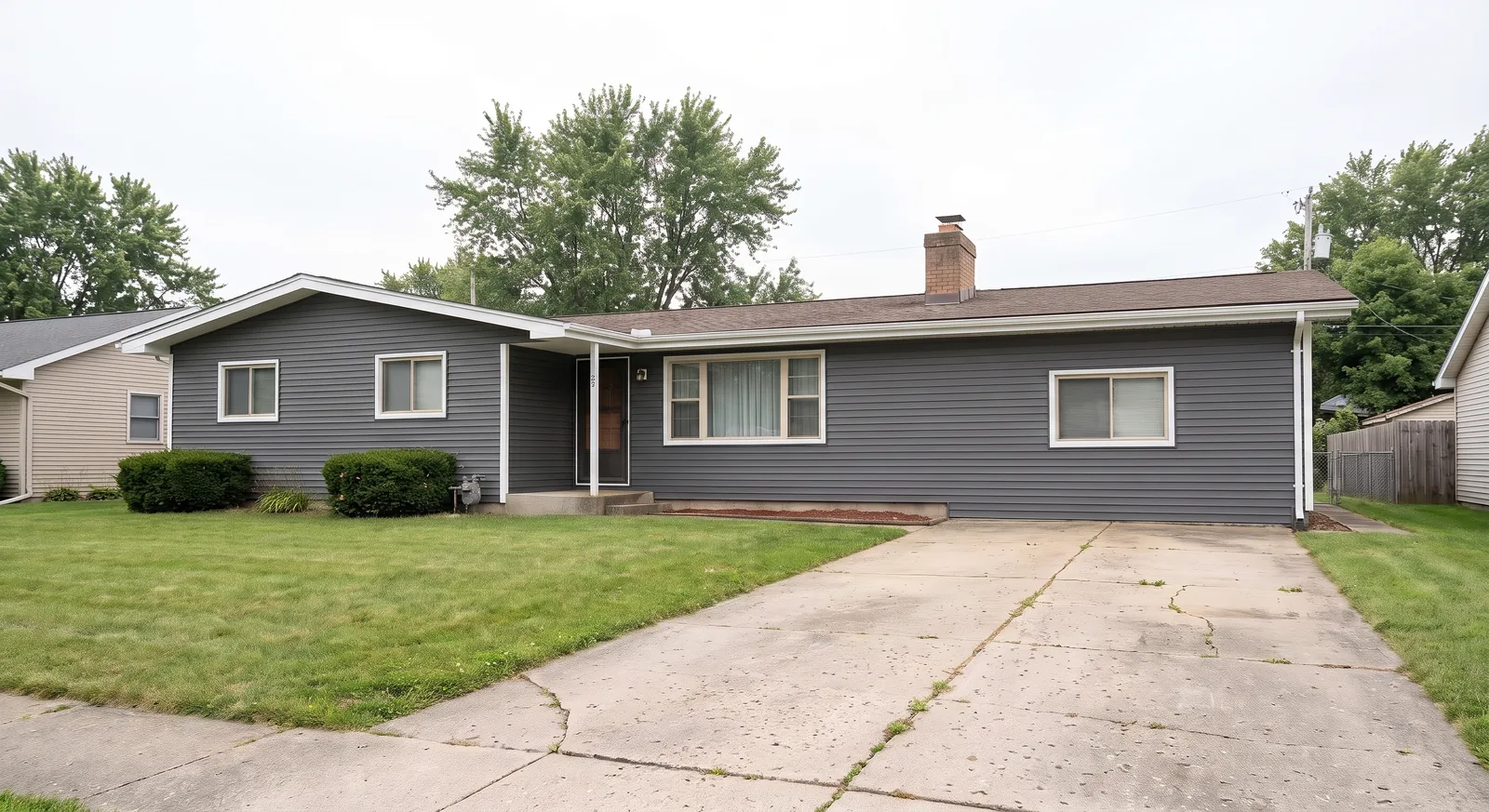
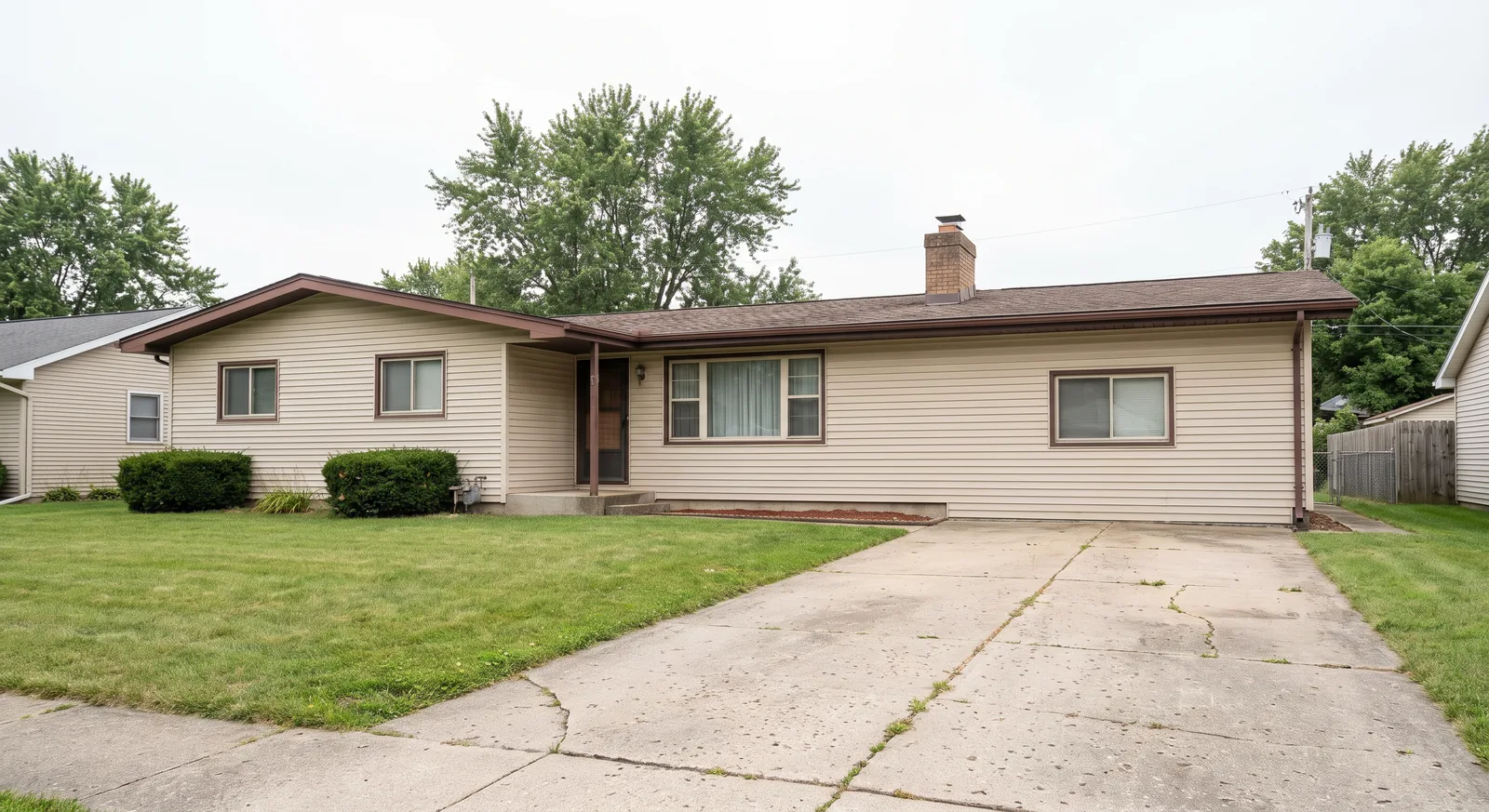 BeforeCharcoal + white
Real output: one prompt with Variations set to 4 — the AI Agent picked four different schemes for this ranch house.
Any Color. Any Surface.
Name a color, a paint brand's color name or a whole scheme — the AI applies it to the parts you mention.
Popular exterior schemes
- Sage green + white trim
- Navy + white
- Charcoal + black
- Painted white brick
- Black modern farmhouse
- Warm white + black windows
- Greige
- Board and batten
What it can repaint
- Siding
- Trim
- Front door
- Shutters
- Brick
- Stucco
- Interior walls
- Cabinets
Built for Everyone Choosing Colors
Homeowners
See the color on your own house before you hire a painter.
Painting contractors
Show clients the finished house before the bid is signed. On the Creator plan, Batch edit repaints every side of the house — front, back, garage — with one prompt.
Agents & sellers
Preview curb-appeal updates before you list.
Designers & architects
Present several exterior palettes in one meeting.
HOA applications
Attach a realistic image to your color-change request.
Builders
Show buyers color packages on the real elevation.
Paint & Color Guides

Paint Visualizer Questions, Answered
How does the AI house paint visualizer work?
Upload a photo of your house and describe the colors — for example “paint it navy blue with white trim and a red front door.” The AI Agent turns that into a detailed instruction and repaints the surfaces you named, keeping the house, windows, roof and landscaping as they are.
Will it change my house or just the paint?
It is instructed to change only the colors you ask for and to keep the architecture, roofline, windows and surroundings. Like any AI image, check the result closely before you make decisions.
Can I compare several color schemes?
Yes. Ask for up to 4 variations in one request to get four different schemes for the same photo, or change one word in your prompt to try a specific color.
Can I paint brick or stucco?
Yes. Ask for painted or limewashed brick or a new stucco color — or keep the brick and change only the trim and door.
Does it work for interior rooms?
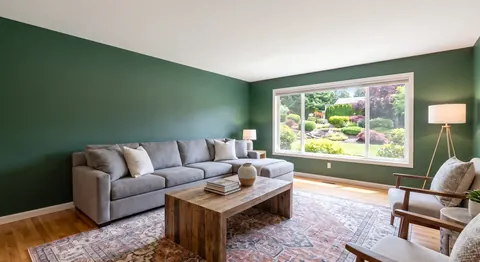
Yes. Upload a room photo and ask for a new wall, cabinet or trim color; the furniture and layout stay the same.
Can I use a specific paint brand's color?
You can name any color, including a brand's color name. The AI interprets it from the name, so treat the result as a visual guide and confirm with a physical sample before you buy paint.
Can't I just use ChatGPT?
You can try, but general chatbots often redraw the house, change windows or the roofline, and work one image per conversation. OptimAImage is built to keep your real house and can return four color options from one prompt.
Is there a free AI paint visualizer?
You can try it for free: new accounts get free credits, no credit card required. After that it is a paid service — plans start at $9.99/month, and an image costs from about $0.09 in credits depending on your plan and quality mode (lowest on the Pro annual plan).
See Your House in Its New Color
Upload a photo, type the colors, compare the options. Free trial, no credit card required.