AI video generator with AI Director

AI Video Generator Best & Simplest

Start with a photo, an idea or a clip. Describe what should happen; AI Director writes the detailed video instructions.

If we can't do it, no one can.

Plans from $7.50/month or pay as you go · Cancel anytime

All plans or pay as you go. Review the price before rendering.

How the AI video generator works

How AI video generation works

  1. Choose a starting point

    A photo, two photos, several photos, a few words or a clip you already have.

  2. Describe what happens

    AI Director turns your direction and your media into detailed video instructions.

  3. Review the price, then render

    See the fixed credit price first. Keep the versions you like and build your scenes.

From one photo to a finished scene

You set the vision. AI Director takes it further.

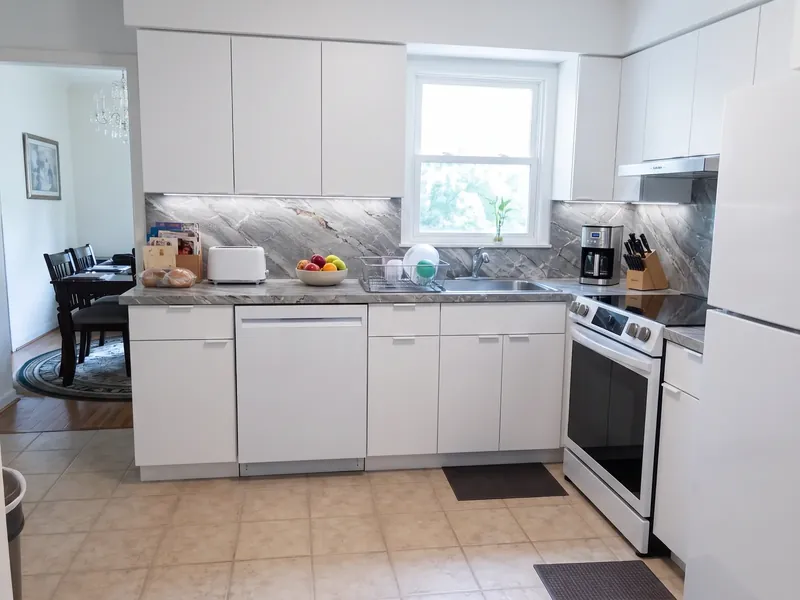
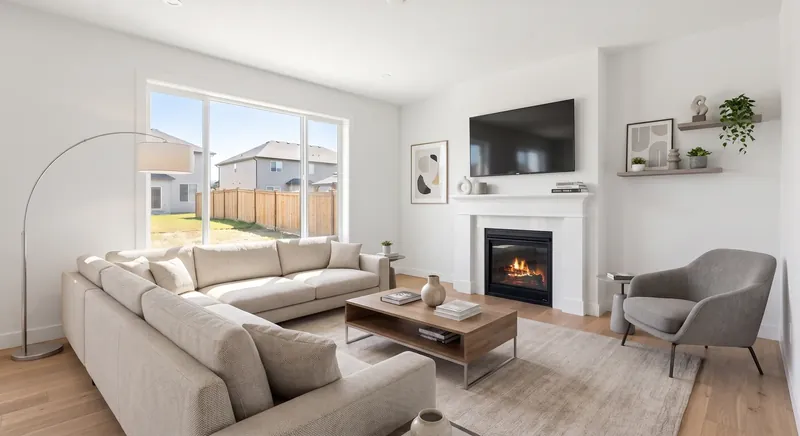
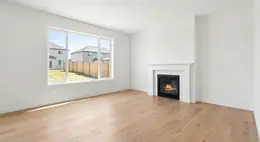
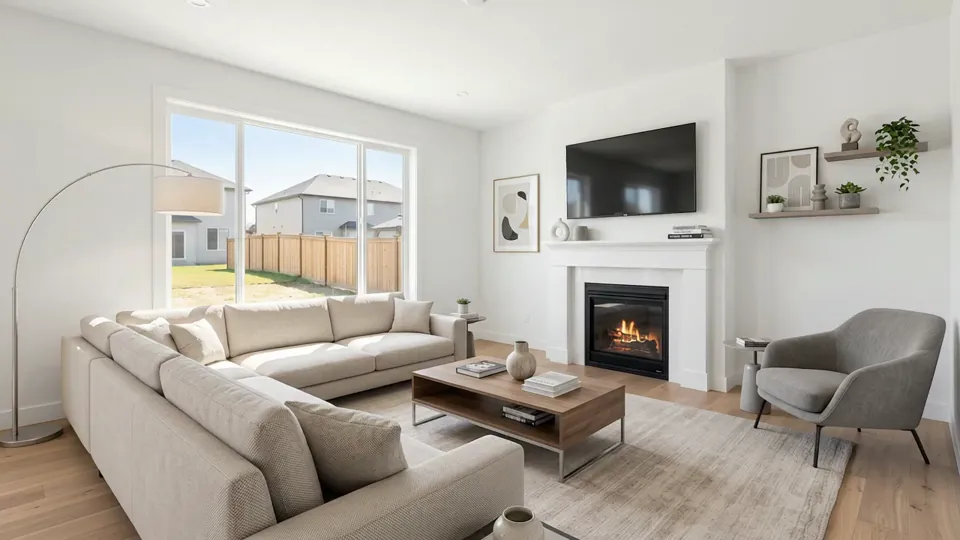
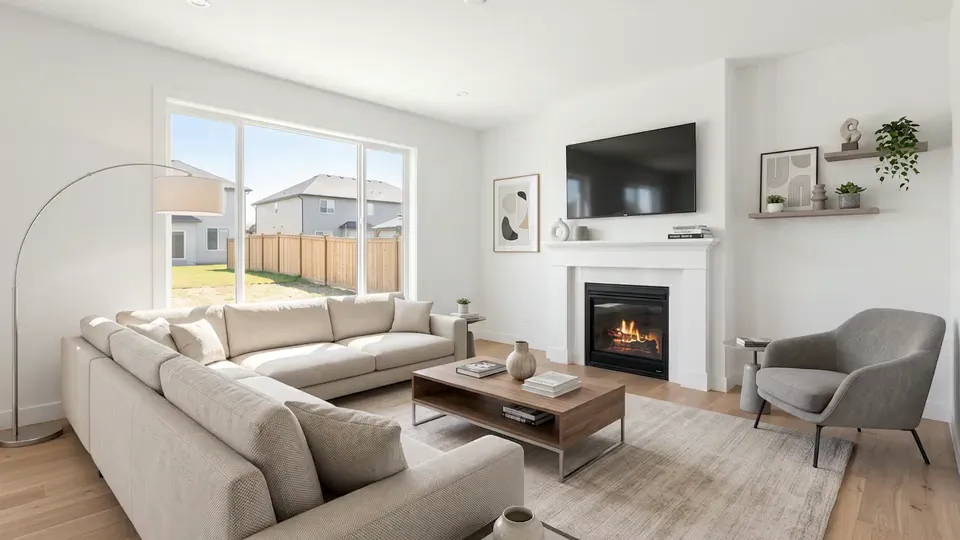
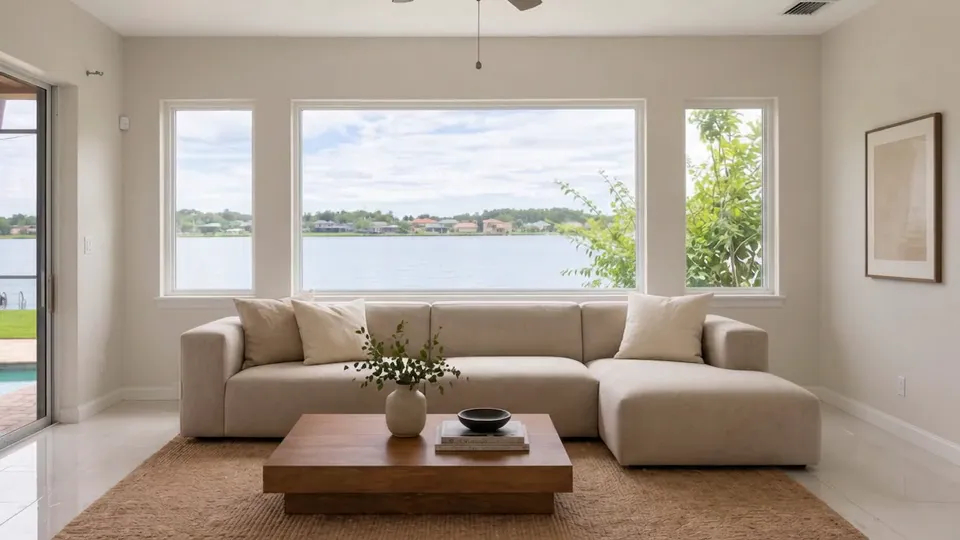
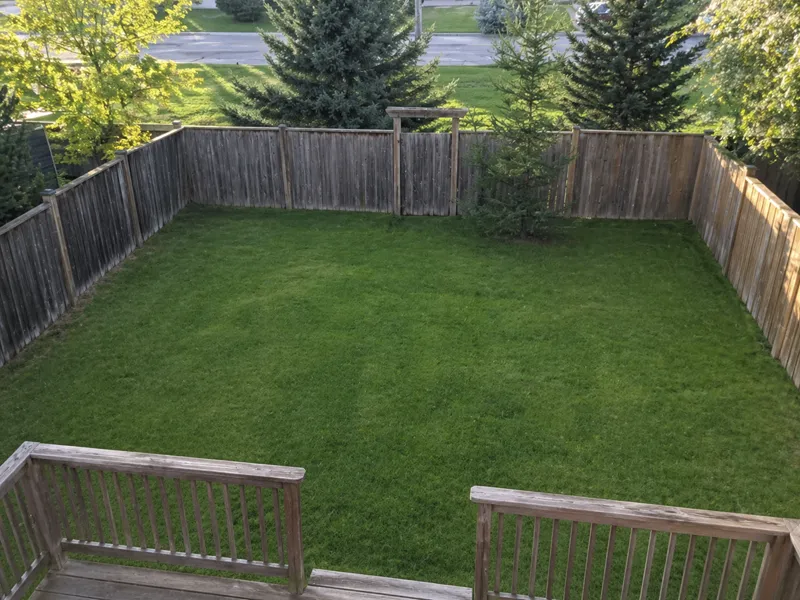
Two real AI Director clips: a backyard from a photo and three product photos, and a living room from one photo. A short line was all it took.

  1. Your photo: the backyard

    Your photo: the backyard

  2. Scene: the backyard design comes together

    “Please animate the backyard design.”

  3. Scene: the living room in motion

    “Please animate”

Generate. Edit. Extend. Upscale.

Everything your video needs, in one studio

  • Start where your idea starts

    Animate a photo, create from words, connect a beginning and an ending photo, or guide a scene with up to 6 photos.

  • Direction with context

    AI Director reads your words and your media, then writes the detailed instructions. You keep the creative decisions.

  • Edit the video you have

    Describe the change and get a new version of your clip. Earlier versions stay.

  • Extend and upscale

    Continue the action 3–10 seconds at a time, or raise a clip to 1080p.

  • Sound in the direction

    AI-generated sound, silence, or your own recorded narration over the scene.

  • Scenes into one video

    Put your chosen versions in order and export one video of up to 12 scenes.

What one render can do

  • 3–15 seconds per clip
  • 360p, 720p or 1080p
  • Landscape 16:9 or portrait 9:16
  • Exports of up to 12 scenes and 3 minutes
  • Every plan, or pay as you go

One studio from the first frame to export

OptimAImage vs other AI video tools

AI Director vs text-to-video apps, timeline editors and video production

The intelligent choice

OptimAImage

One AI Director instead of a stack of video apps.

  • Start from your own photo or design, not a blank prompt
  • AI Director writes the detailed video instructions
  • See the fixed credit price before every render
  • Edit, extend and upscale in the same studio
  • Every render is a saved version you can compare
  • Arrange scenes and export one video
  • AI-generated sound, silence or your narration
  • Every plan, or pay as you go

Text-to-video apps

General AI video generators

vs OptimAImage
  • No: You write the detailed prompt yourself
  • No: A blank prompt, not your own home design
  • No: Your images and your videos live in separate apps
  • No: No home-design workflow before the video

Good for: quick creative clips.

Timeline video editors

Traditional editing apps

vs OptimAImage
  • No: Every change is manual work
  • No: A new scene still needs footage to start from
  • No: A learning curve before the first result
  • No: Changing the look often means re-editing every shot

Good for: precise cuts, captions and multitrack edits.

Video production

Videographers and agencies

vs OptimAImage
  • No: Booking and a shoot before you see anything
  • No: Days to weeks per edit
  • No: Every change is a new request
  • No: Priced per project

Good for: filmed footage and full productions.

Other tools and services vary by provider and brief. AI results are visualizations; review details before buying or building.

Start on your phone. Finish on the big screen.

AI home design app for iPhone, Android & web

Your ideas go wherever you do. Your saved designs, plan and credits follow your account across iPhone, Android and the web.

  • Your saved gallery, across devices
  • Your plan and credits in the same account
  • One familiar way to describe every idea

Design on the big screen

Open OptimAImage in any browser on your computer. Nothing to install, and every design you made on your phone is already there.

Open the web app

Use the same account on every device.

Customer stories

Homeowners and the pros they hire

From one room to a whole listing: real people use OptimAImage to decide faster and explain their ideas without the back-and-forth.

  • I can present 4 concepts in the time it used to take me to make one mood board.
    Priya K., NYCInterior designer
  • Buyers can see themselves in the space before we even list. Offers come in faster.
    Marcus D., Miami FLReal estate agent
  • My clients approve designs on the first call now. I've cut revision time in half.
    James R., Austin TXContractor
  • I showed my contractor the exact render. Zero back-and-forth. Zero surprises.
    Sarah M., Dallas TXHomeowner
  • Client sign-offs used to take weeks. Now they see it and say yes on the spot.
    Elena V., Chicago ILArchitect

Built for your next project

Choose the plan that fits your project.

Every plan includes the AI Agent, all 4 generation modes and your cloud gallery. Cancel anytime.

Subscriptions

  • Starter

    For one home project: repaint, redesign a room or plan a remodel.

    $9.99$7.50/month

    Up to 75 images/month

    • All tools: images, batch & AI Director video
    • Projects & client pick links
    • Priority queue
    • Faster generations
    • Your logo on client links
    See plan details
  • Pro

    For contractors, designers and teams with client work every week.

    $39.99$30.00/month

    Up to 350 images/month

    • All tools: images, batch & AI Director video
    • Projects & client pick links
    • Priority queue
    • Faster generations
    • Your logo on client links
    See plan details
  • Business & Enterprise

    For brokerages, builders and teams with custom needs.

    Custom

    • Custom generation credits
    • Custom design styles & features
    • Custom AI models
    • Custom design workflows
    • Priority AI processing
    • Dedicated support services
    Contact us

Annual plans save 25% · Unused monthly credits roll over all year

Pay as you go

One-time purchases • Never expire • No subscription needed

  • Quick Boost

    $4.99 one-time

    1,000 credits · Up to 25 images

  • Creator Boost

    $12.99 one-time

    3,000 credits · Up to 75 images

  • Power Boost

    $29.99 one-time

    8,000 credits · Up to 200 images

Support

AI video generator questions, answered

No. AI Director develops the video instructions from your direction and the media you choose. You describe the scene; it writes the detailed brief for the render.

Yes. Upload a clip or pick a saved version, choose a 3–15 second part and describe the change. The new render is saved as a new version.

Each render makes 3–15 seconds. Extend a clip 3–10 seconds at a time, and arrange up to 12 scenes into one exported video of up to 3 minutes.

360p, 720p or 1080p, in landscape 16:9 or portrait 9:16. You can also upscale a finished clip.

No. The task, length, quality and sound change the price. You see the fixed credit price before every render, and that price is final.

Yes. AI Director is on every plan and works with credit packs, as long as your balance covers the quoted price.

Still have questions? Contact our support team

Your next scene starts with your direction.

All plans or pay as you go. Credits required. Review the price before rendering.

Plans from $7.50/month or pay as you go · Cancel anytime
Download on the App StoreGet it on Google Play