
AI before & after transformation video

AI Video Transitions Best & Simplest

Start with your original photo and the redesigned one. Describe how the change unfolds, and get one video of the transformation.

If we can't do it, no one can.

Plans from $7.50/month or pay as you go · Cancel anytime

All plans or pay as you go. Review the price before rendering.

How AI video transitions work

How AI video transitions work

  1. Add the before and the after

    Your original photo first, the redesign last.

  2. Describe the change

    Say how the space should transform between them.

  3. Review the price, then render

    Get one 3–10 second clip of the transformation.

Before, after and the video between

Your home. Before, after and the possibility between.

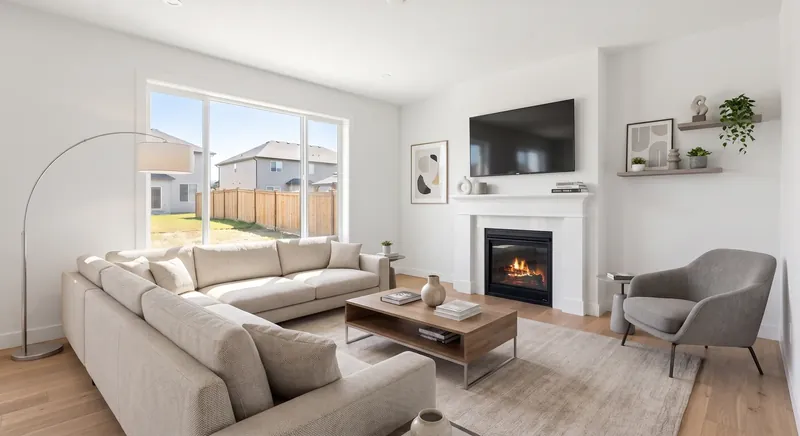
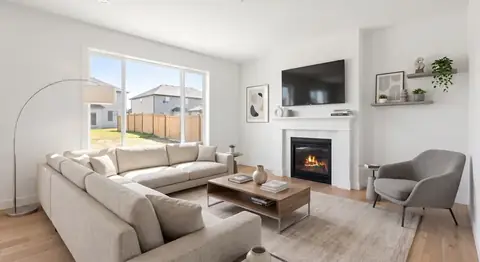
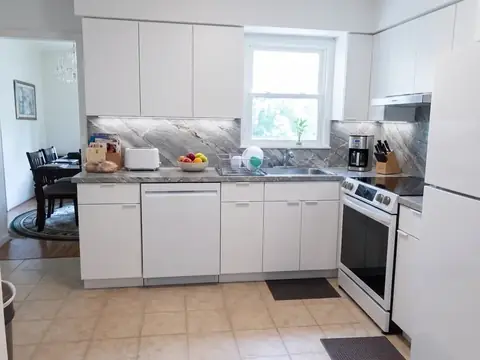
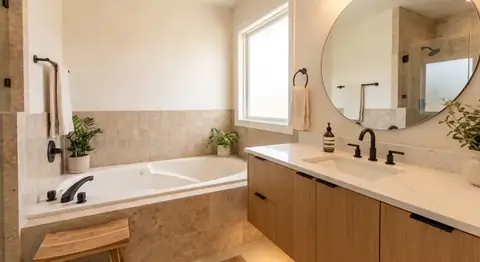
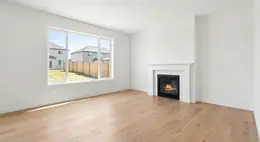
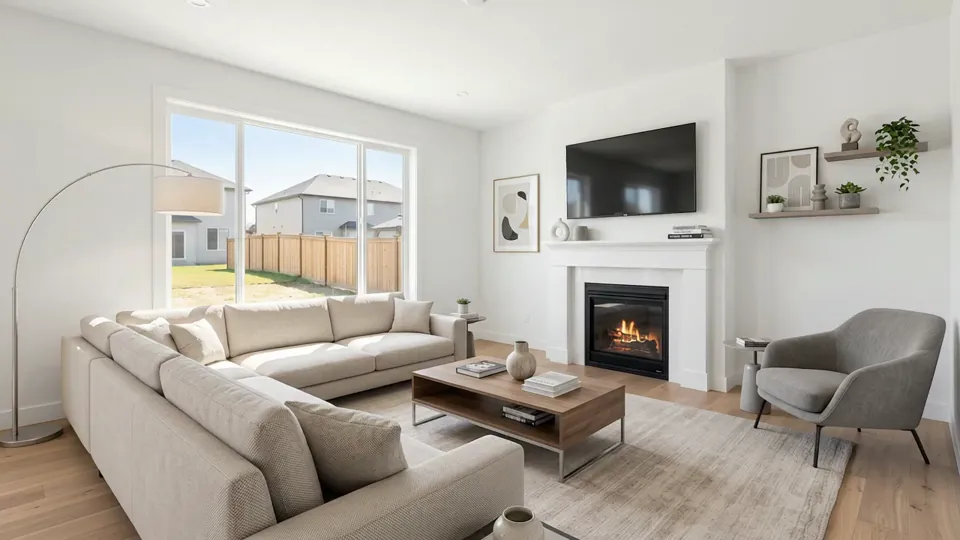
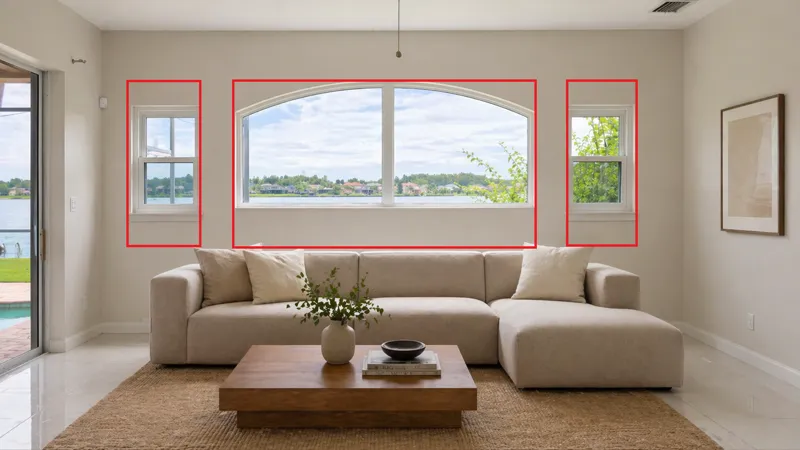
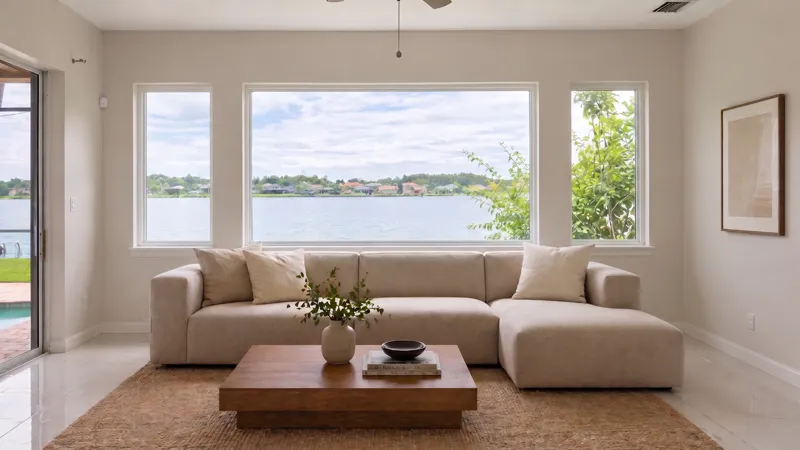
Two frames from one window remodel, and the video that connects them.

  1. Beginning: the room, with the windows marked

    Beginning: the room, with the windows marked

  2. End: the new picture windows

    End: the new picture windows

  3. Generated transformation

    “Please animate this remodeling”

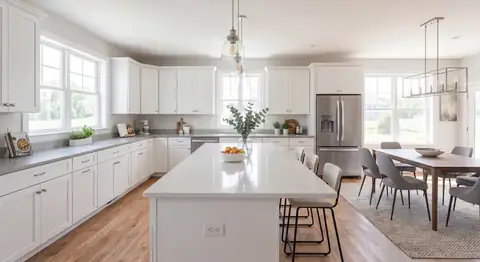
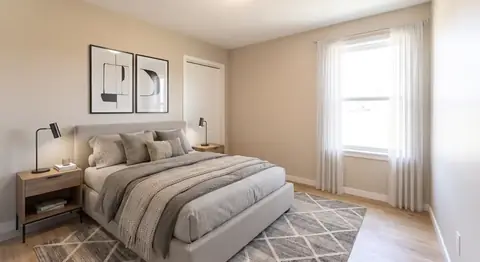
Room, paint or staging reveals

Make the transformation tell a story

  • Give the scene a destination

    The beginning and ending photos guide the video. Your words explain how to get from one to the other.

  • Any home transformation

    A remodel reveal, a new paint color or an empty room being staged.

  • Made from your own designs

    Use a redesign you made in OptimAImage as the ending photo.

  • Use it in a longer video

    Add the transformation to your scenes and export one video.

What you can set

  • 3–10 seconds per transformation
  • 360p, 720p or 1080p
  • Landscape 16:9 or portrait 9:16
  • Swap the beginning and the end in one tap

A real transformation, not a fade

OptimAImage vs crossfades and timelapses

AI transitions vs crossfade apps and renovation timelapses

The intelligent choice

OptimAImage

One AI Director instead of a stack of video apps.

  • A generated transformation, not a fade
  • Your real before photo and your new design
  • Describe how the change happens
  • AI Director writes the detailed instructions
  • See the fixed credit price before every render
  • Edit, extend or upscale the result
  • Every plan, or pay as you go
  • Web, iPhone and Android with one account

Slideshow and crossfade apps

Photo slideshow tools

vs OptimAImage
  • No: One photo fades into the other
  • No: Nothing in the room actually changes
  • No: The same effect on every project
  • No: No way to describe the change

Good for: simple before-and-after slideshows.
Renovation timelapses

Filming the real work

vs OptimAImage
  • No: Only possible once the work is done
  • No: Weeks of filming
  • No: A camera on site the whole time
  • No: Can't show an idea before you decide

Good for: documenting a finished project.

Other tools and services vary by provider and brief. AI results are visualizations; review details before buying or building.

Start on your phone. Finish on the big screen.

AI home design app for iPhone, Android & web

Your ideas go wherever you do. Your saved designs, plan and credits follow your account across iPhone, Android and the web.

  • Your saved gallery, across devices
  • Your plan and credits in the same account
  • One familiar way to describe every idea

Design on the big screen

Open OptimAImage in any browser on your computer. Nothing to install, and every design you made on your phone is already there.

Open the web app

Use the same account on every device.

Customer stories

Homeowners and the pros they hire

From one room to a whole listing: real people use OptimAImage to decide faster and explain their ideas without the back-and-forth.

  • My clients approve designs on the first call now. I've cut revision time in half.
    James R., Austin TXContractor
  • I showed my contractor the exact render. Zero back-and-forth. Zero surprises.
    Sarah M., Dallas TXHomeowner
  • I can present 4 concepts in the time it used to take me to make one mood board.
    Priya K., NYCInterior designer
  • Client sign-offs used to take weeks. Now they see it and say yes on the spot.
    Elena V., Chicago ILArchitect
  • Buyers can see themselves in the space before we even list. Offers come in faster.
    Marcus D., Miami FLReal estate agent

Built for your next project

Choose the plan that fits your project.

Every plan includes the AI Agent, all 4 generation modes and your cloud gallery. Cancel anytime.

Subscriptions

  • Starter

    For one home project: repaint, redesign a room or plan a remodel.

    $9.99$7.50/month

    Up to 75 images/month

    • All tools: images, batch & AI Director video
    • Projects & client pick links
    • Priority queue
    • Faster generations
    • Your logo on client links
    See plan details
  • Pro

    For contractors, designers and teams with client work every week.

    $39.99$30.00/month

    Up to 350 images/month

    • All tools: images, batch & AI Director video
    • Projects & client pick links
    • Priority queue
    • Faster generations
    • Your logo on client links
    See plan details
  • Business & Enterprise

    For brokerages, builders and teams with custom needs.

    Custom

    • Custom generation credits
    • Custom design styles & features
    • Custom AI models
    • Custom design workflows
    • Priority AI processing
    • Dedicated support services
    Contact us

Annual plans save 25% · Unused monthly credits roll over all year

Pay as you go

One-time purchases • Never expire • No subscription needed

  • Quick Boost

    $4.99 one-time

    1,000 credits · Up to 25 images

  • Creator Boost

    $12.99 one-time

    3,000 credits · Up to 75 images

  • Power Boost

    $29.99 one-time

    8,000 credits · Up to 200 images

Support

Before-and-after video questions, answered

No. It generates the change between your two photos instead of fading one into the other.

They guide the beginning and the end, but an exact match isn't guaranteed. Check the clip before you use it.

3 to 10 seconds per clip. Add it to your scenes for a longer video.

No. It's a generated visualization of an idea, not footage of real work.

Still have questions? Contact our support team

Show how the idea could unfold.

All plans or pay as you go. Credits required. Review the price before rendering.

Plans from $7.50/month or pay as you go · Cancel anytime
Download on the App StoreGet it on Google Play