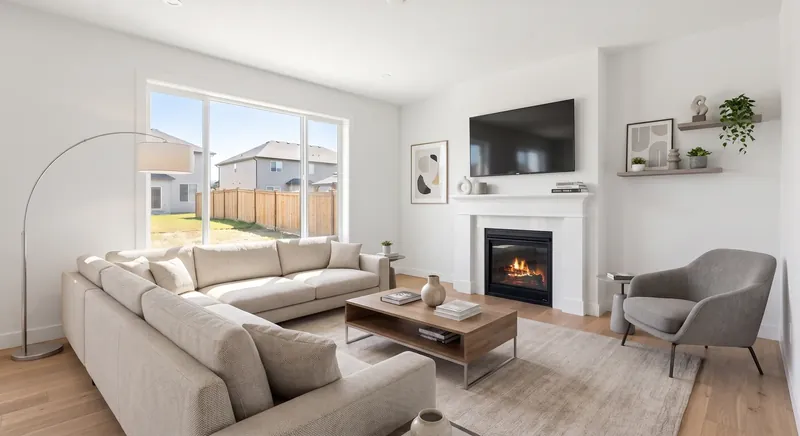
Video tutorials
How OptimAImage Works
Pick a path, see the steps, then watch a short video of the real app. Every tool works on every plan or with credit packs.
34 videos
Ways to Edit
 1:041
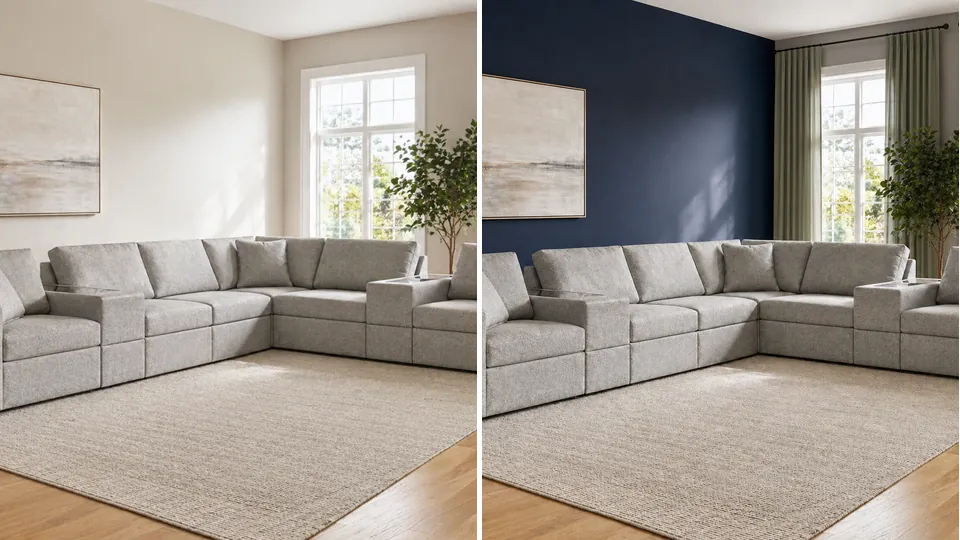
Single Edit
One photo, one prompt, one result
Watch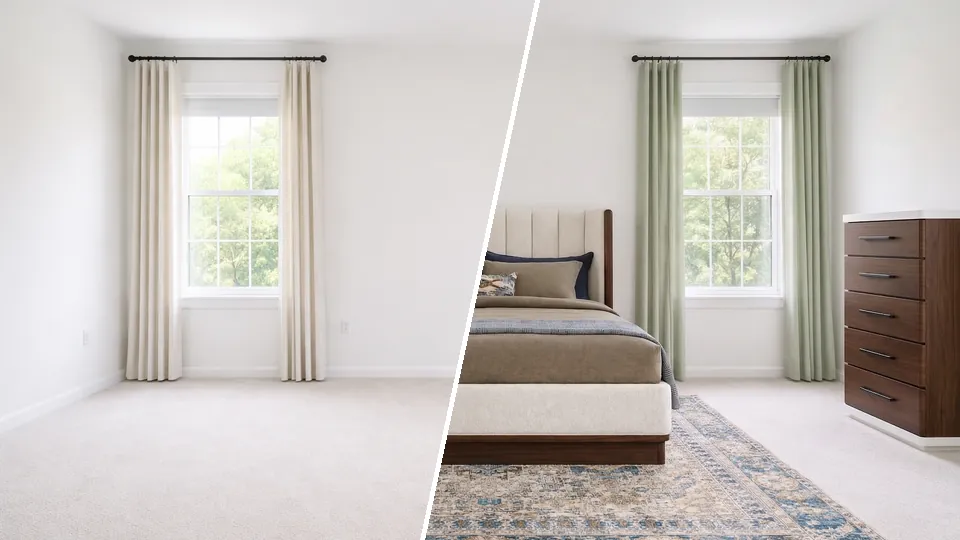 1:072
Reference Images
Your photo + up to 4 references, in one prompt
Watch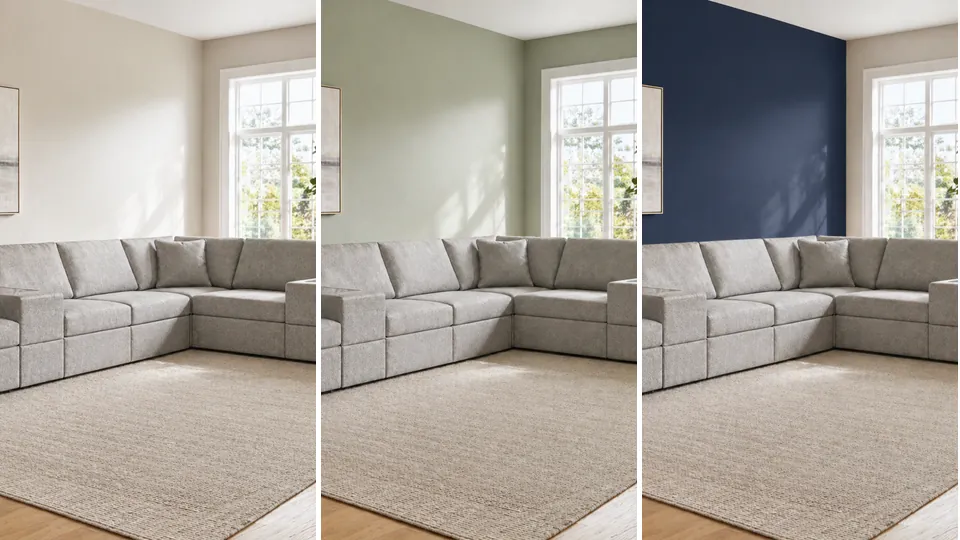 1:063
Variations
One photo, one prompt, one image per option
Watch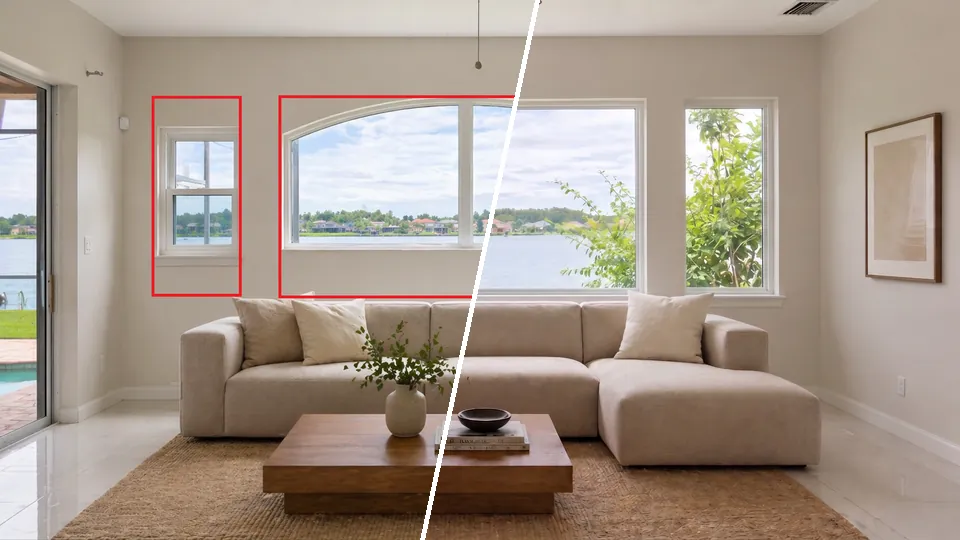 1:054
Guided Editing
Show the AI where and what to change
Watch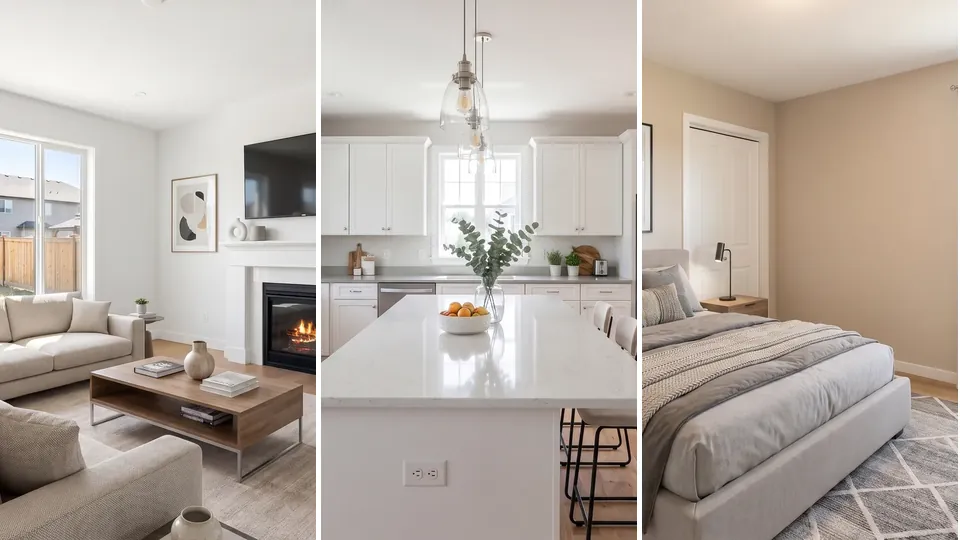 1:505
Batch Edit
One edit, applied to many photos at once
Watch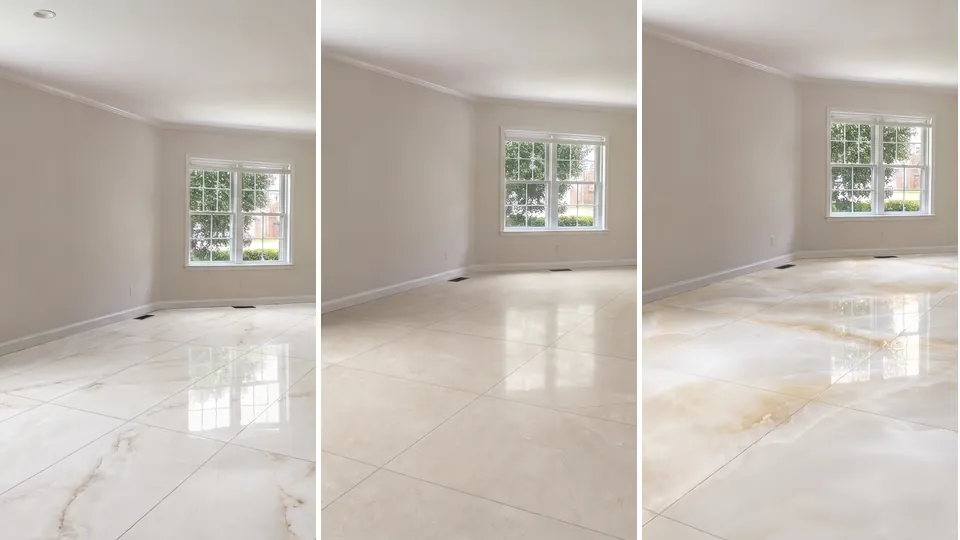 1:106
All Combinations
Every photo with every option, in one batch
Watch
Ideas: ready-made looks
Pick a look for your space, compare up to 4, or use one for every photo.
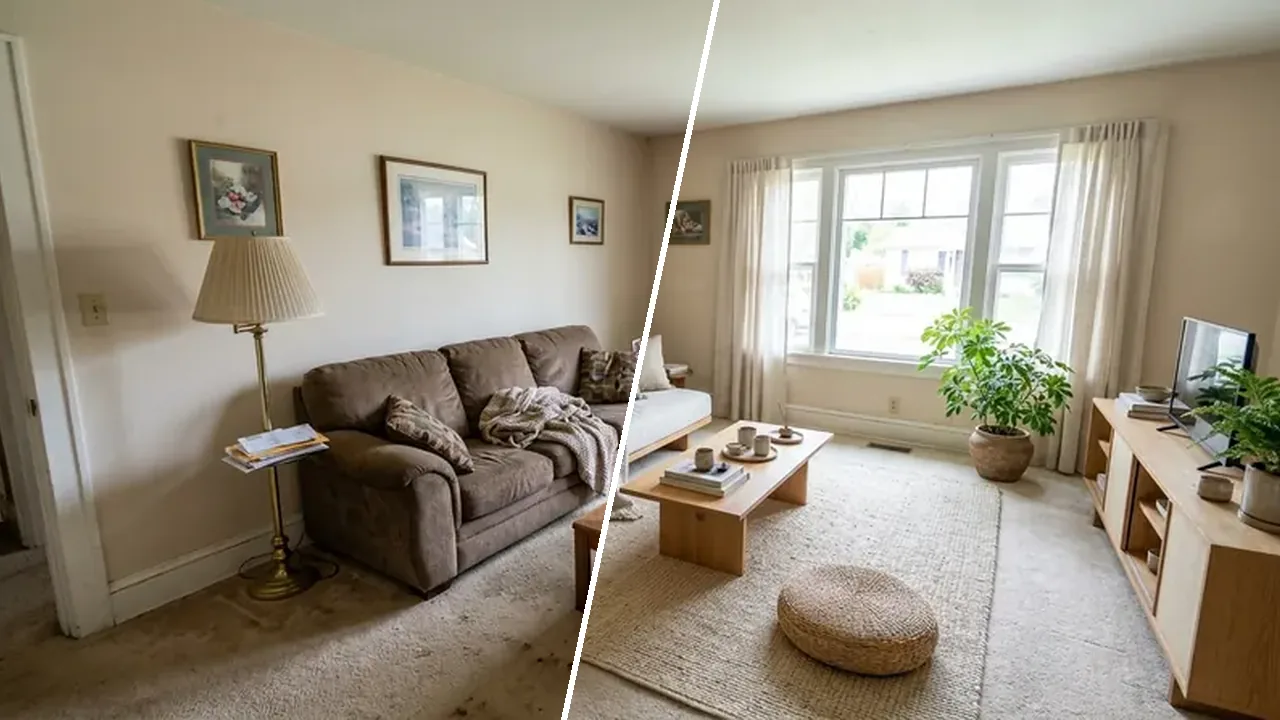 1:08
Interior Design: Use a template idea
Your photo + one look
Watch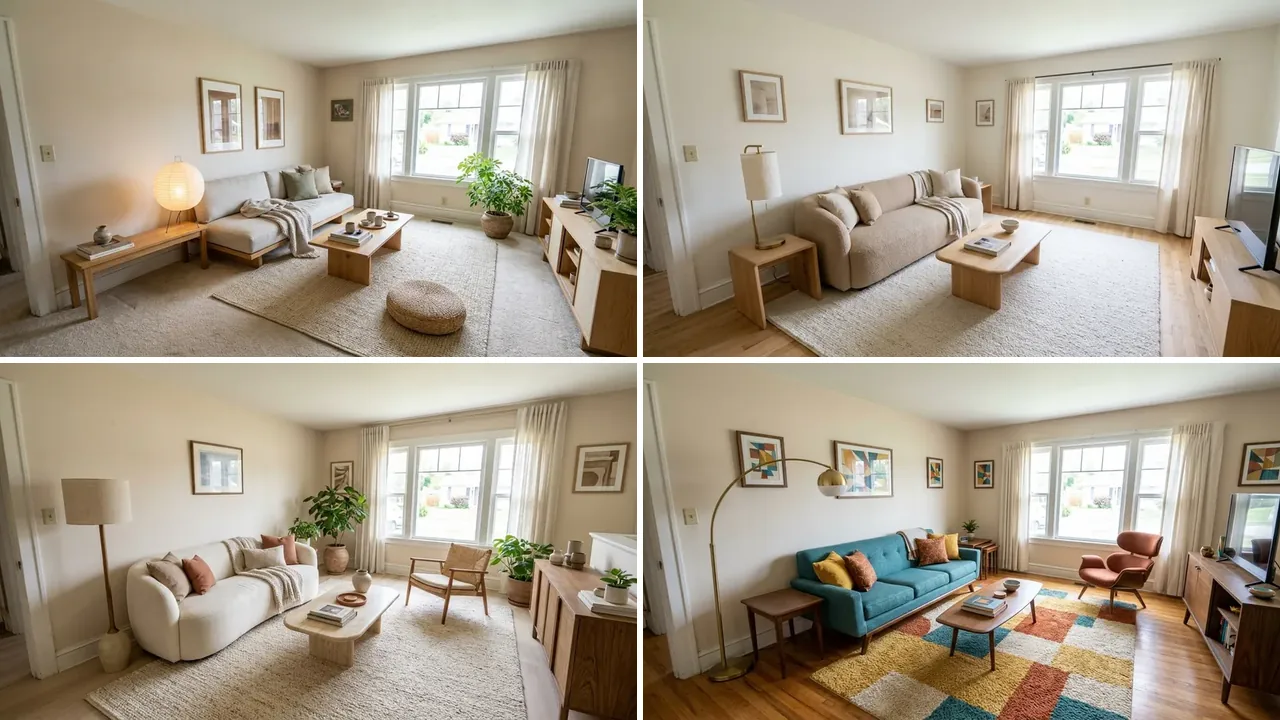 1:22
Interior Design: Compare up to 4 ideas
One photo → 4 looks
Watch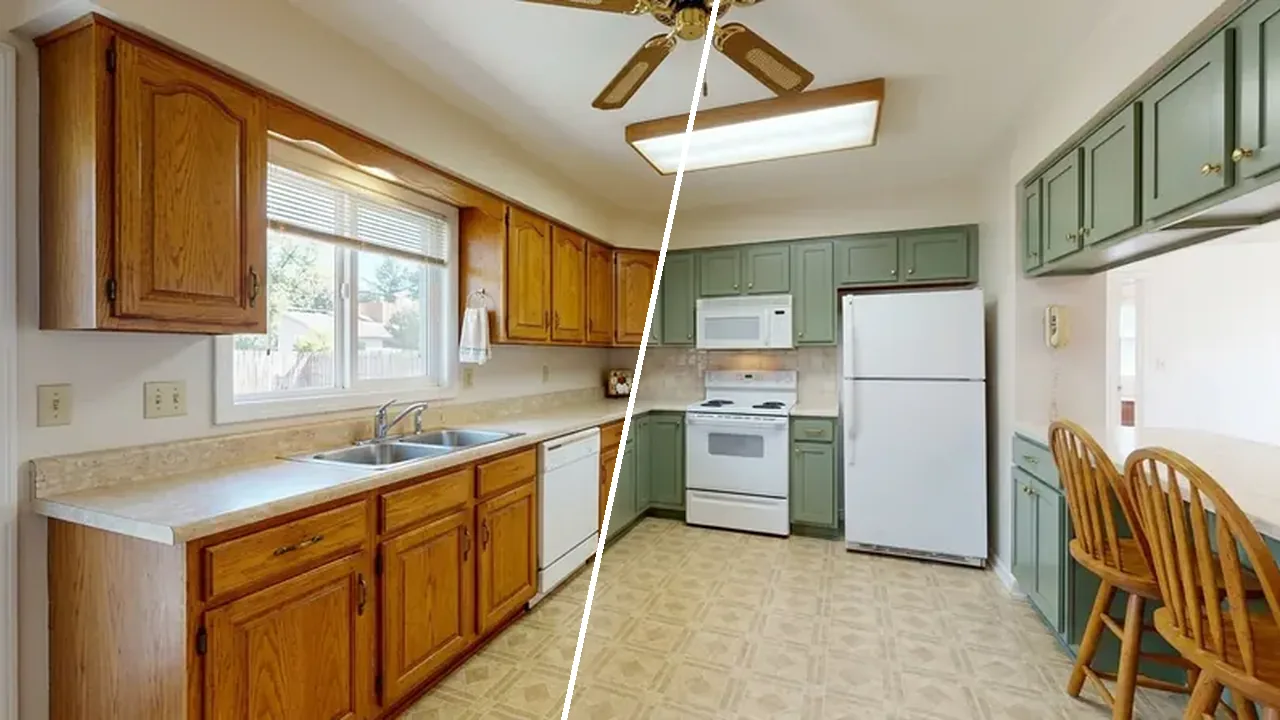 1:09
Kitchen Remodel: Use a template idea
Your photo + one look
Watch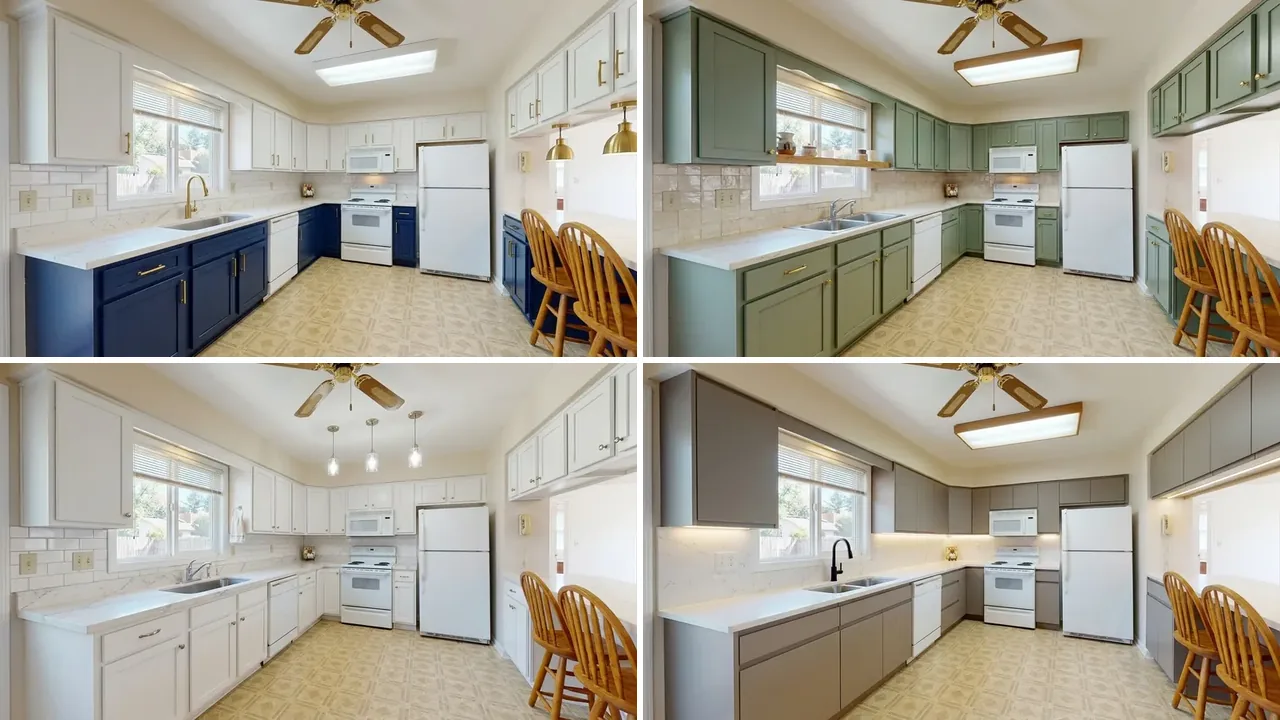 1:26
Kitchen Remodel: Compare up to 4 ideas
One photo → 4 looks
Watch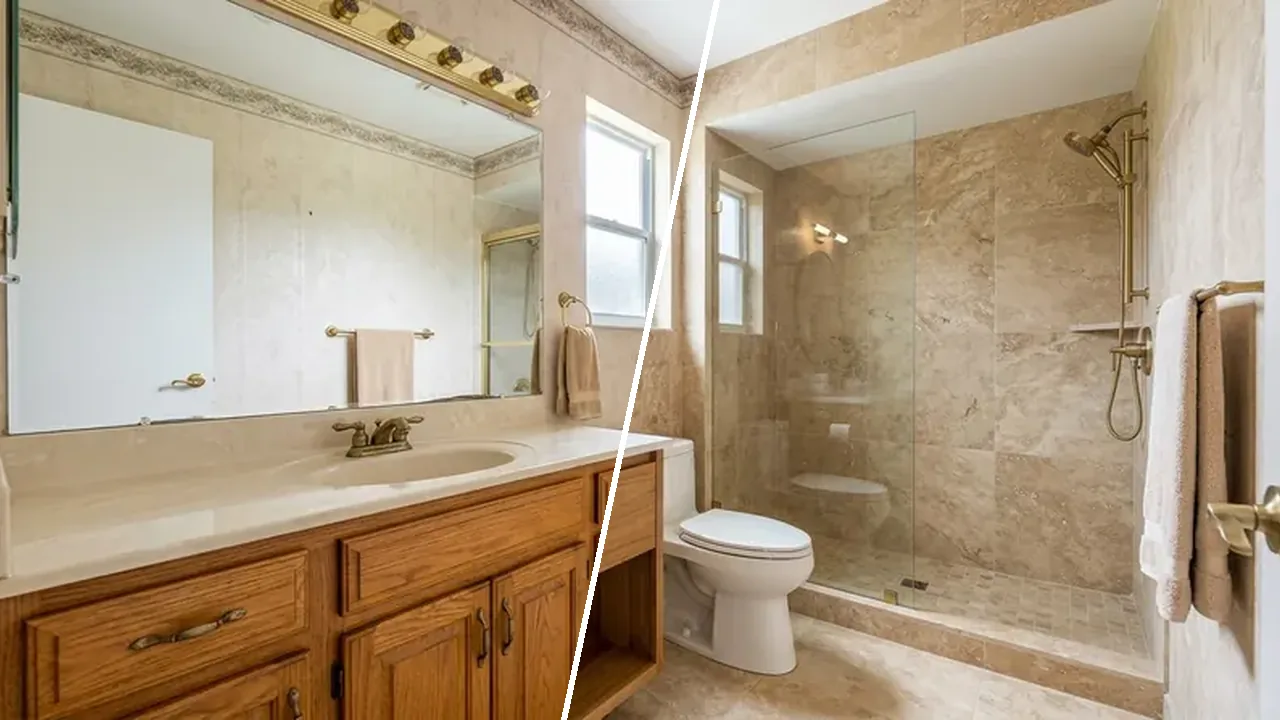 1:07
Bathroom Remodel: Use a template idea
Your photo + one look
Watch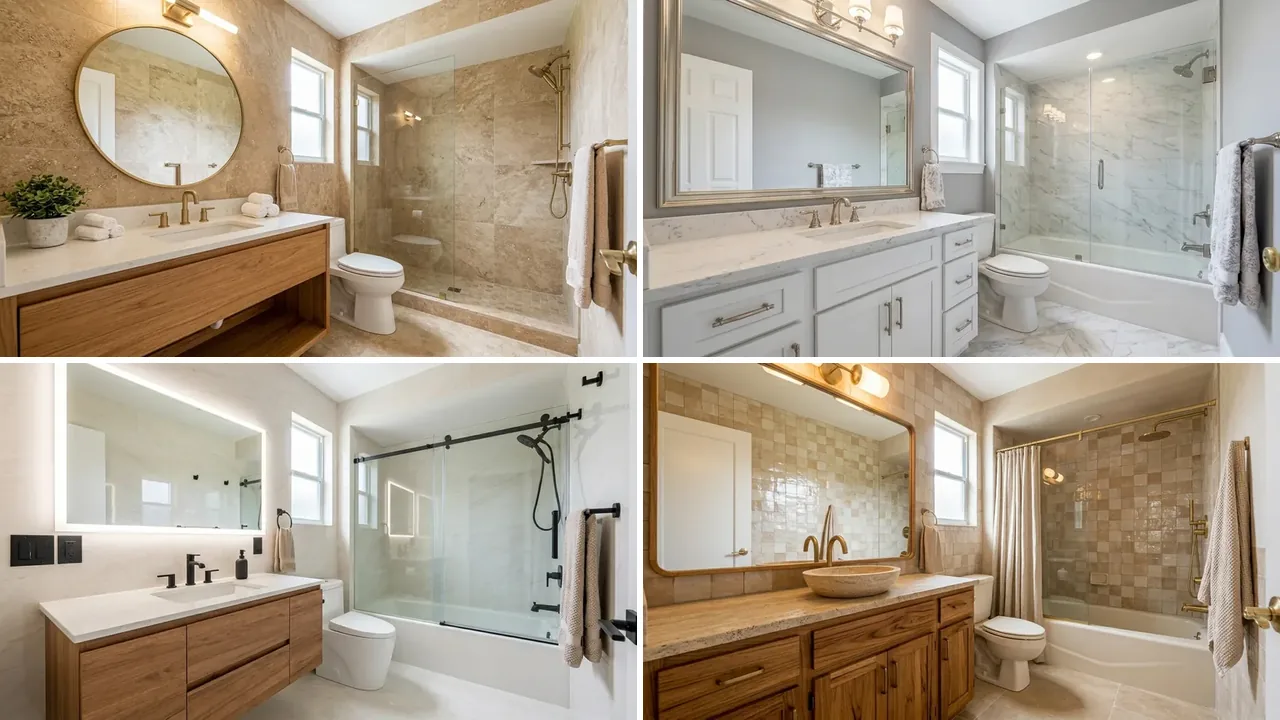 1:22
Bathroom Remodel: Compare up to 4 ideas
One photo → 4 looks
Watch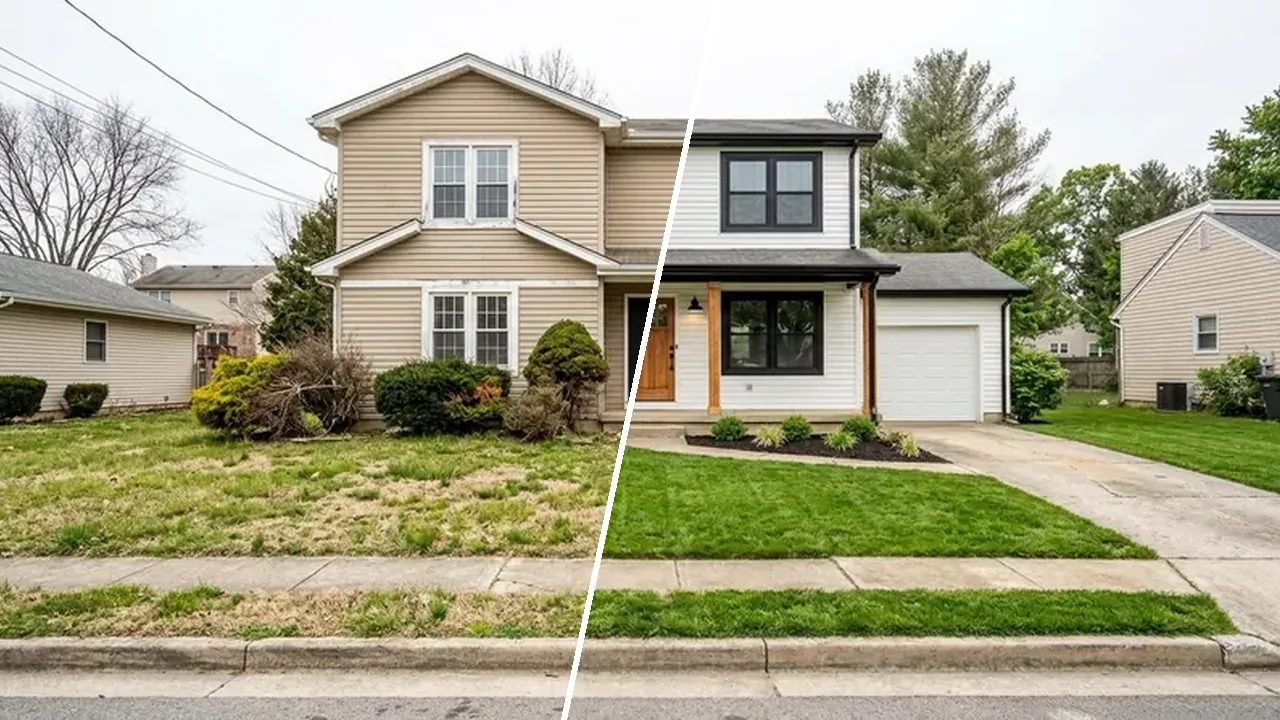 1:06
Exterior Design: Use a template idea
Your photo + one look
Watch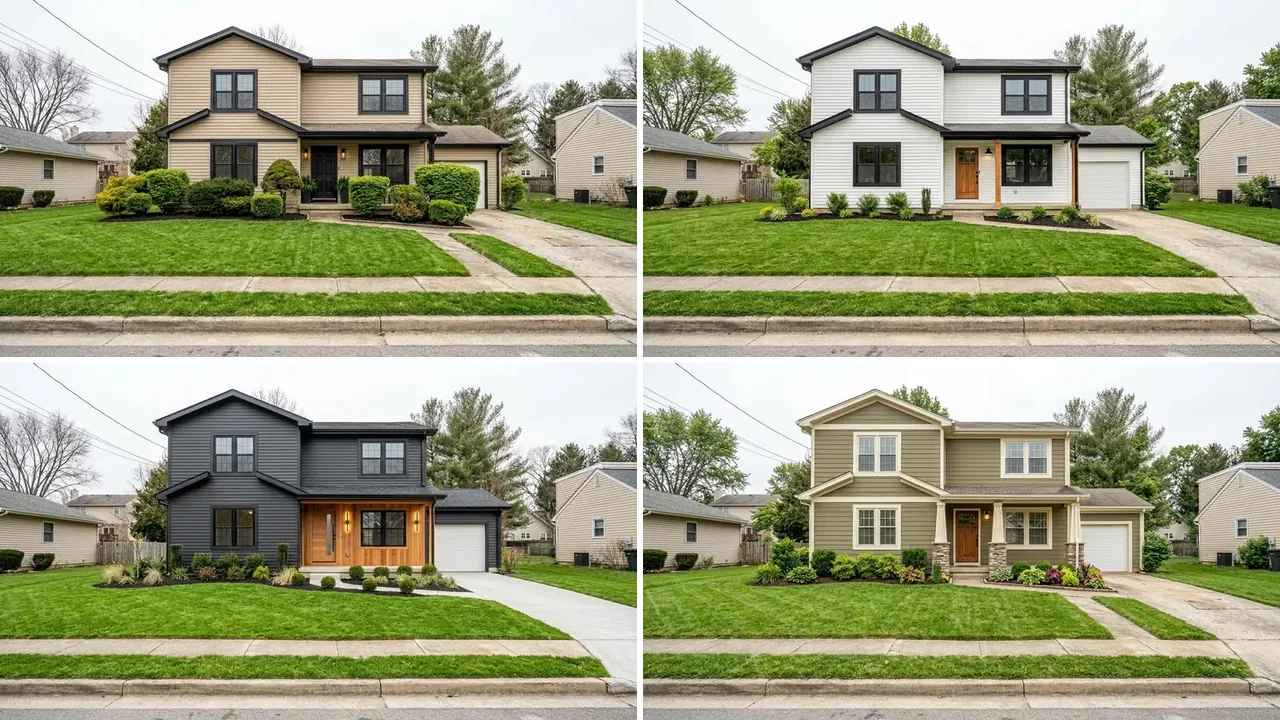 1:21
Exterior Design: Compare up to 4 ideas
One photo → 4 looks
Watch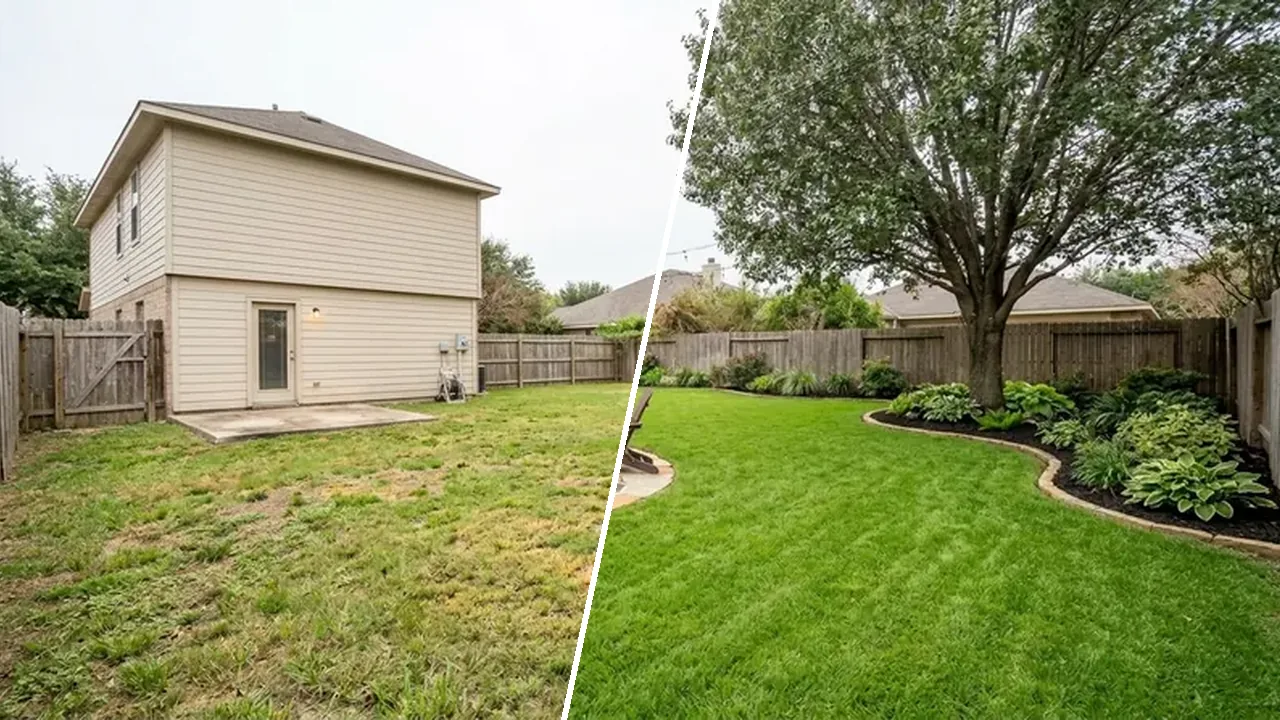 1:08
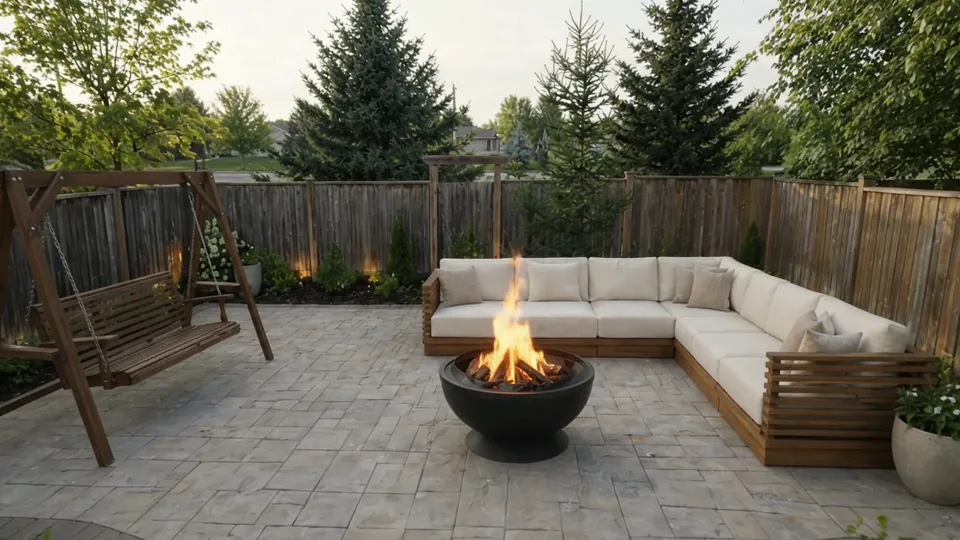
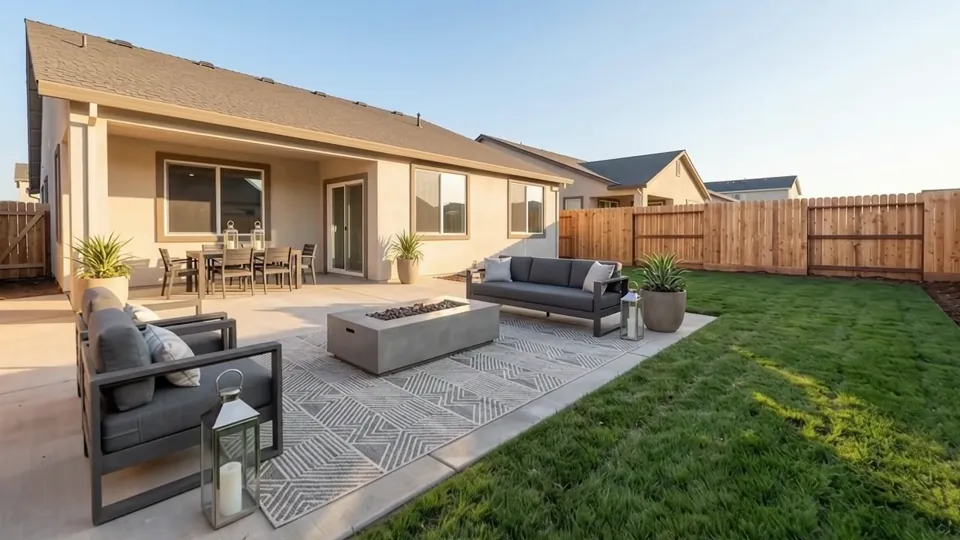
Landscape Design: Use a template idea
Your photo + one look
Watch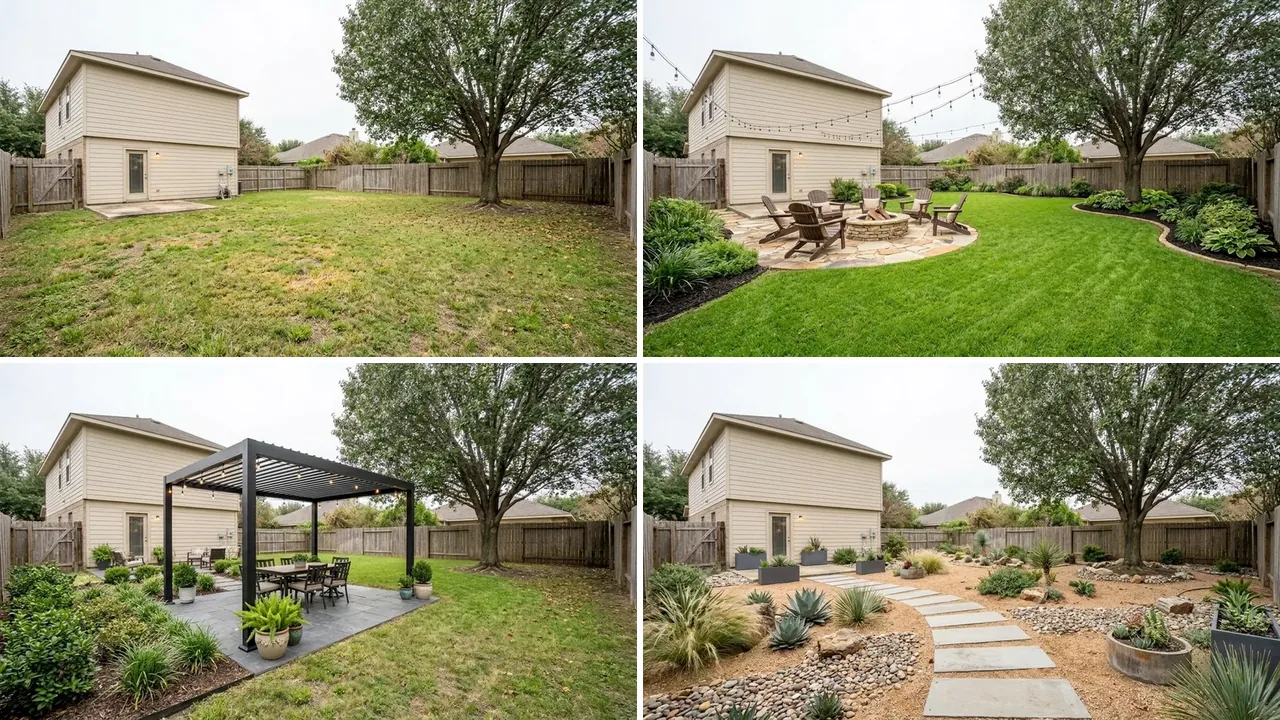 1:18
Landscape Design: Compare up to 4 ideas
One photo → 3 looks
Watch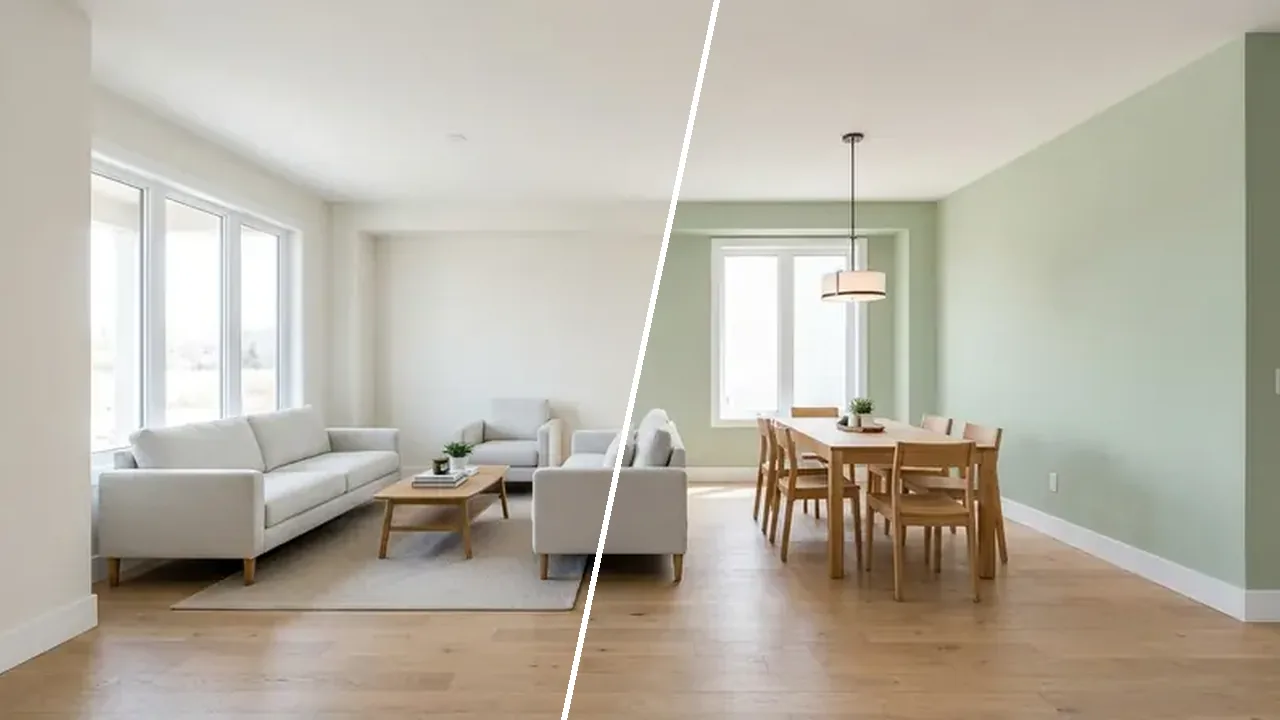 1:05
House Paint Visualizer: Use a template idea
Your photo + one look
Watch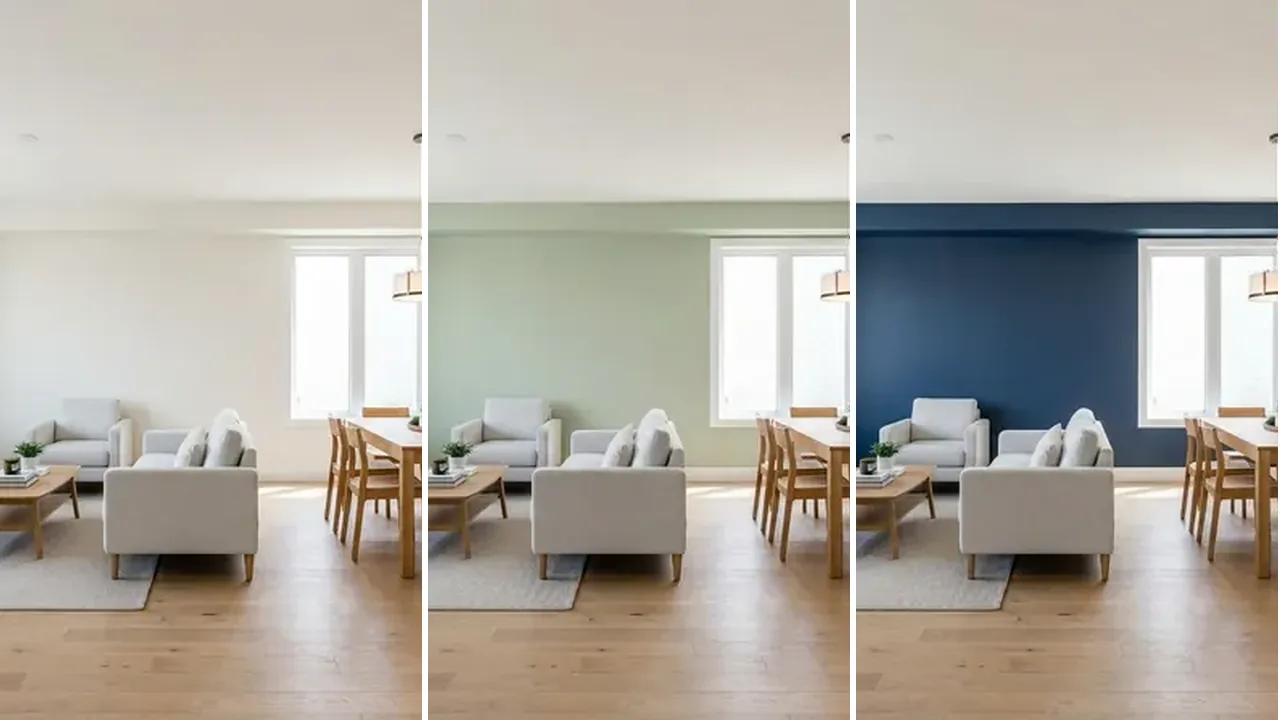 1:11
House Paint Visualizer: Compare up to 4 ideas
One photo → 2 looks
Watch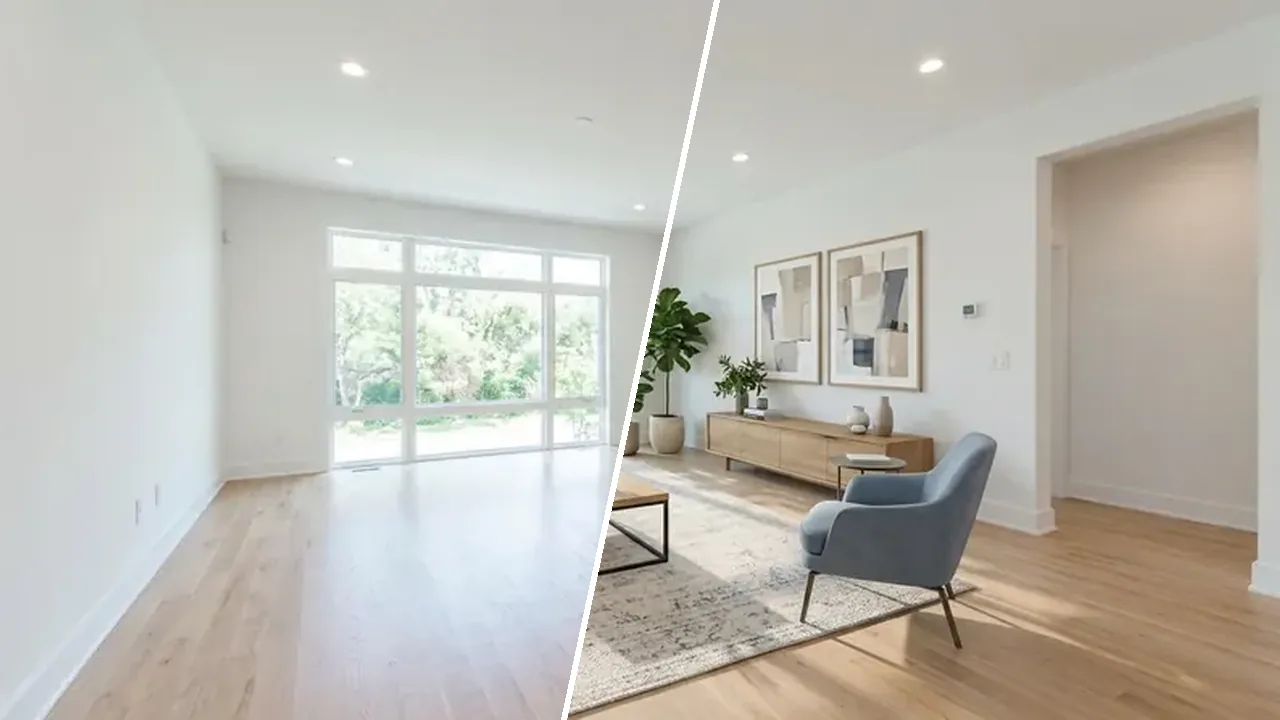 1:05
Virtual Staging: Use a template idea
Your photo + one look
Watch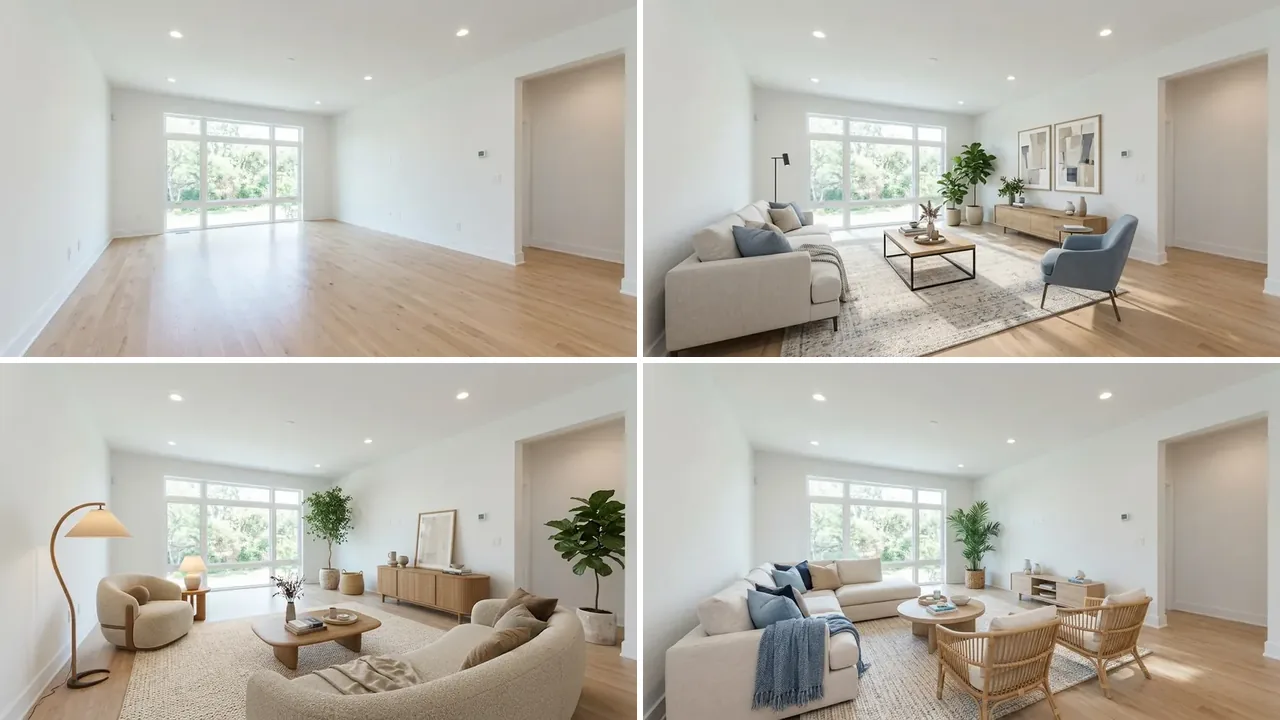 1:16
Virtual Staging: Compare up to 4 ideas
One photo → 3 looks
Watch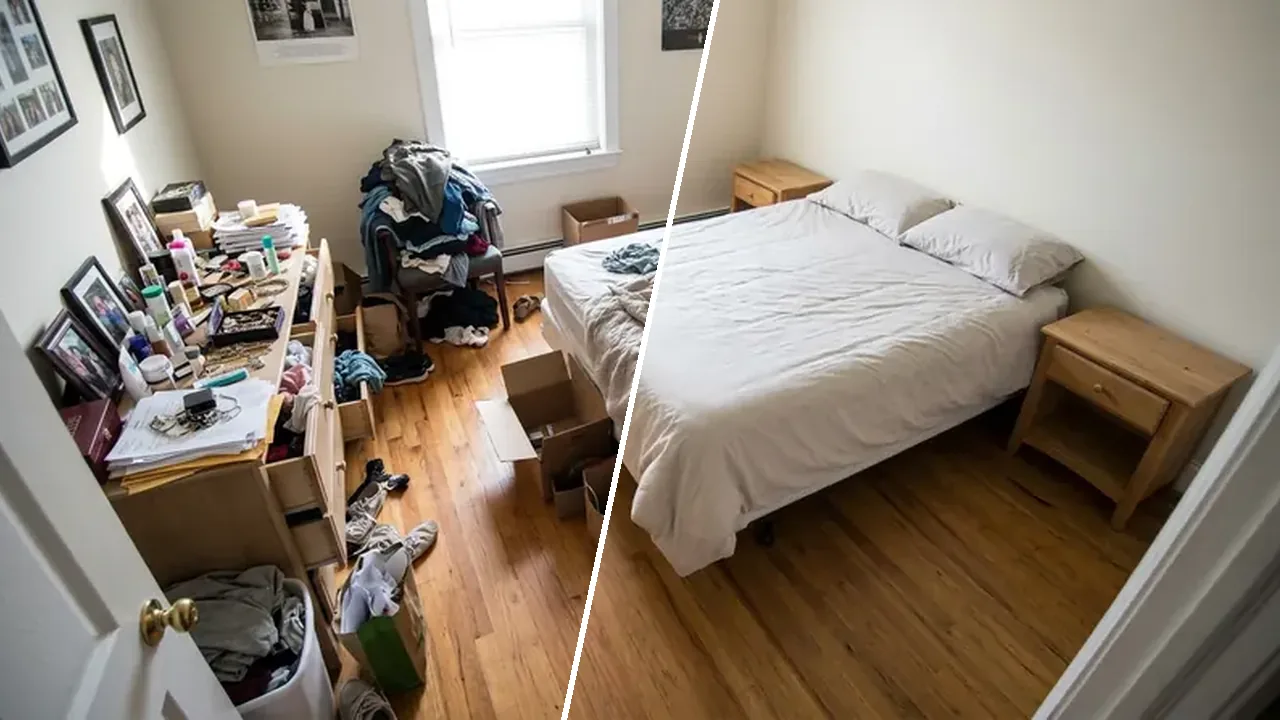 1:04
Declutter: Use a template idea
Your photo + one look
Watch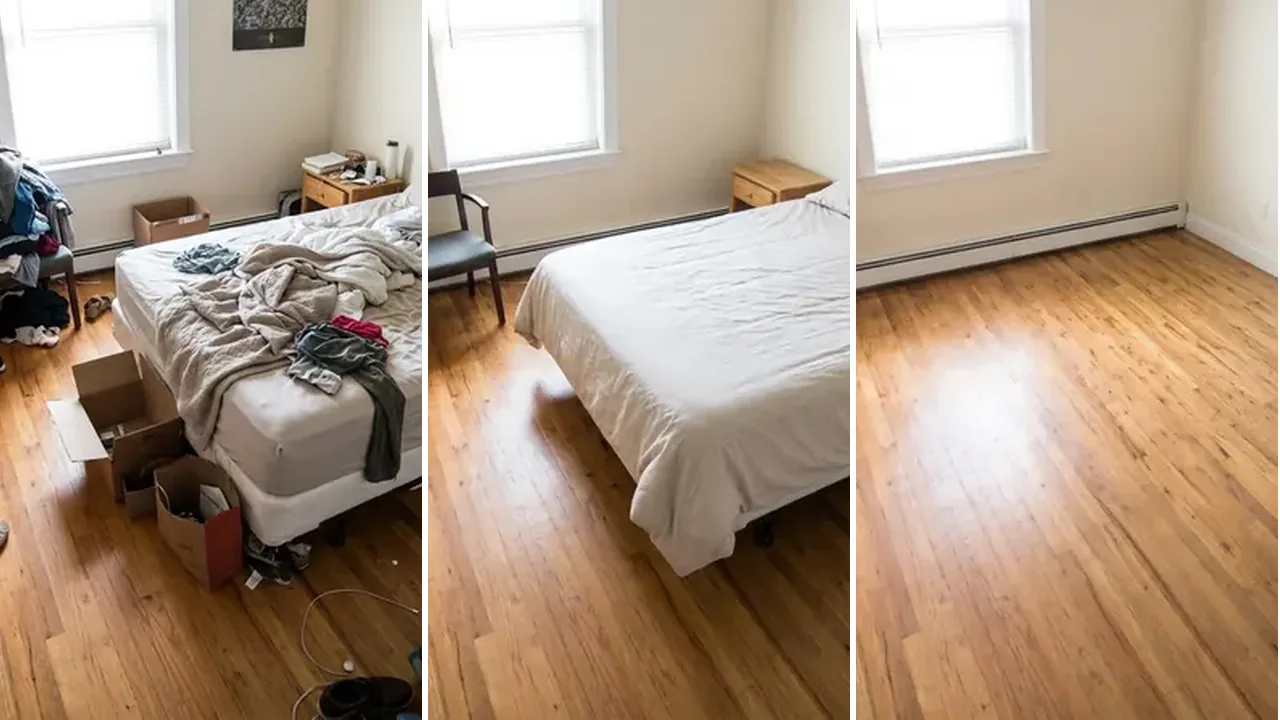 1:11
Declutter: Compare up to 4 ideas
One photo → 2 looks
Watch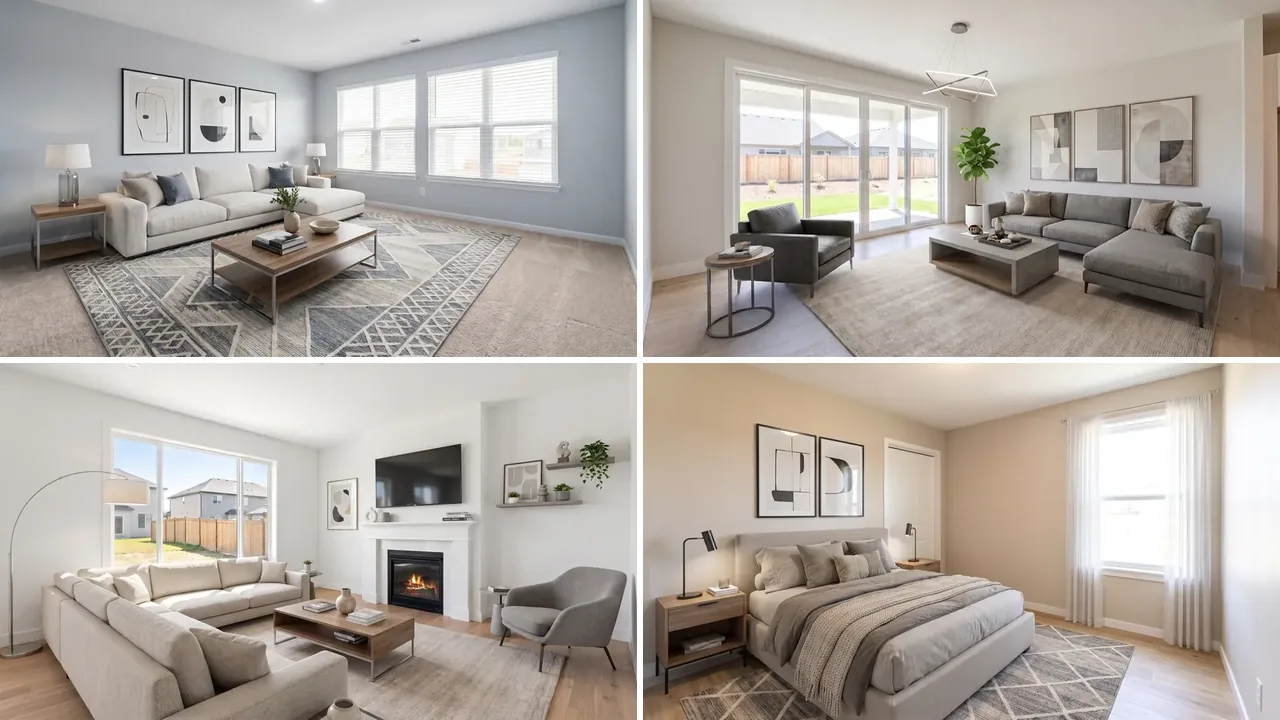 1:18
Virtual Staging: One idea for every photo
One look → 6 photos
Watch
Project Walkthroughs
Real projects, start to finish: staging, paint, design and remodel.
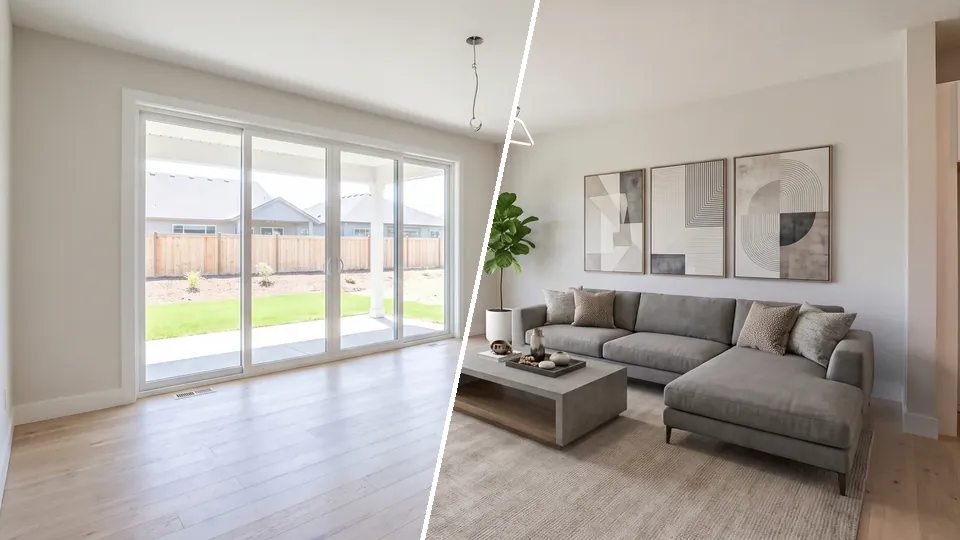 1:54
Virtual Staging with Batch Edit
Stage a whole listing with one prompt
Watch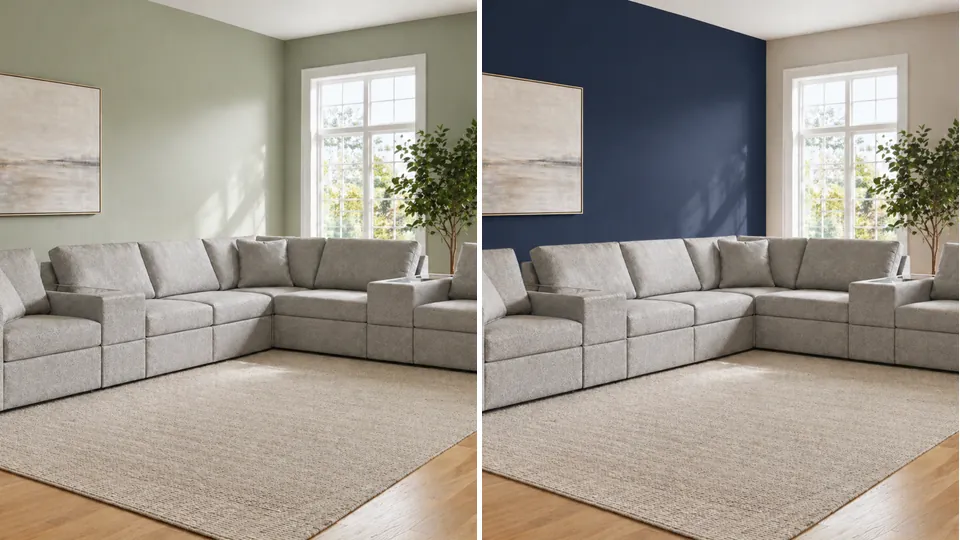 1:03
AI House Paint Visualizer
One room photo, one prompt, one image per color
Watch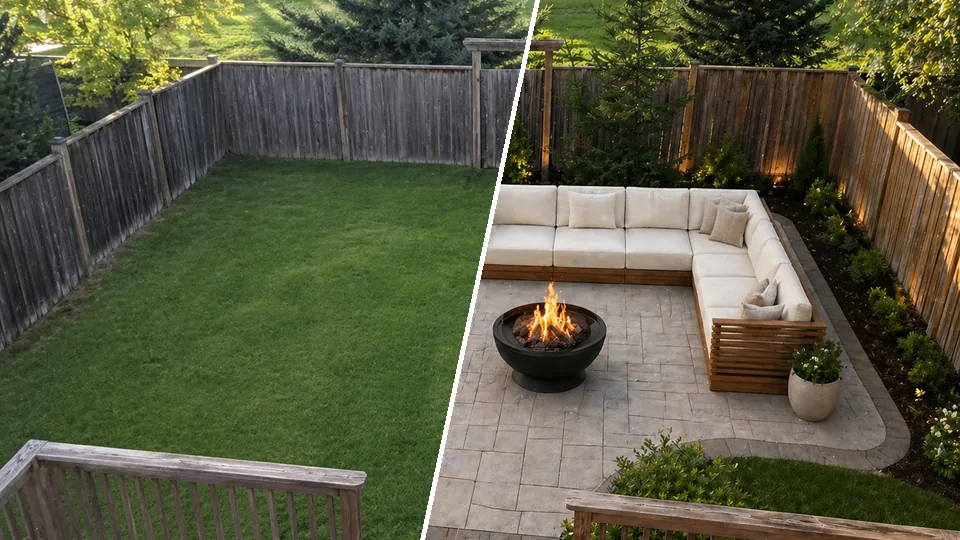 1:03
AI House Design Generator
Your photo + the items you're considering, in one prompt
Watch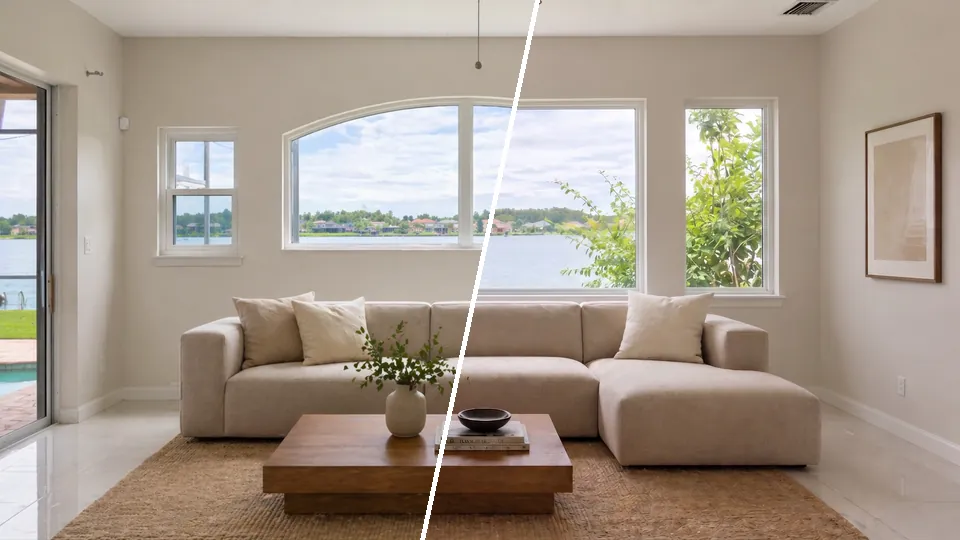 1:05
AI Remodel Visualizer
Your photo + your guidance → the finished remodel
Watch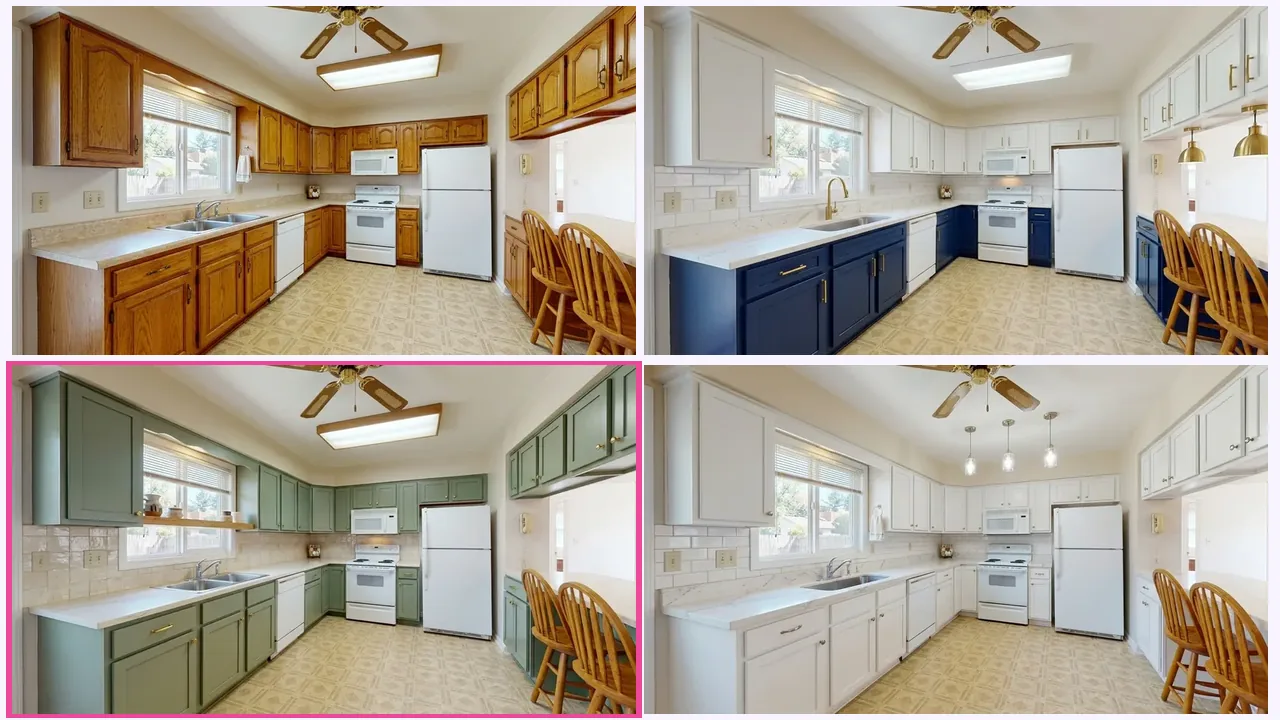 1:14
Send options to a client
Your brand → three options → your client's pick
Watch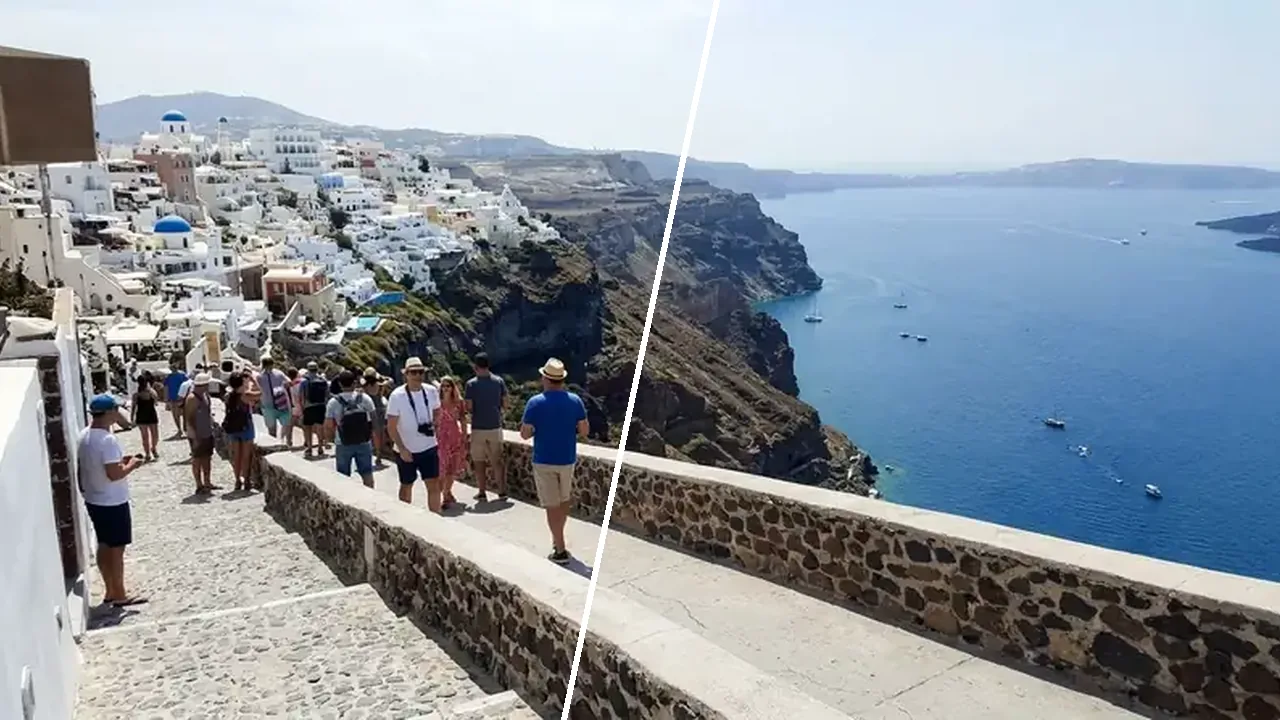 1:11
AI Photo Editor
One sentence → one edit
Watch 1:02
AI Image Generator
A few words → one image
Watch
Video with AI Director
Short walkthroughs of the AI Director video tools.
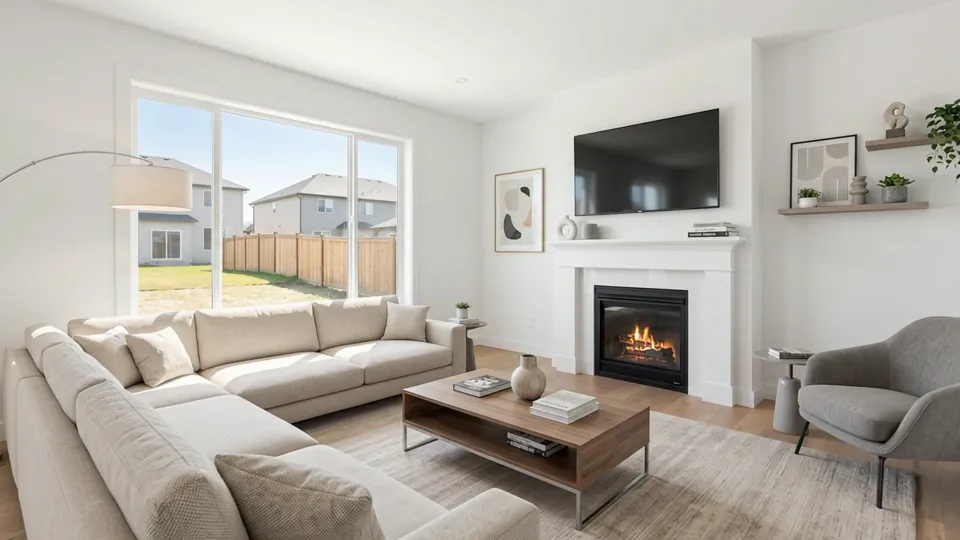
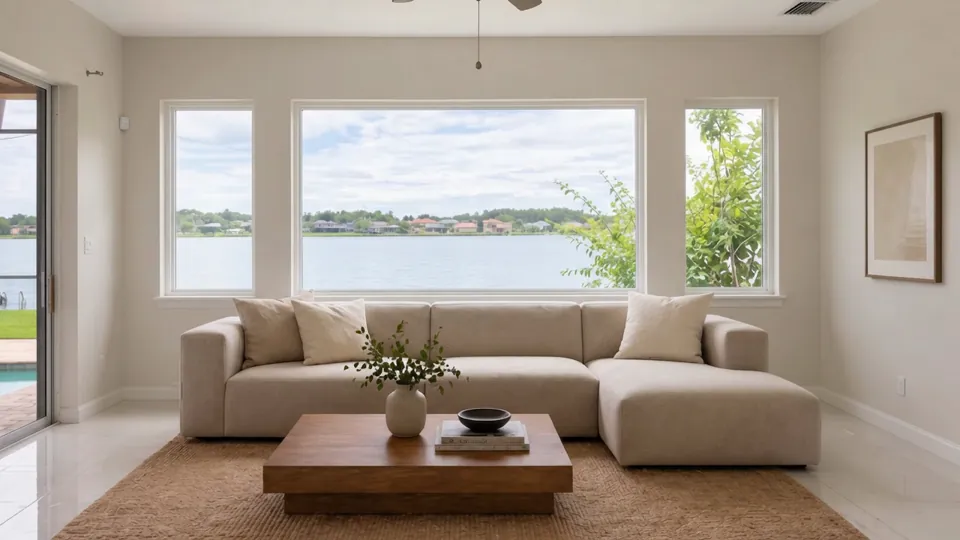
Three ways to start
Images
- Add a photo of your room, house or yard
- Pick a ready-made look or describe the change
- Compare up to four options and refine your favorite
Batch
- Add up to 100 photos
- Write one brief for the whole set
- Check the credits, run it and review every result
Video
- Start from a design, a photo or a clip
- Describe the motion or the change for AI Director
- Review the credit price, render and keep the best version
Guidance when you need it
Inside the app, the Tutorial button walks you through the tool you have open, step by step. It never spends credits or starts a generation for you.
Ready to Try It?
Free trial · No credit card needed
Plans from $7.50/month or pay as you go · Cancel anytime