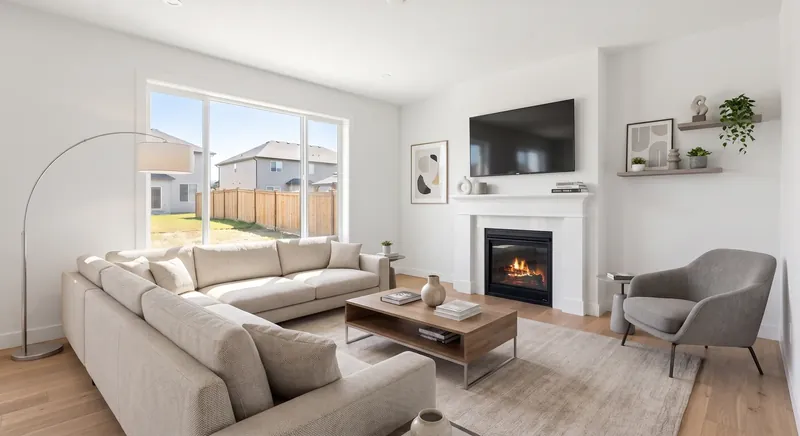
Video tutorial · 1:19
Animate a photo
One photo + a short direction → a video
Here's how to turn one photo into a video.
Step by Step
Switch to Video
In Studio, switch to the Video tab.
Choose “Animate a single photo”
Tap What would you like to do, and choose Animate a single photo.
Add your photo
Add the photo you want to bring to life. It becomes the first frame.
Describe it in your own words
Now describe it in your own words. A short line is enough: our AI Director agent understands what needs to be done, and creates the best video for you.
Make it yours
Under Make it yours, you can change the length, the quality, the format and the sound. Here we keep five seconds.
Review price, then Generate video
Tap Review price. Pricing is dynamic, so you only pay for what you need. Then tap Generate video.
Your video is being made
Your video is being made. You can leave this screen: it stays in Activity.
Watch your video
Here's your video. Play it right here.
Save or share
Then save it, or share it. Every new render keeps the earlier version.

Try It on Your Own Photo
Free trial · No credit card · Plans from $9.99/mo
Plans from $7.50/month or pay as you go · Cancel anytime