AI chatbots
ChatGPT, Gemini & more
vs OptimAImage- No: Often redraws the room instead of clearing it
- No: Removes the wrong things, or too little
- No: One photo per chat
- No: No batch for a whole listing
Good for: a quick one-off edit.
AI declutter & furniture removal for room photos
Clear the clutter and keep the furniture, or empty the room completely. One click on your own photo, then stage or redesign it.
If we can't do it, no one can.
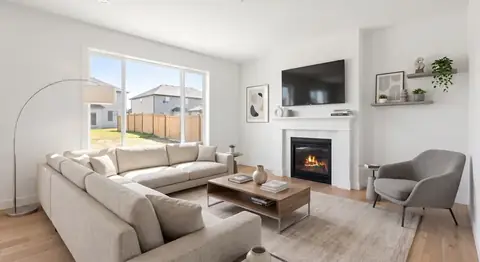
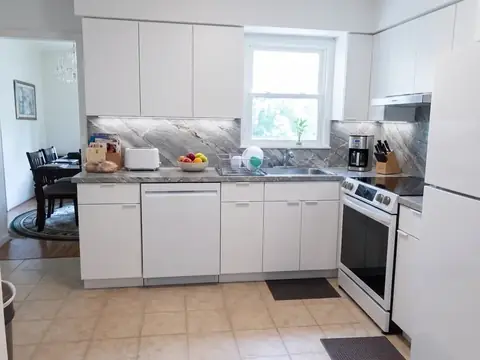
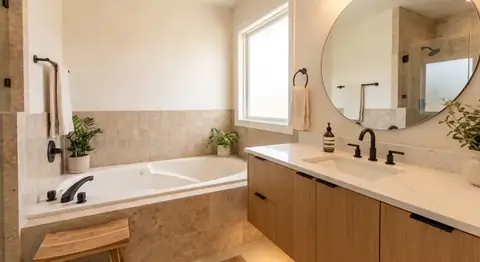
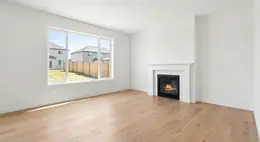
Declutter and empty-room before and after
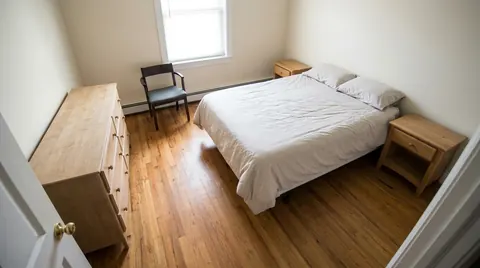
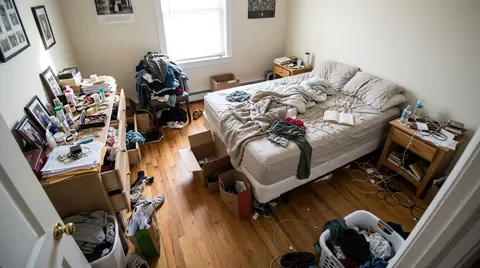 Declutter
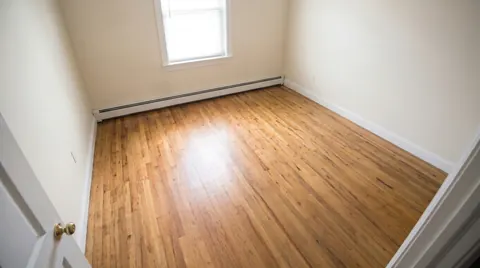 Empty the room
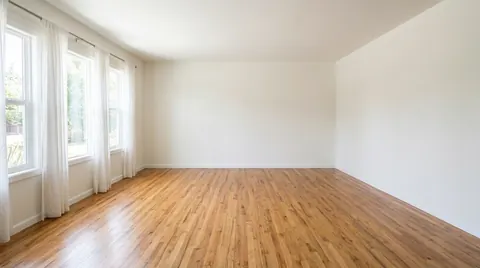
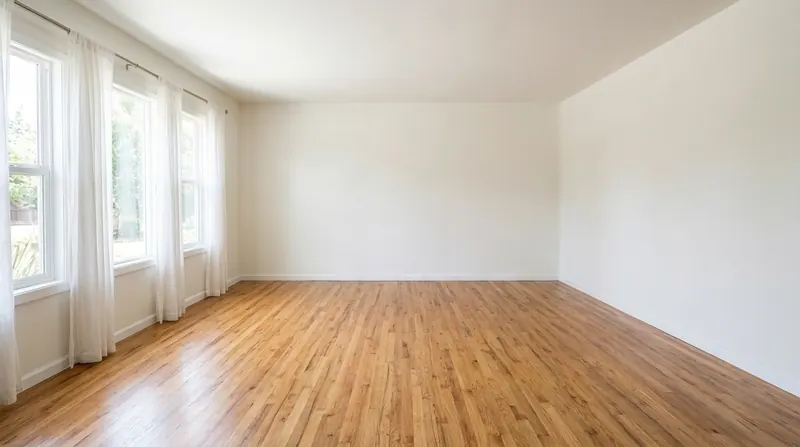
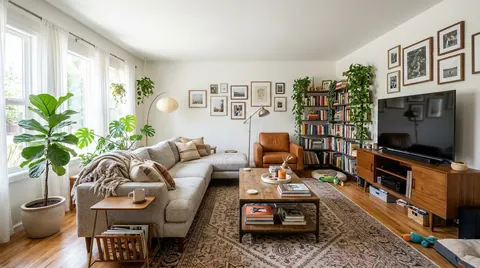 Empty the living room
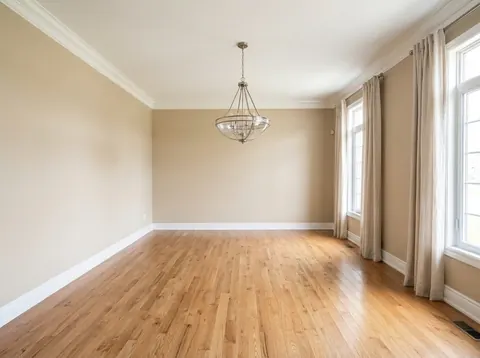
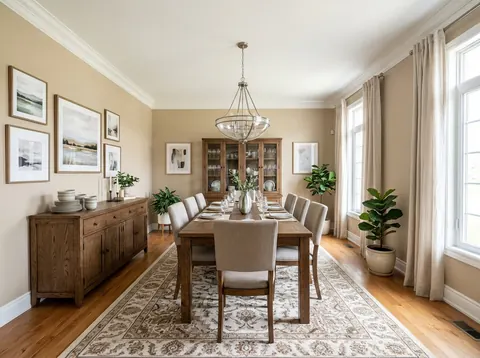 Empty the dining room
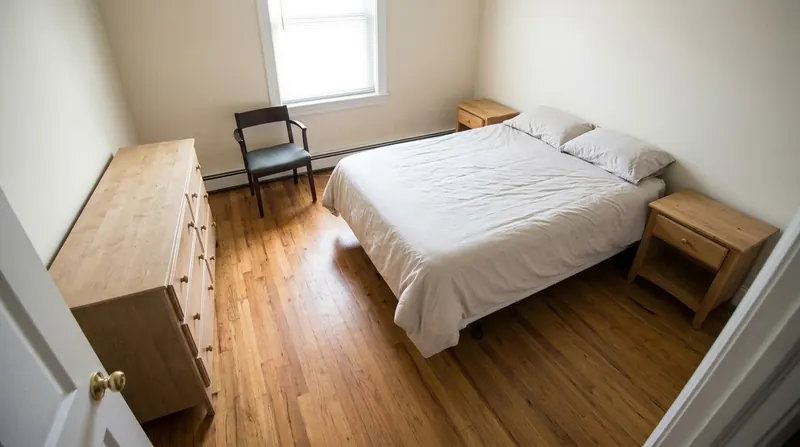
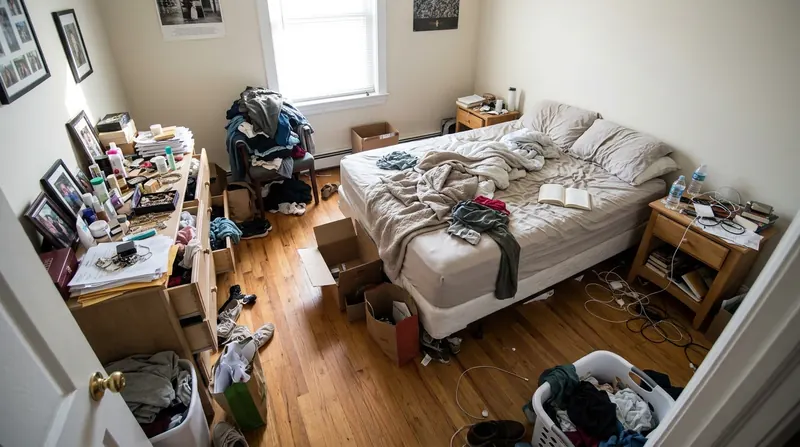
Declutter a room photo
Declutter or empty the room
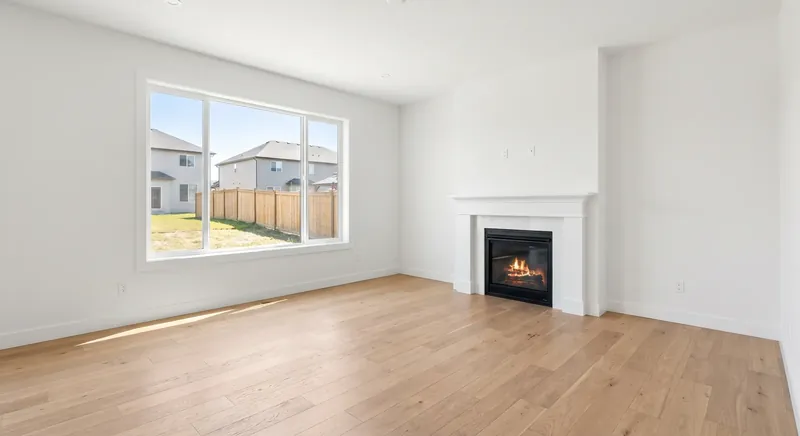
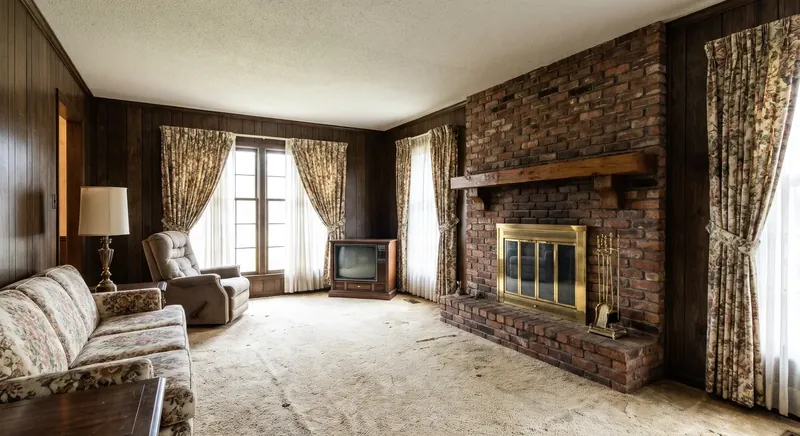
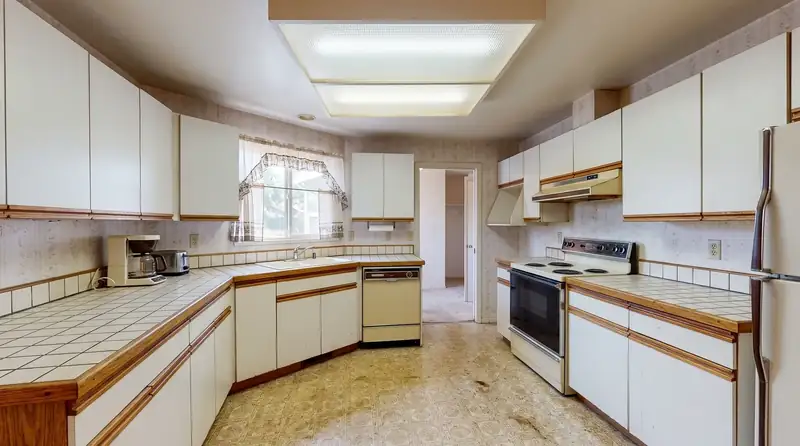
The same sample room (made with AI), two templates: one keeps the furniture, one clears everything.
AI declutter compared
Clear the Room in the Photo, Not by Hand.
 OptimAImage
One AI Agent instead of a stack of design apps.
ChatGPT, Gemini & more
vs OptimAImageGood for: a quick one-off edit.
Manual photo editing services
vs OptimAImageGood for: detailed manual retouching.
Other tools and services vary by provider and brief. AI results are visualizations; review details before buying or building.
Start on your phone. Finish on the big screen.
Your ideas go wherever you do. Your saved designs, plan and credits follow your account across iPhone, Android and the web.
Open OptimAImage in any browser on your computer. Nothing to install, and every design you made on your phone is already there.
Open the web appUse the same account on every device.
More AI home design tools
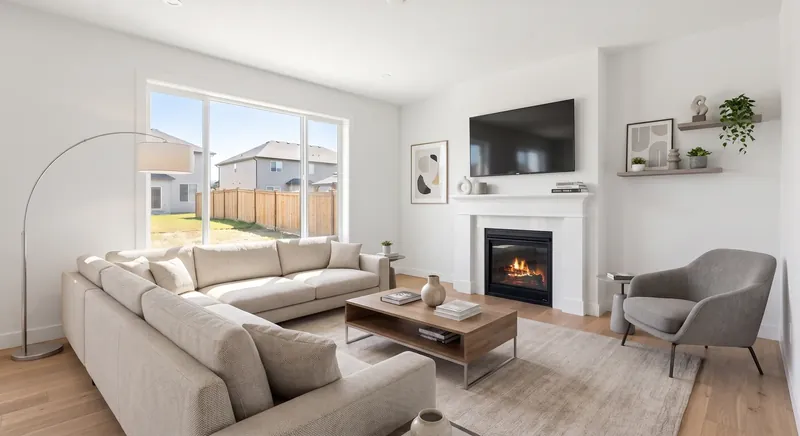
Furnish empty listing photos, a whole house with one prompt.
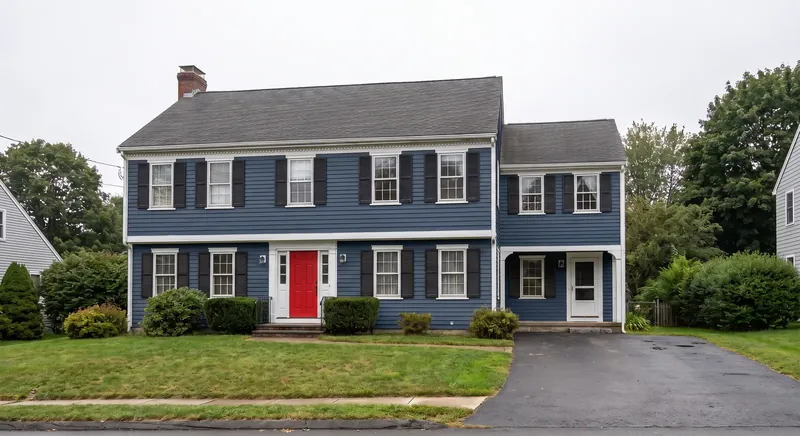
See your house or room in a new color before you buy paint.
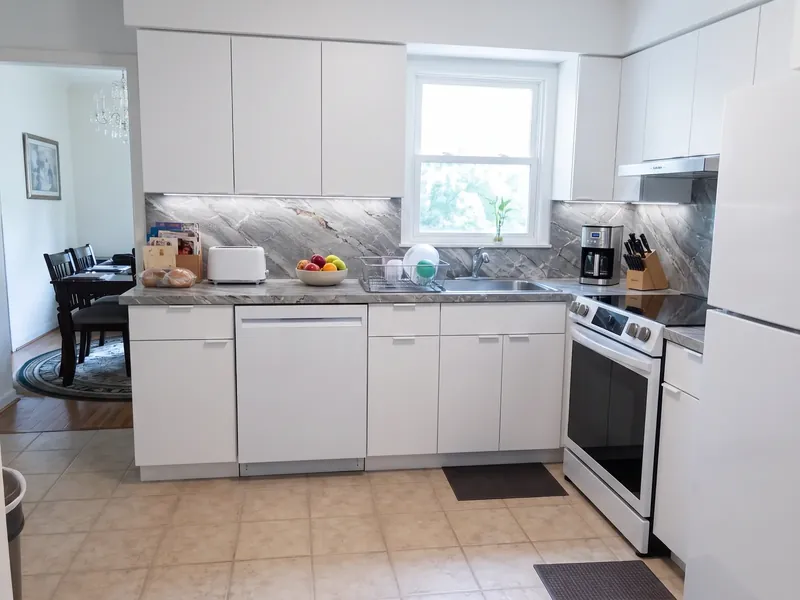
Put the sofa, slab or pavers you're considering into your real space.
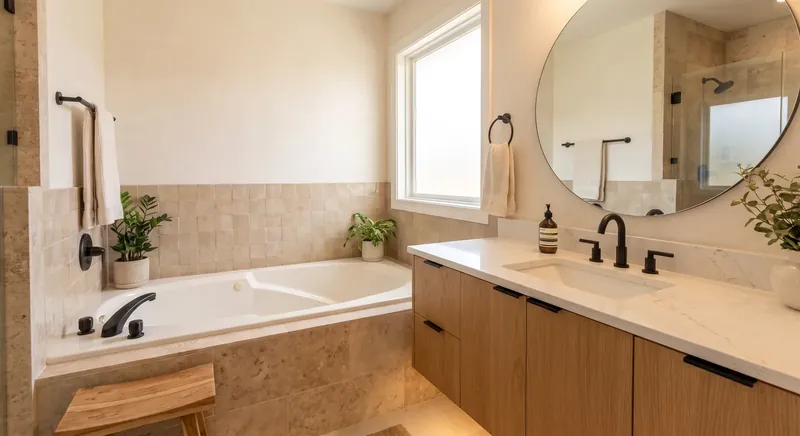
Show clients the finished kitchen, bath or exterior before you bid.
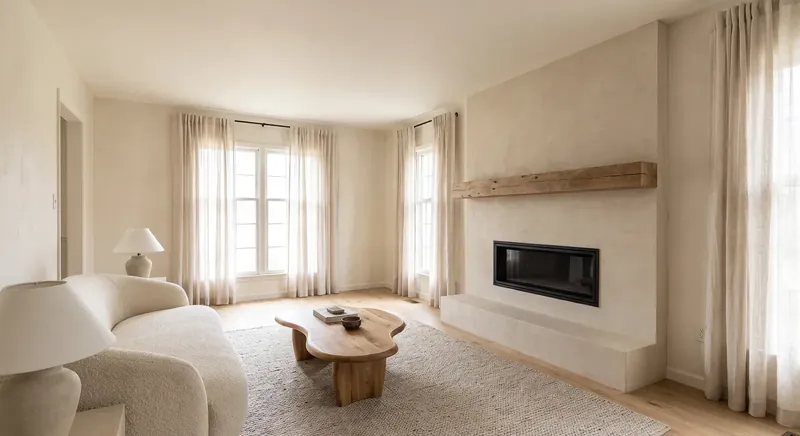
Restyle any room in a new interior design style, from your own photo.
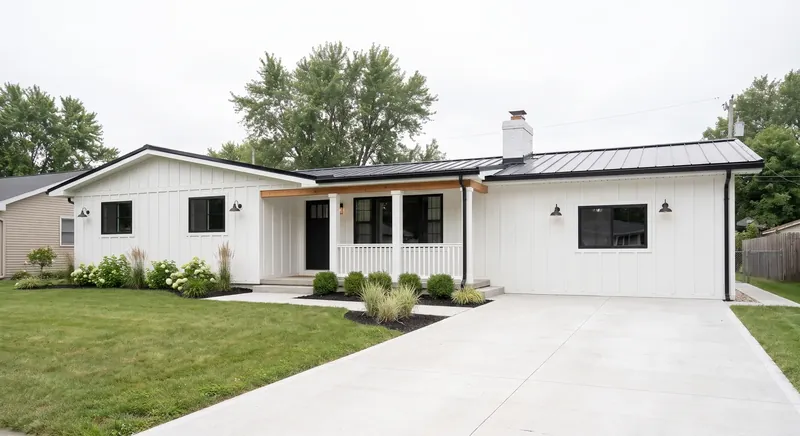
See a new style, siding, windows or driveway on your own house.
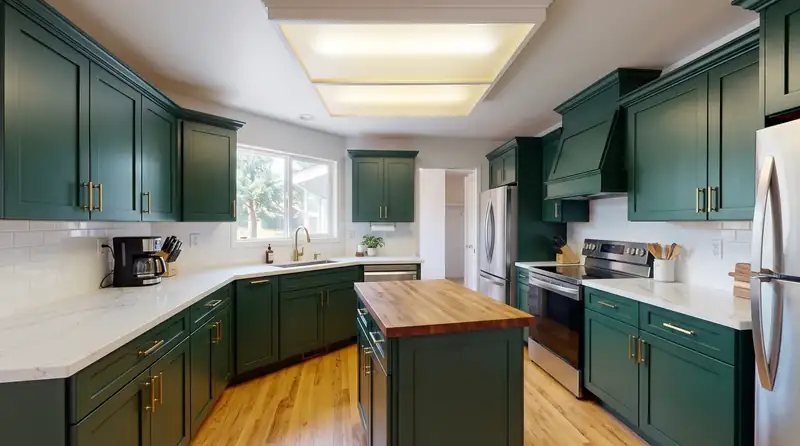
See new cabinets, countertops and floors in your own kitchen.
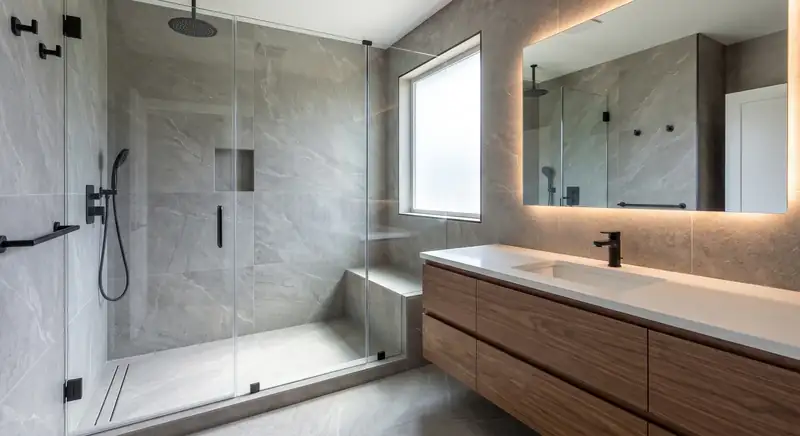
See a new shower, tile and vanity in your own bathroom.
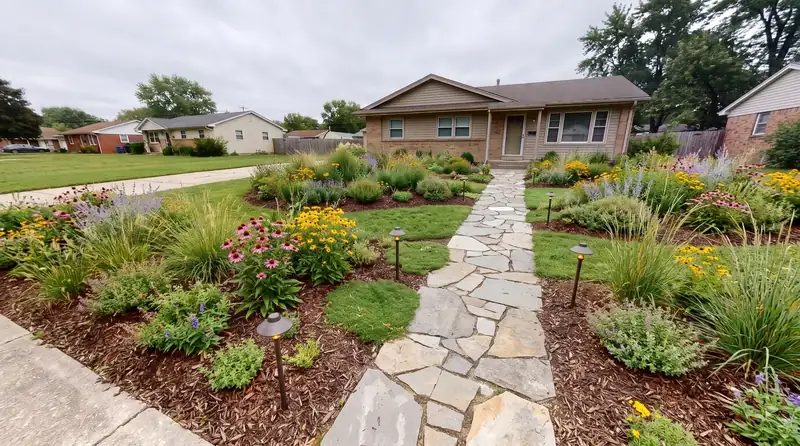
See a new front yard, patio or garden on your own home.
Built for your next project
Every plan includes the AI Agent, all 4 generation modes and your cloud gallery. Cancel anytime.
For one home project: repaint, redesign a room or plan a remodel.
$9.99$7.50/month
Up to 75 images/month
For agents and bigger projects: more credits for whole listings and videos.
$19.99$15.00/month
Up to 162 images/month
For contractors, designers and teams with client work every week.
$39.99$30.00/month
Up to 350 images/month
For brokerages, builders and teams with custom needs.
Custom
Annual plans save 25% · Unused monthly credits roll over all year
One-time purchases • Never expire • No subscription needed
$4.99 one-time
1,000 credits · Up to 25 images
$12.99 one-time
3,000 credits · Up to 75 images
$29.99 one-time
8,000 credits · Up to 200 images
Support
Upload a room photo and pick Declutter or Empty the room. The AI Agent removes the clutter, or every piece of furniture, and keeps the walls, floor, windows and camera angle.
No. Declutter removes clutter and personal items and keeps the furniture. Empty the room removes the furniture too. You can also say exactly what to keep.
Yes. Empty the room first, then stage it with a staging look or your own words, all in the same app.
Yes. Batch edit applies one template or prompt to up to 100 photos. It works on every plan and with pay-as-you-go credits.
No. The hidden floor and walls are rebuilt by the AI, not recovered. Don’t use it to hide a property’s real condition, and follow your listing platform’s disclosure rules.
The sample rooms on this page were made with AI to test the templates. Every result is a real OptimAImage output.
New accounts get free credits to try it, no credit card required. Then choose a plan or a credit pack; each image uses credits by quality mode.
Still have questions? Contact our support team
Clear the clutter and keep the furniture, or empty the room completely. One click on your own photo, then stage or redesign it.
Plans from $7.50/month or pay as you go · Cancel anytime