Slideshow apps
Photo-to-slideshow tools
vs OptimAImage- No: Zooms and pans across flat photos
- No: Nothing in the room moves
- No: The same template for every listing
- No: No staging for empty rooms
Good for: quick photo slideshows.
AI real estate video from listing photos
Start with your listing photos, even staged ones. Direct each scene, choose your versions and export one property video.
If we can't do it, no one can.
All plans or pay as you go. Review the price before rendering.
How the AI real estate video maker works
Your own photos, or rooms you staged in OptimAImage.
A gentle pan here, a slow zoom there. Review the price of the scenes.
Pick the best versions, put them in order and export one video.
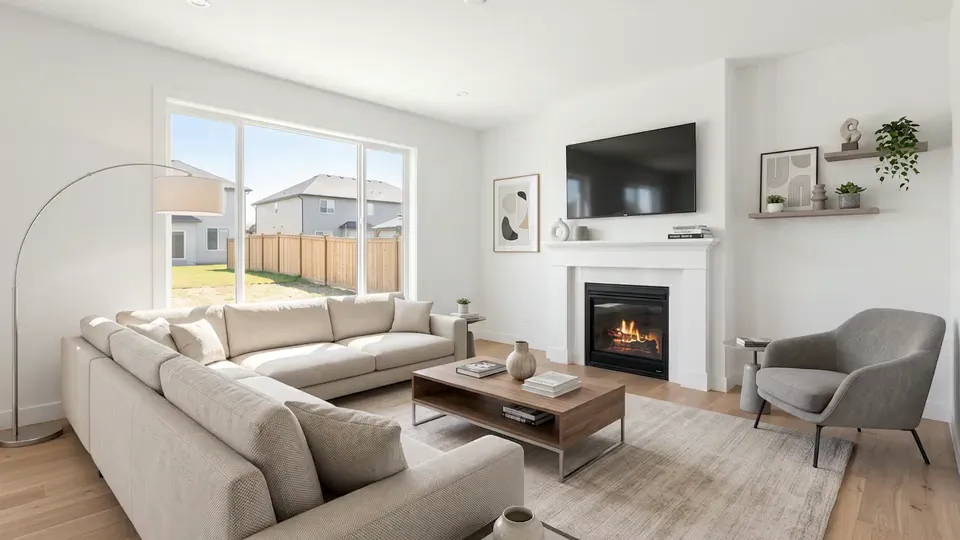
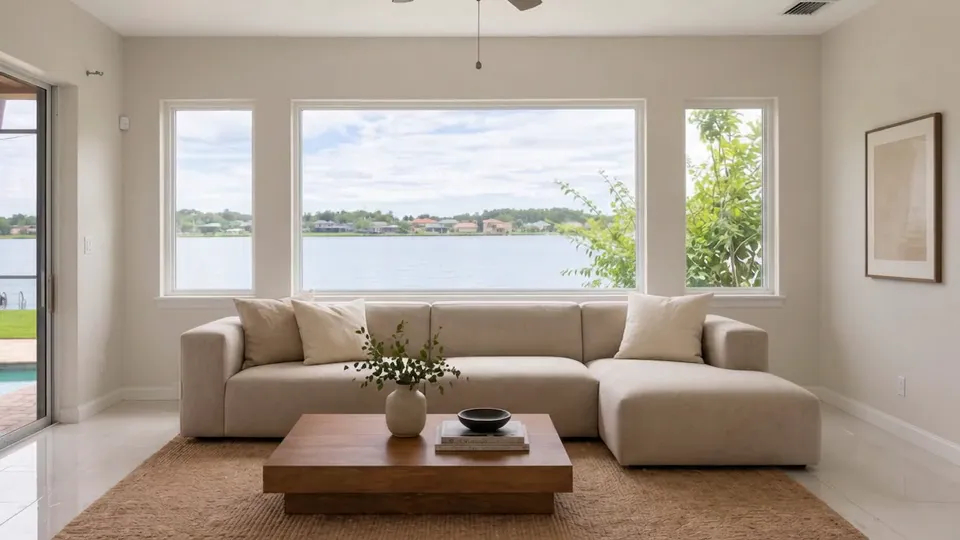
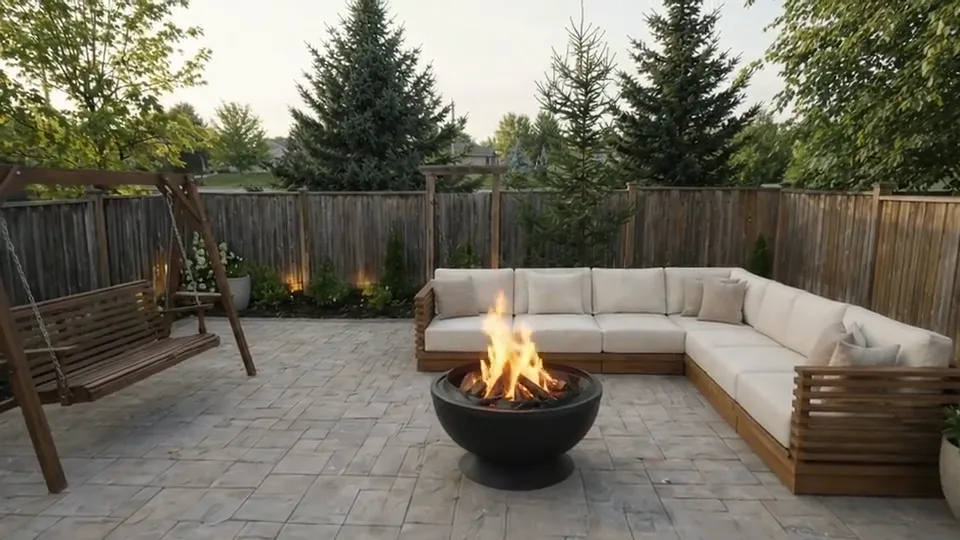
Three listing photos, three scenes
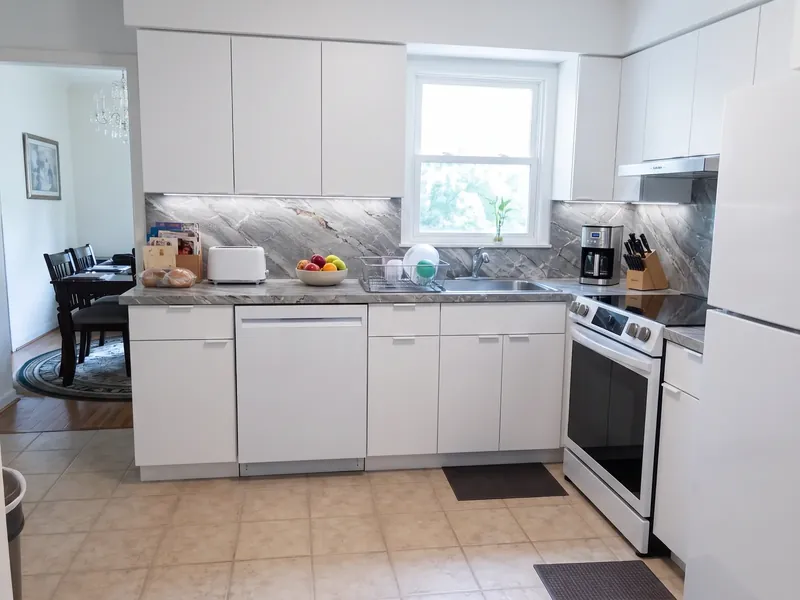
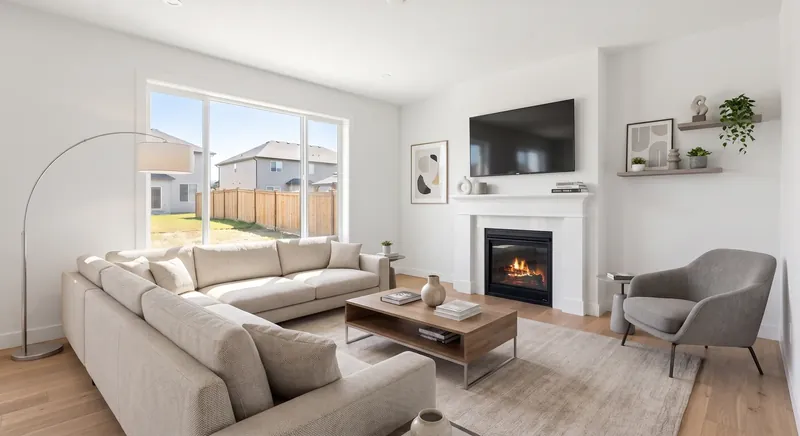
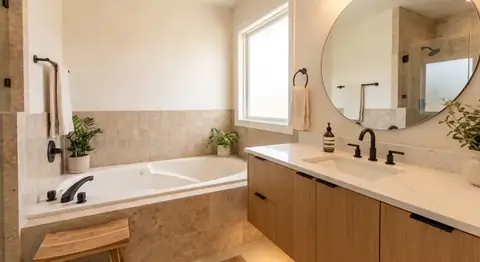
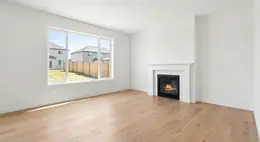
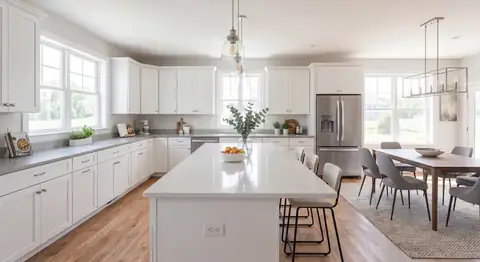
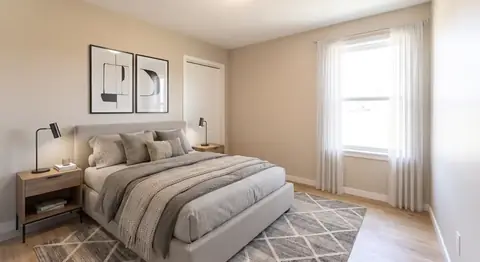
Three AI Director scenes of one staged listing, joined into one property video.
Scene 1: living room
“Please animate”
Scene 2: kitchen
“Slowly move toward the kitchen island, keep the kitchen and everything in it the same.”
Scene 3: patio
“Slowly move toward the patio seating, keep the house, the patio and the yard the same.”
Direct every scene of the listing
Use your photos, or clearly labeled staged rooms, as the starting images.
Set up the scenes, review their combined price and render them together.
Add your recorded narration and lower or replace the scene sound.
Arrange up to 12 chosen scenes and export one video to review before you post.
Furnish empty rooms with AI virtual staging, then turn them into scenes.
Directed scenes, not a slideshow
AI real estate video vs slideshows, virtual tours and videographers
 OptimAImage
One AI Director instead of a stack of video apps.
Photo-to-slideshow tools
vs OptimAImageGood for: quick photo slideshows.
3D and 360° tour services
vs OptimAImageGood for: walk-through tours of the real space.
Real estate videographers
vs OptimAImageGood for: filmed footage and drone shots.
Other tools and services vary by provider and brief. AI results are visualizations; review details before buying or building.
Start on your phone. Finish on the big screen.
Your ideas go wherever you do. Your saved designs, plan and credits follow your account across iPhone, Android and the web.
Open OptimAImage in any browser on your computer. Nothing to install, and every design you made on your phone is already there.
Open the web appUse the same account on every device.
AI video tools
 Animate a home photoBring one room or exterior photo to life.Edit a property clipDescribe the change and get a new version.
 Show a before & afterA video of the change between two photos.
 Explore AI DirectorGenerate, edit, extend and upscale video.
 Product videoGive your product photo a short, directed clip.
Built for your next project
Every plan includes the AI Agent, all 4 generation modes and your cloud gallery. Cancel anytime.
For one home project: repaint, redesign a room or plan a remodel.
$9.99$7.50/month
Up to 75 images/month
For agents and bigger projects: more credits for whole listings and videos.
$19.99$15.00/month
Up to 162 images/month
For contractors, designers and teams with client work every week.
$39.99$30.00/month
Up to 350 images/month
For brokerages, builders and teams with custom needs.
Custom
Annual plans save 25% · Unused monthly credits roll over all year
One-time purchases • Never expire • No subscription needed
$4.99 one-time
1,000 credits · Up to 25 images
$12.99 one-time
3,000 credits · Up to 75 images
$29.99 one-time
8,000 credits · Up to 200 images
Support
No. It creates video scenes from your photos and puts them into one video. It isn't a measured 3D walkthrough.
Yes. Staged rooms work well as scenes. Check your listing platform's rules and disclose staging where required.
No. You choose the photos, export the video and post it yourself.
Not inside the video. Add your own narration here; logos and text overlays need your usual editing app.
Still have questions? Contact our support team
All plans or pay as you go. Credits required. Review the price before rendering.
Plans from $7.50/month or pay as you go · Cancel anytime