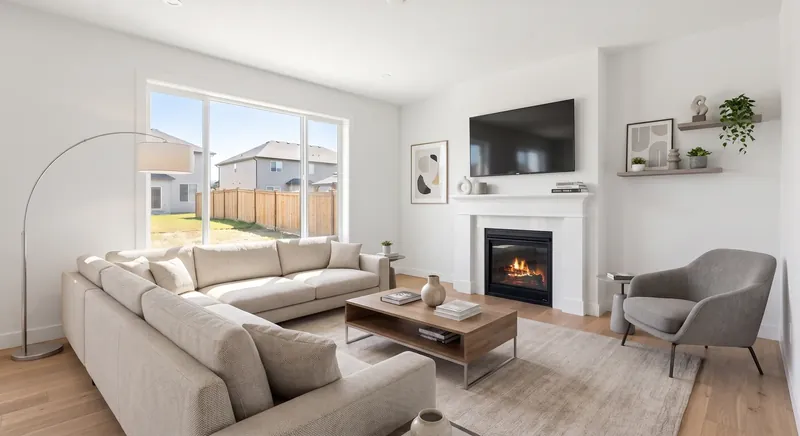
Video tutorial · 1:03
AI House Design Generator
Your photo + the items you're considering, in one prompt
Here's how to design your home with any items you're considering.
Step by Step
Upload a photo of your place
Upload a photo of your place. A photo from a good angle is enough.
Add photos of what you're considering
Then add photos of the items you're considering.
Describe the change
Describe the change in one sentence.
The AI Agent is always on
The AI Agent is always on. It turns your sentence into a detailed design brief.
Check the cost, then Generate
Max quality is a hundred credits, and failed images are refunded. Hit Generate.
Your design is on its way
Your design is on its way. Close the app if you like: you'll get a notification when it's done.
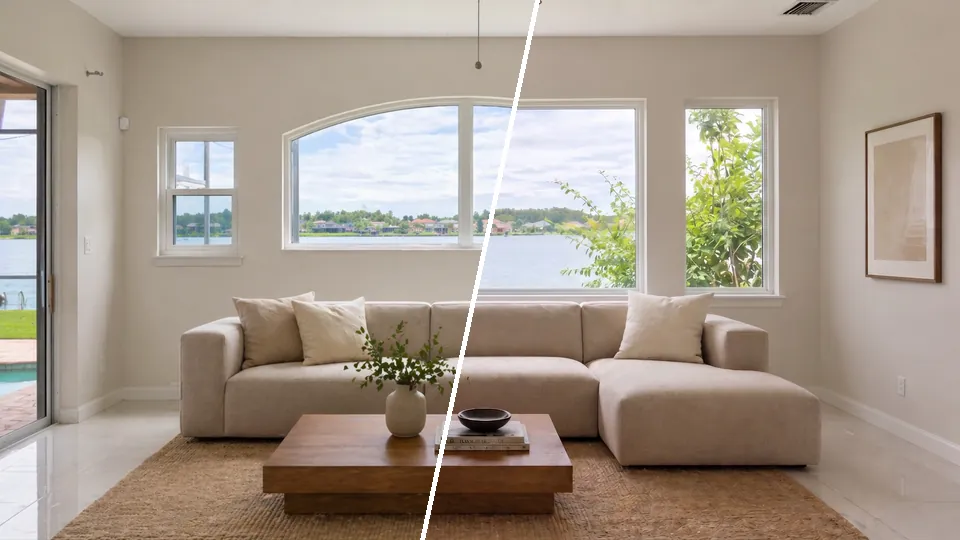
Your place, designed with your items
And here's your place, designed with your items, following your instructions.
Download it or share it
Then download it, or share it with your family or your contractor.
Try It on Your Own Photo
Free trial · No credit card · Plans from $9.99/mo
Plans from $7.50/month or pay as you go · Cancel anytime