Video tutorial · 1:02
AI Image Generator
A few words → one image
Here's how to create an image from a few words.
Step by Step
Describe the picture
With no photo, just describe the picture you want, in plain words.
Pick a generation mode
Next, pick a generation mode. Each one shows its credits per image. Max gives the best quality.
The AI Agent writes the prompt
The AI Agent turns your short description into a detailed prompt.
Leave Variations at 1, then Generate
Leave Variations at one, and tap Generate. If an image fails, its credits are refunded.
Your image is on its way
Your image is on its way. You can close the app: you'll get a notification when it's done.
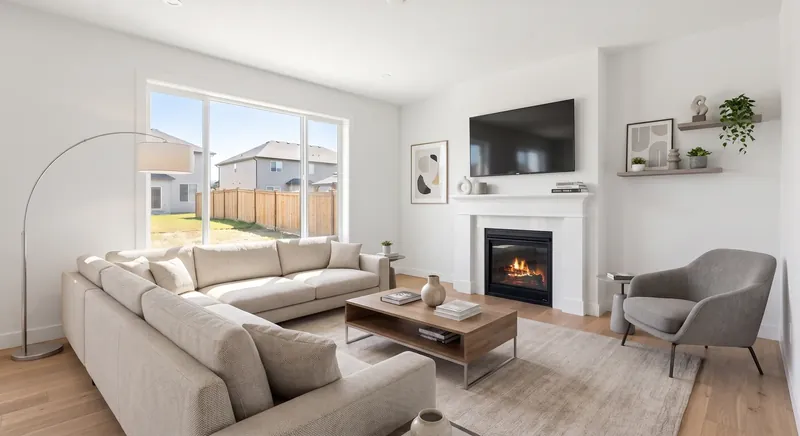
Your image
Here's your image. Tap it to see it full size.
Download or share
Then download it, or share it. You can also keep editing it, like any photo.
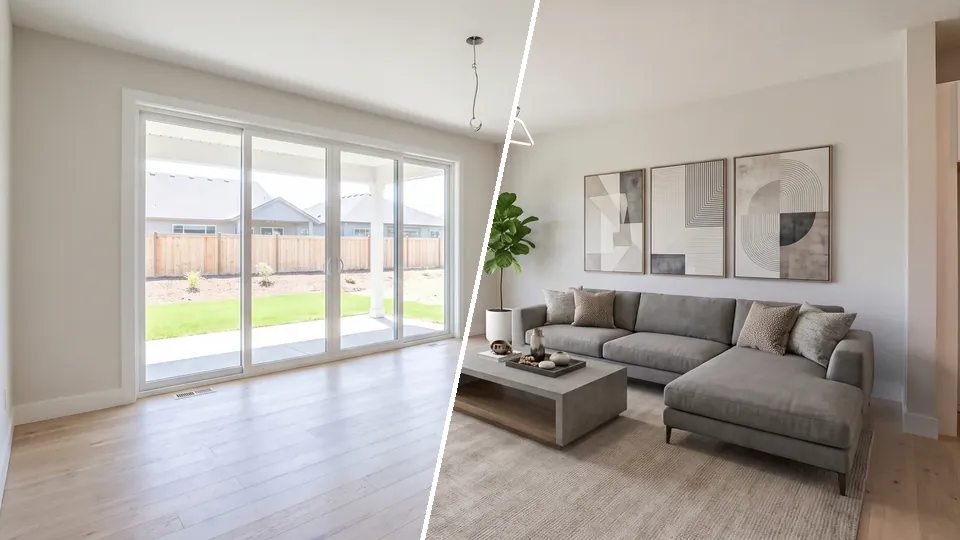
Try It on Your Own Photo
Free trial · No credit card · Plans from $9.99/mo
Plans from $7.50/month or pay as you go · Cancel anytime