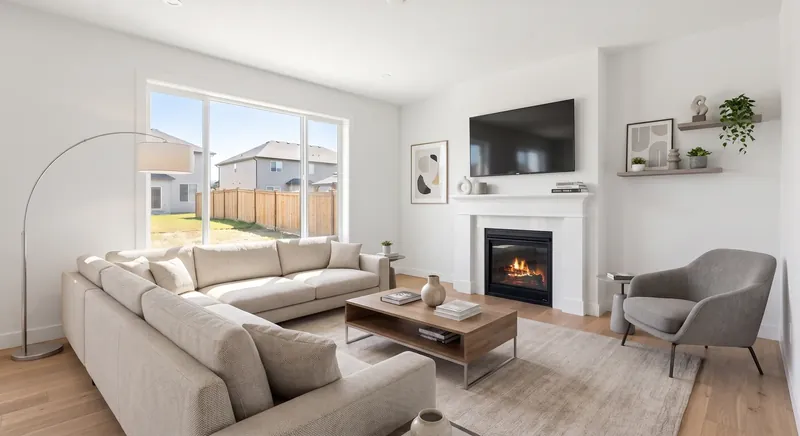
Video tutorial · 1:03
AI House Paint Visualizer
One room photo, one prompt, one image per color
Here's how to compare paint colors on your own room, with one prompt.
Step by Step
Upload a photo of your room
Upload a photo of your room.
List the colors you're considering
List the colors you're considering: sage green, or a navy blue accent wall on the left.
Set Variations to 2
Set Variations to two: one image per color.
The AI Agent is always on
The AI Agent is always on, and writes a separate instruction for each color.
Check the cost, then Generate
Max quality is a hundred credits per image, and failed images are refunded. Hit Generate.
Both colors render at the same time
Both colors render at the same time. Close the app if you like: you'll get a notification when they're done.
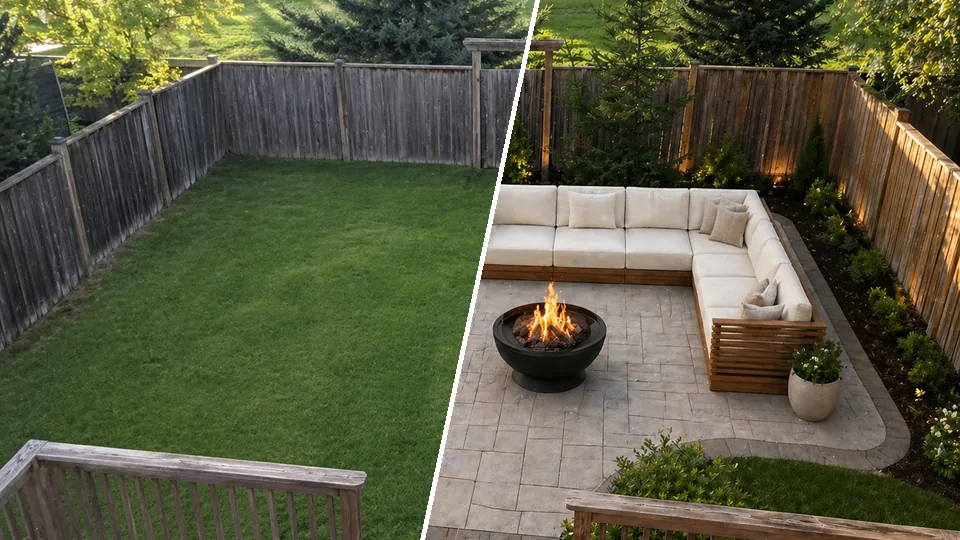
Each card shows your original in the corner
Each result shows your original in the corner.
Open the results full size
Open them full size to compare.
Download your favorite
Then download your favorite, or both.
Try It on Your Own Photo
Free trial · No credit card · Plans from $9.99/mo
Plans from $7.50/month or pay as you go · Cancel anytime