Video tutorial · 1:10
All Combinations
Every photo with every option, in one batch
Here's how to try every combination of your photos and options, in one batch.
Step by Step
Switch to Batch edit
Switch to Batch edit.
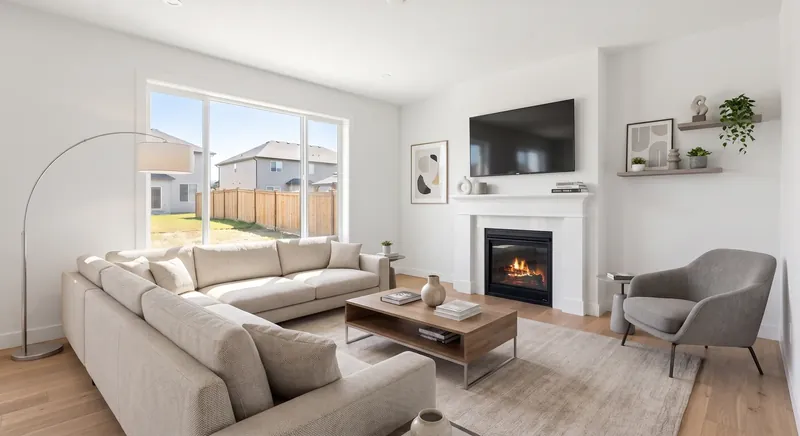
Add the photo to edit
Add the photo you want to edit. You can add more than one.
Open References and add your options
Open References, and add your options. Here, three tiles.
Mapping: Generate all combinations
Open Mapping, and choose Generate all combinations. One photo times three tiles gives three results.
Describe the edit once
Describe the edit once. It's applied to every combination.
Check the cost, then Generate
The AI Agent is always on. Three results cost three hundred credits, and failed edits are refunded. Tap Generate, and confirm.
Results appear as each one finishes
Results appear as each one finishes. You can close the app: you'll get a notification when they're done.
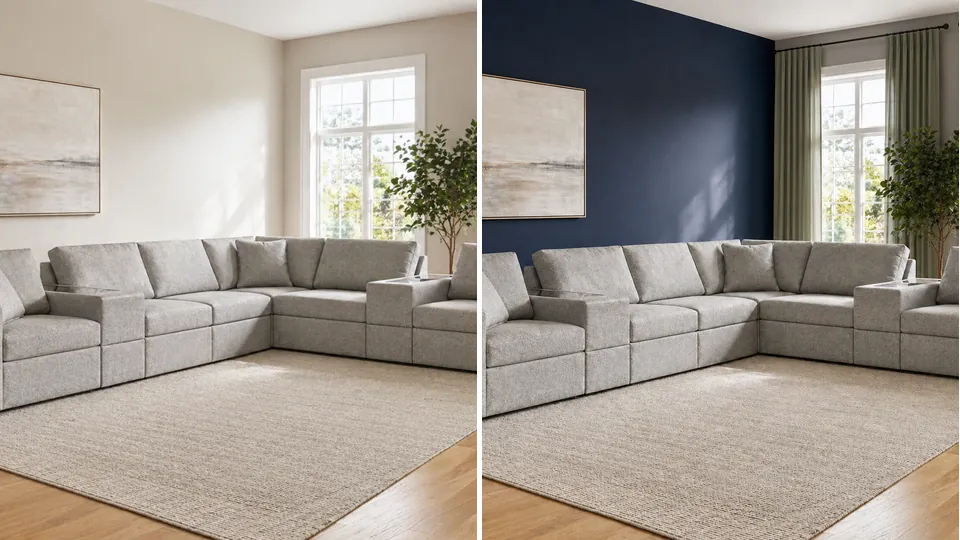
One result per tile
Open them full size: one result for each tile.
Download them
Then download them as one zip, or one by one.
Try It on Your Own Photo
Free trial · No credit card · Plans from $9.99/mo
Plans from $7.50/month or pay as you go · Cancel anytime